
Connect a tool with Bridge
Open Integrate, connect a tool, and import. Nothing you import is written back to the tool you are leaving.
Applies to Admin
Integrate connects tools you already use. The product list says Integrate. The app you open is the same place this guide calls Integrate. Older screens may say Bridge. Use the menu you see.
Import is one way. A card marked Read-only import says data flows in only and is never written back to that system. Do not expect a change here to update the tool you are leaving.
Connect and import#
- Open Integrate. The first page is Dashboard.
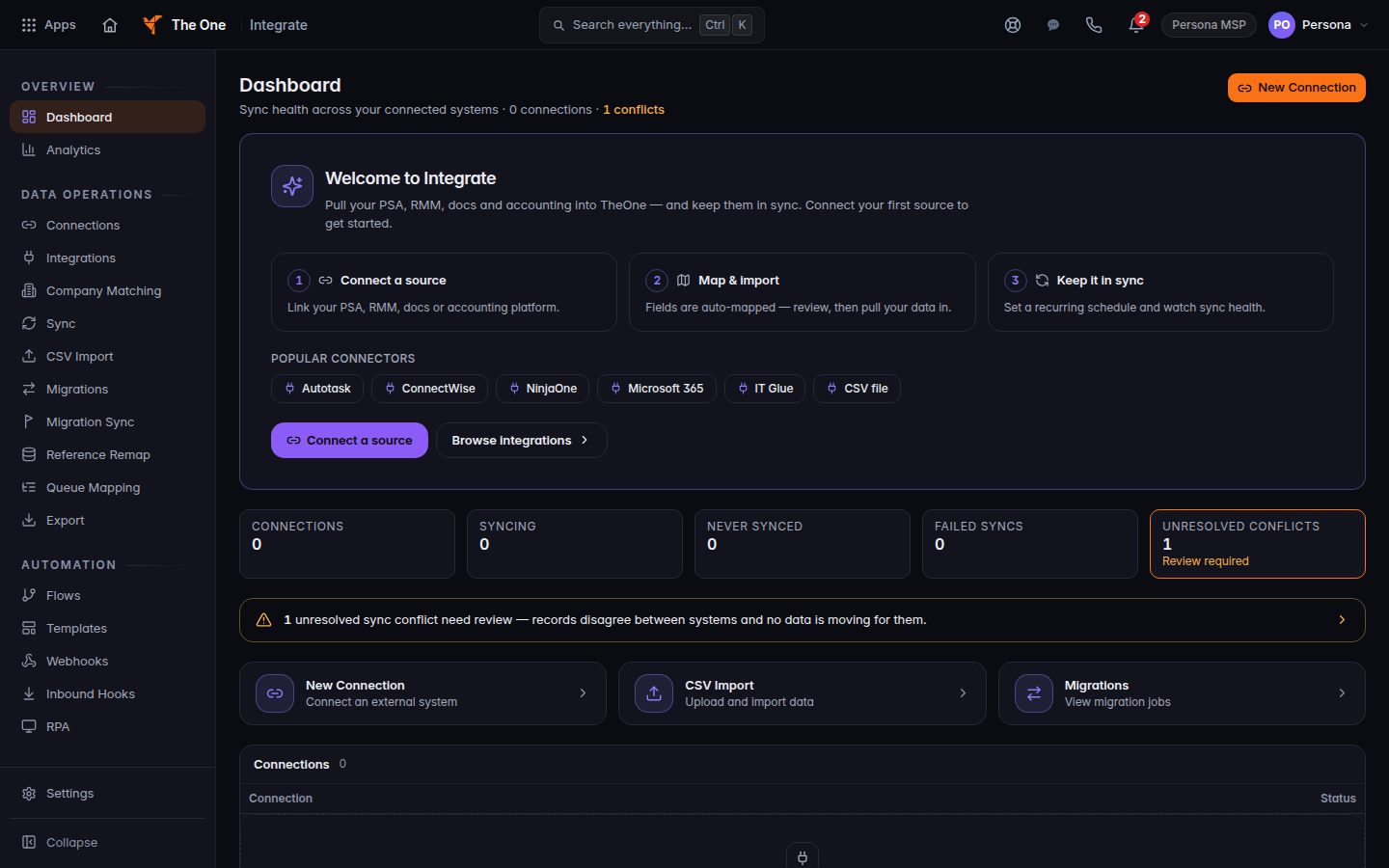
Integrate dashboard, in the dark theme - Open Integrations and choose the tool. The list is only the tools on that page. See Integrations you can connect.
- Connect it, then open Sync when you are ready to pull data in.
- Use CSV Import when you have a file instead of a live connection.
- Open Connections to see what is connected. Open Company Matching when companies in the file need to be tied to your companies.
Bulk, the old GraphQL page, and Conversations are not in the menu. A saved link to one of them opens the dashboard. Do not use them.
QuickBooks is different: invoices are pushed to QuickBooks. That is not an import from a tool you are leaving. See Connect QuickBooks Online.
If it goes wrong#
- You don't have permission to view this Integrate page. The heading is Access denied. Ask an admin.
- The tool is not in the list. It is not offered. Do not invent a connector.
- Integrate is missing. Your organization does not include it.
What's next#
Was this article helpful?