
Create a channel
Create a channel with a lowercase name, and make it private only if you mean to.
Applies to Technician Admin
A channel is a named room for a topic. The dialog title is New channel.
Create it#
- Choose New channel.
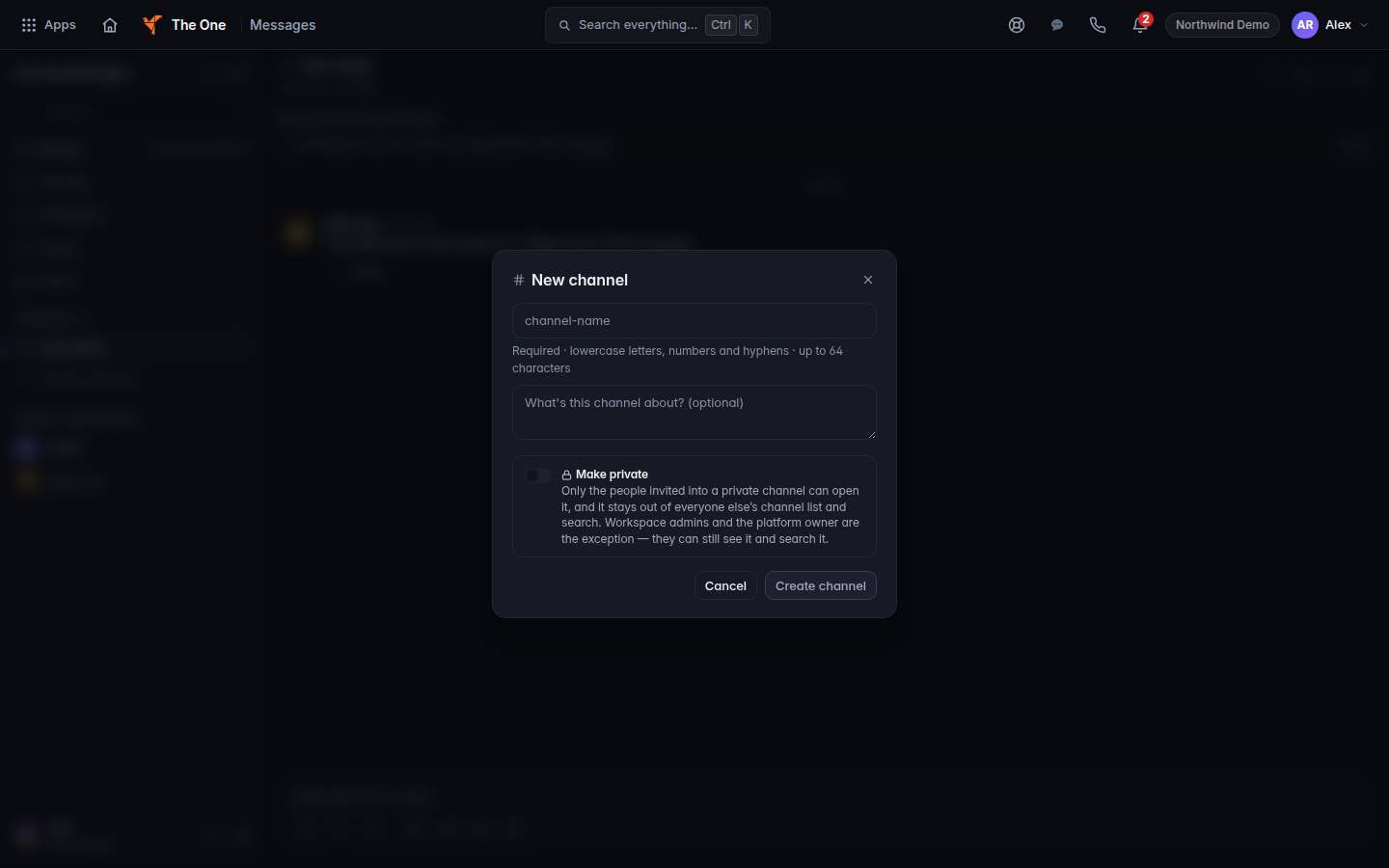
New channel, with the name field and Make private - Fill Channel name. The hint is Required · lowercase letters, numbers and hyphens. The name is rewritten as you type.
- Optionally fill What's this channel about? (optional) under Channel description.
- Leave Make private off unless the channel should stay out of other people's lists. The switch says only invited people can open a private channel, and that workspace admins and the platform owner can still see it and search it. Do not tell a client a private channel is hidden from admins.
- Choose Create channel, or Create private channel if private is on.
Browse channels is how someone else joins a public channel.
If it goes wrong#
- A channel name needs at least one letter or number. The name was only punctuation. Type a real name.
- Failed to create channel. It was not created. Read the notice and try a different name.
- Couldn't join. You are not allowed to join that channel, or the join failed. Try again once. If it fails again, ask an admin.
What's next#
Was this article helpful?