
Reply in a thread
Reply in a thread so the channel stays short and the side conversation stays attached.
Applies to Technician
A thread is a reply chain on one message. Use it when the answer belongs under that message, not as a new channel post.
Reply#
- On the message, choose Reply in thread. If nobody has replied yet, the action is Start a thread.
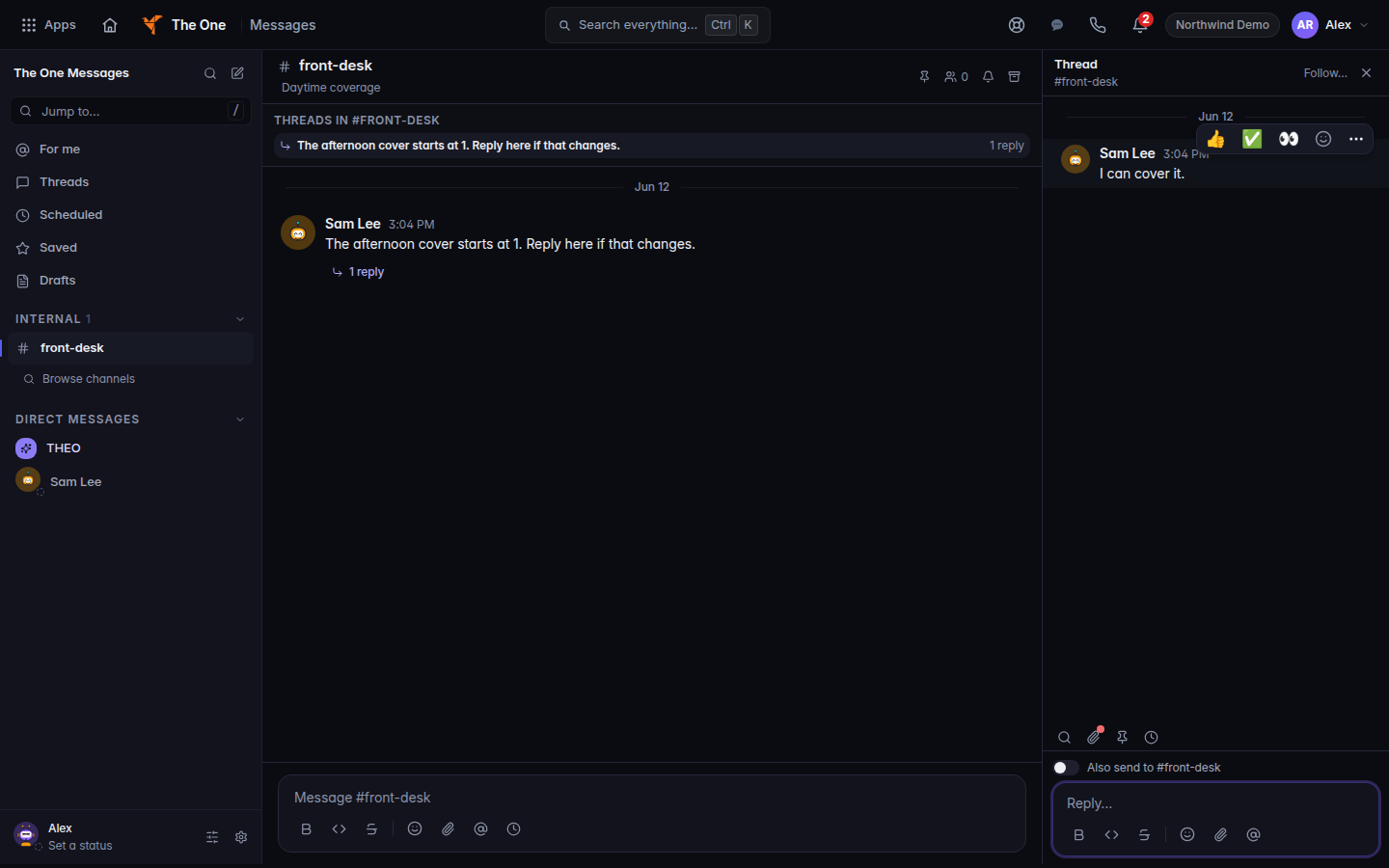
A thread, with Reply - Type in Reply… and send.
- Use Search in thread, Files, or Pins and bookmarks on the thread tools when you need them.
Schedule send may be on the thread tools. If it says Schedule send is not available, send the reply now.
If it goes wrong#
- Couldn't mark this thread as read. It may still show as unread. Open the thread again. The replies are still there.
- The threads list isn't available in the mobile app. That app is unfinished. Open the thread from the channel on the web. See Messages on desktop and mobile.
What's next#
Was this article helpful?