
Start a direct message
Start a direct message with a teammate from New message.
Applies to Technician
A direct message is a conversation with one person, or a small group you pick. It is not a channel.
Start it#
- Choose New message. The section can also say New direct message.
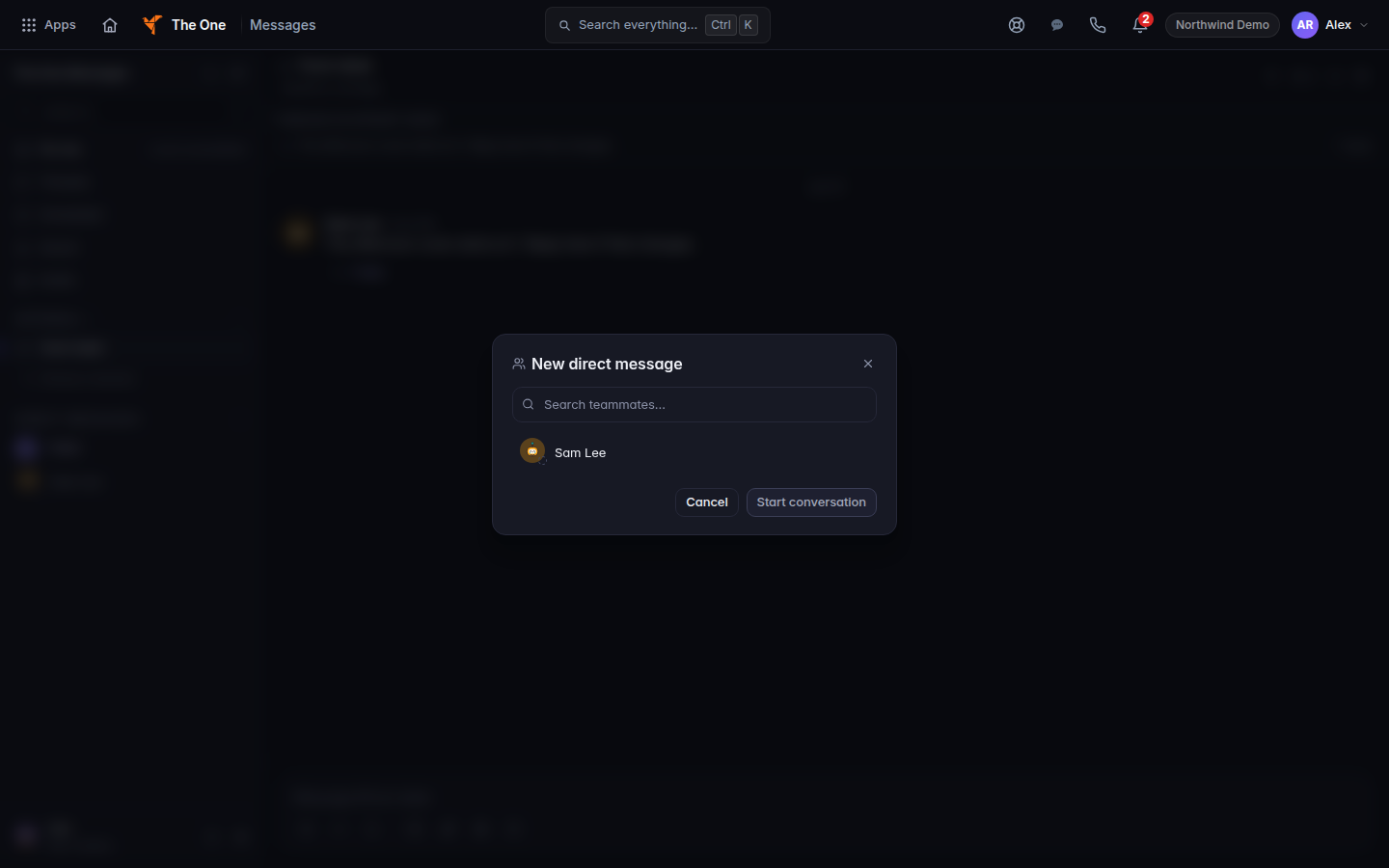
New direct message, with Search teammates - In New direct message, search with Search teammates… and choose the person.
- Type the first message and send it. See Send a message.
Message THEO is a direct message with the assistant, and the header says Not always on. See Use THEO alongside Messages.
If it goes wrong#
- Couldn't load your teammates. The picker is empty because the list failed. Reload and try again.
- You must be a channel member to invite others. That sentence is about a channel, not a new direct message. Open the channel first if you are adding people there.
- The person never sees it. They may not have Messages, or they are in a different company. A sent message is not proof they were notified.
What's next#
Was this article helpful?