
Use THEO alongside Messages
THEO and Messages are separate. A THEO direct message is not always on.
Applies to Technician Admin
THEO and Messages are separate. You can open a direct message with THEO from Messages. That does not put THEO inside every channel, and it does not mean THEO answers the phone.
For AI help in the Hub, use THEO from the Hub. See What is THEO?. Letting THEO answer phone calls is rolling out and is a Voice setting. See Let THEO answer calls.
What you can do in Messages#
- From the home pane or the list, choose Message THEO.
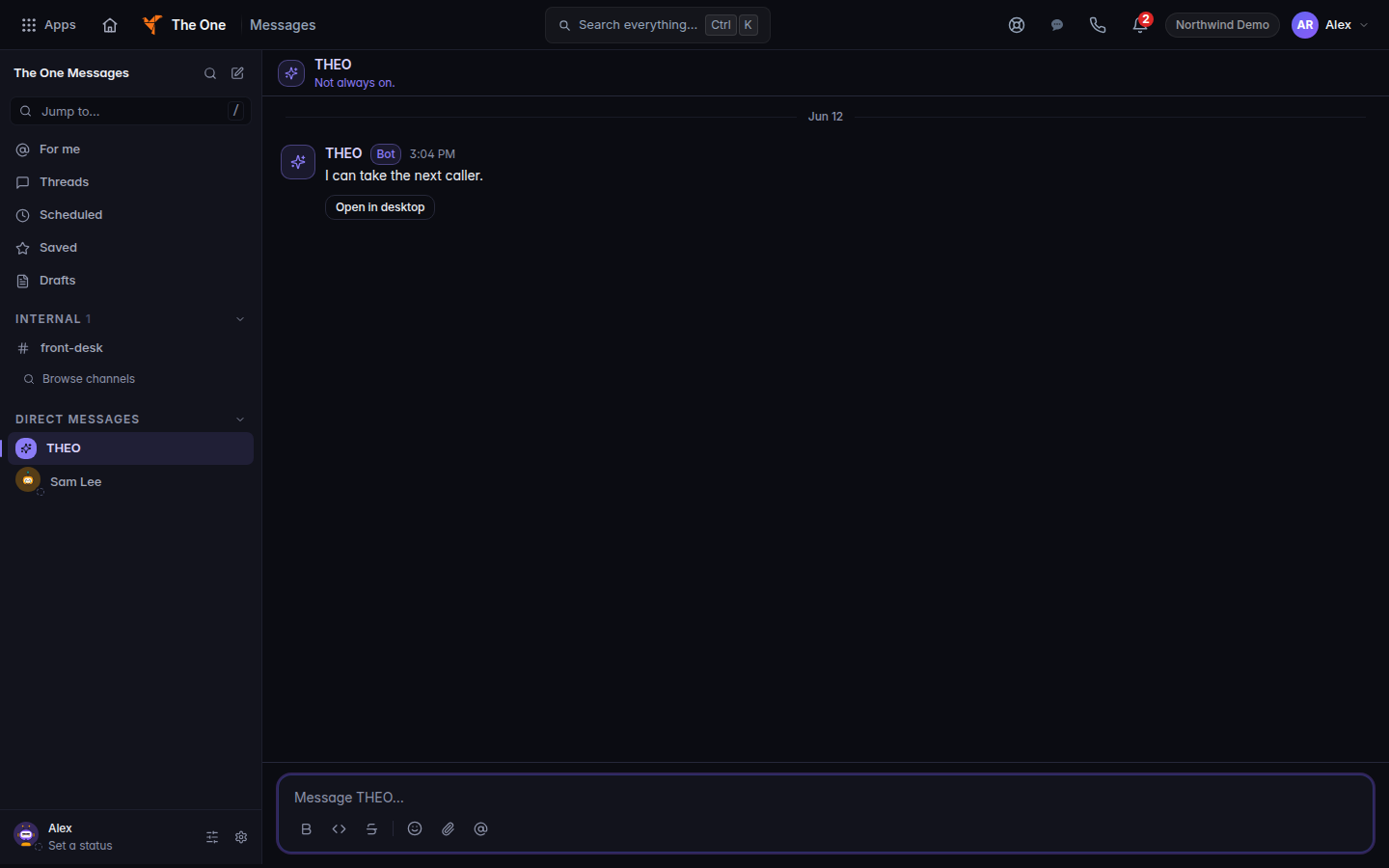
A THEO direct message, with Not always on - The empty conversation says This is your space with the assistant name. The composer placeholder is Message THEO….
- On a message, Send to THEO hands that message to the assistant. It is not proof the assistant replied in the channel.
Messages is not available to clients yet, so there is no client channel to use THEO in.
A reply THEO drafts somewhere else is not a sent Messages message.
If it goes wrong#
- THEO was not opened. Try again. The direct message was not created. Try Message THEO once more. If it fails again, use THEO in the Hub.
- @THEO does nothing in a channel. The assistant is not switched on for that company. Do not promise that it will answer.
- You needed phone coverage. Messages cannot place or answer a phone call. Use Voice.
What's next#
Was this article helpful?