
Send a message
Send a message in a channel or a direct message, and edit or delete it if you need to.
Applies to Technician
A message is one post in a channel or a direct message. Send it from the composer at the bottom of the conversation.
Send it#
- Open the conversation.
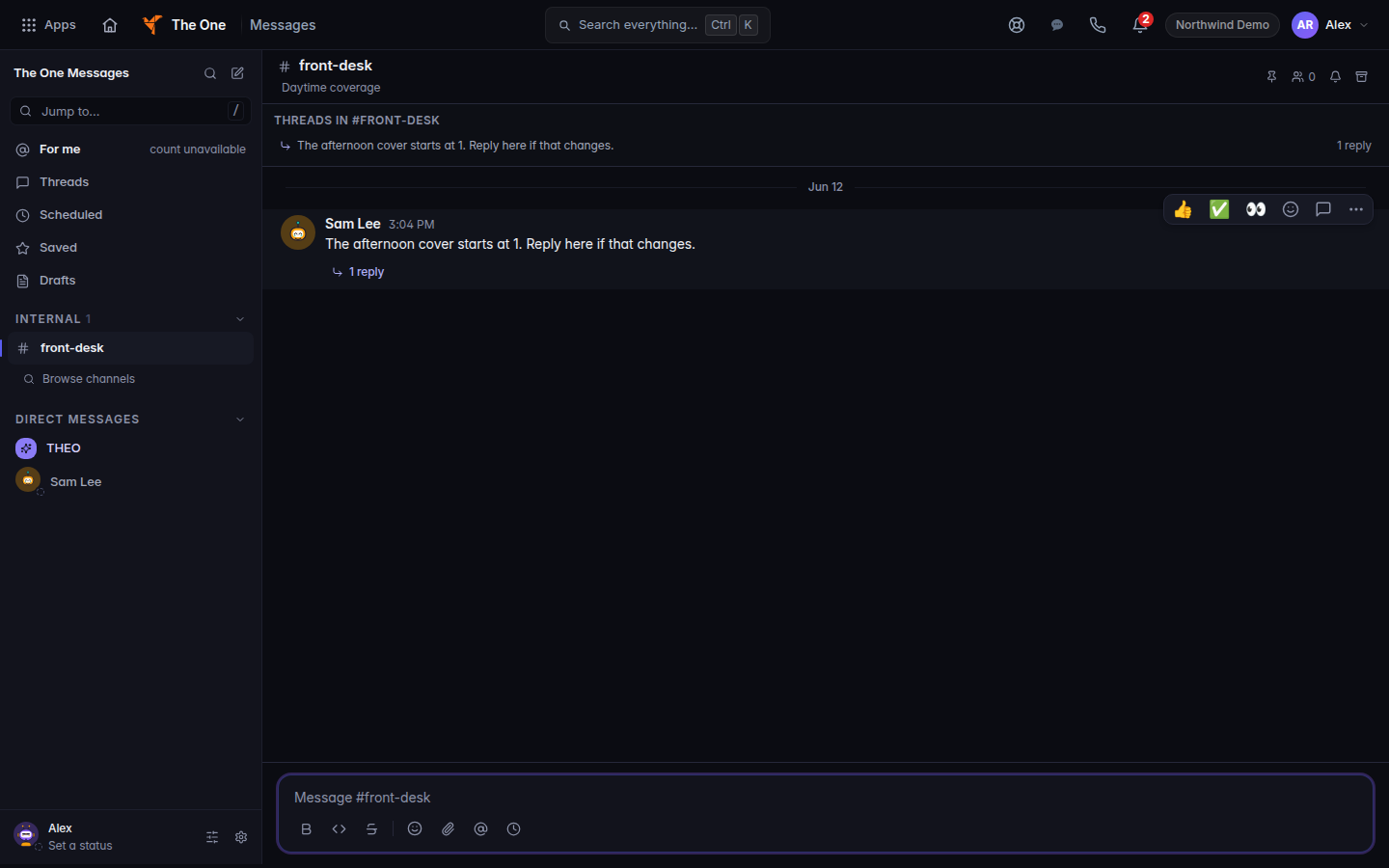
A channel composer, with Send message - Type the message. Enter sends. Shift+Enter adds a line. You can also choose Send message. A text thread uses Send text message.
- To mention someone, type @ and choose them. @channel and @here show partial. That means the mention does not prove everyone was notified.
To change a message you sent, choose Edit message, edit, and save. To remove it, choose Delete message and confirm Delete message. If delete fails, the page says Delete did not remove this message. It is still on screen.
Pin to channel keeps it pinned. Unpin from channel removes the pin.
If it goes wrong#
- Couldn't load messages. Reload the conversation. Your draft may still be in the composer. It was not sent.
- Attachments are not available yet. The file was not attached. Send the text, or try later.
- Schedule send is not available. Or Schedule send is not available on SMS. Send it now instead.
- Couldn't mark that as read. Try again. The badge can stay until the server confirms it.
What's next#
Was this article helpful?