
Save a message for later
Save a message to a private list only you can see, and open it from Saved.
Applies to Technician
Saved is your private list of messages you want to come back to. Other people do not see it. It is not a channel and it is not a pin.
Save it#
- Point at the message and open More actions.
- Choose Save for later.
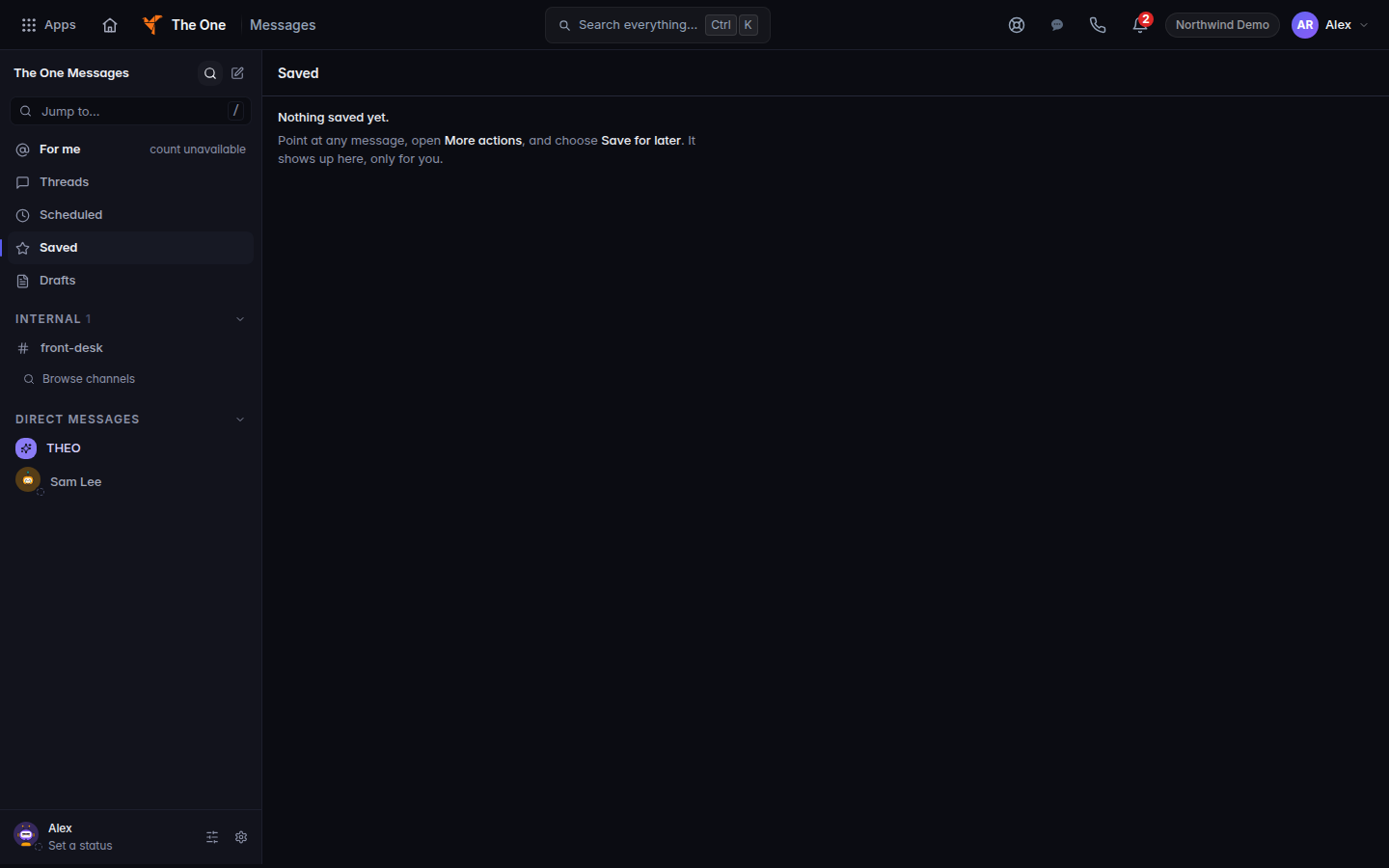
Saved, before any message is saved - Open Saved in the conversation list. The heading is Saved. The page says Only you can see this list. Newest saved first.
To take one off the list, choose Remove from Saved on the message, or use the remove control on the Saved row.
An empty list says Nothing saved yet. and tells you to use More actions, then Save for later.
If it goes wrong#
- Your saved messages didn't load. Choose Retry. The list failed to load. It was not deleted.
- You expected the team to see the saved copy. They cannot. A pin is the shared marker. See Send a message.
What's next#
Was this article helpful?