
What is THEO?
THEO is the AI IT technician in The One Stack. Staff ask it in the Hub. Clients ask it in the portal support chat.
Applies to Technician Admin
THEO is the AI IT technician in The One Stack. Technicians and administrators use it to look things up, summarize a ticket or a device, and prepare a draft. A client uses it as the support chat in the portal. That chat is separate from THEO Bots.
An answer is not permission to change a record, send a message, or run something on a device. THEO stays inside the role of the person who asked.
Open THEO#
- Open My Apps and choose THEO Bots.
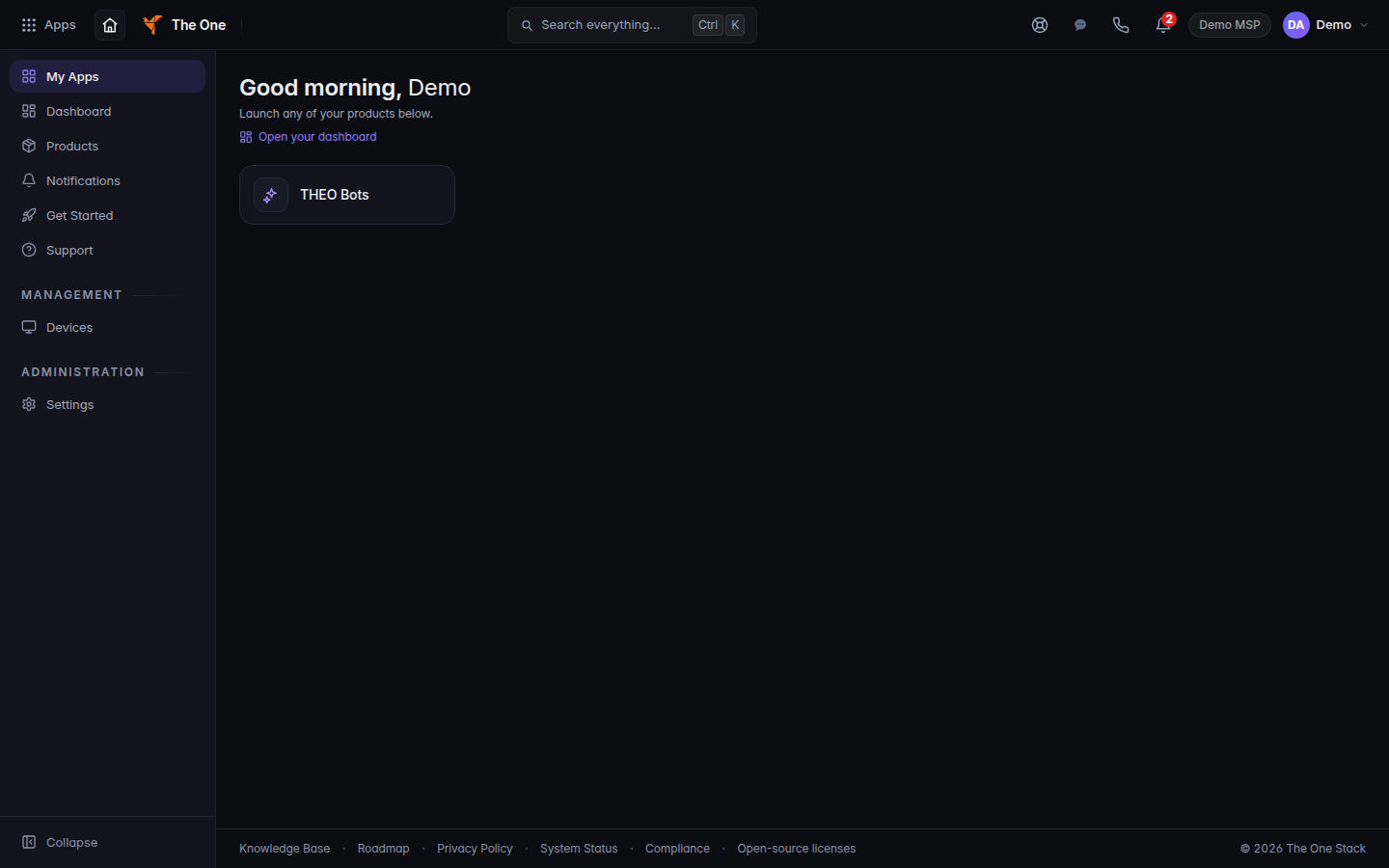
My Apps, with the THEO Bots tile - Choose Chat.
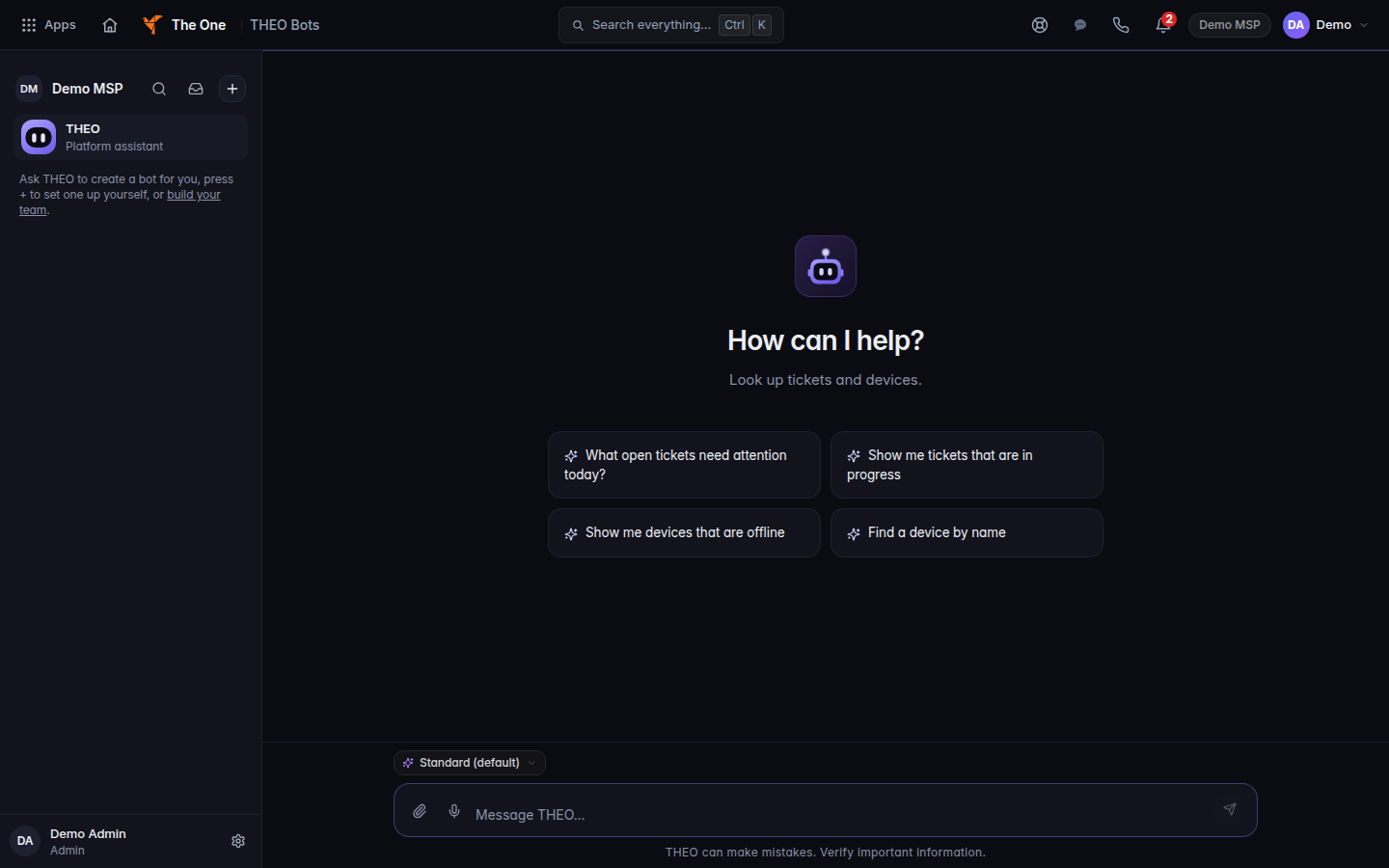
THEO Chat, with New chat and the message box - From any other Hub page, press Ctrl+/ (Cmd+/ on a Mac). That opens the THEO panel. Close THEO closes it.
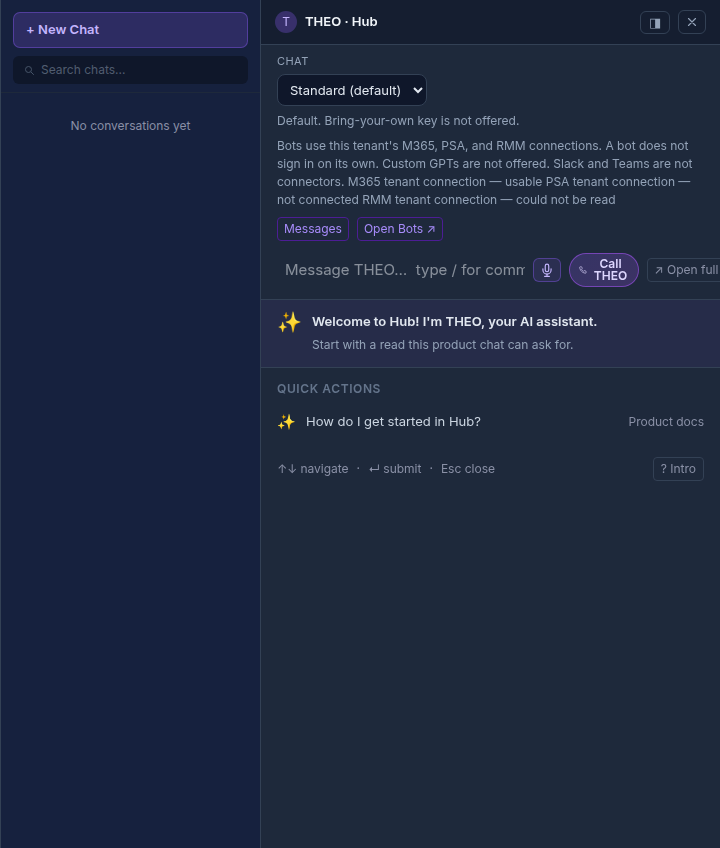
The THEO panel opened from the Hub, with New Chat
On a ticket, use Ask THEO or the THEO tab. See Ask THEO about a ticket.
Clients use the THEO support chat panel in the portal. See Ask THEO in the client portal.
Answering phone calls is part of Voice, which is rolling out. See Open Voice. THEO cannot place an emergency call.
Common questions#
Does THEO act as soon as it knows the fix? Only in Autopilot, only inside the limits on Mode & Adoption, and only when Live actions are on. Otherwise it watches, drafts, waits, or previews the change. See Use Tier Zero runbooks.
Can a client use this help center? No. Clients use the portal. See Ask THEO in the client portal and Get help in the client portal.
What's next#
Was this article helpful?