
Bots in THEO
THEO Bots is not available yet. Creating a bot is not offered. Scheduled runs only prepare work.
Applies to Technician Admin Client
There is no waiting-list button on this page. Email sign-up for THEO Bots is not shown.
What the Bots page shows today#
- Open THEO Bots, then Bots.
The Bots page, with the line that creating bots is not available - Read Tenant connections. A row is Usable, Not connected, Client not named, Person not named, Not permitted, Read path not allowed, or Could not be read. Could not be read is not the same as Not connected, and Not permitted means your account does not have that read. PSA and RMM are listed only for your MSP's staff. Customer accounts do not see this card.
- Choose Read again if you need a fresh read. Choose Browse connectors to open Connect. A connector that is not ready is not listed.
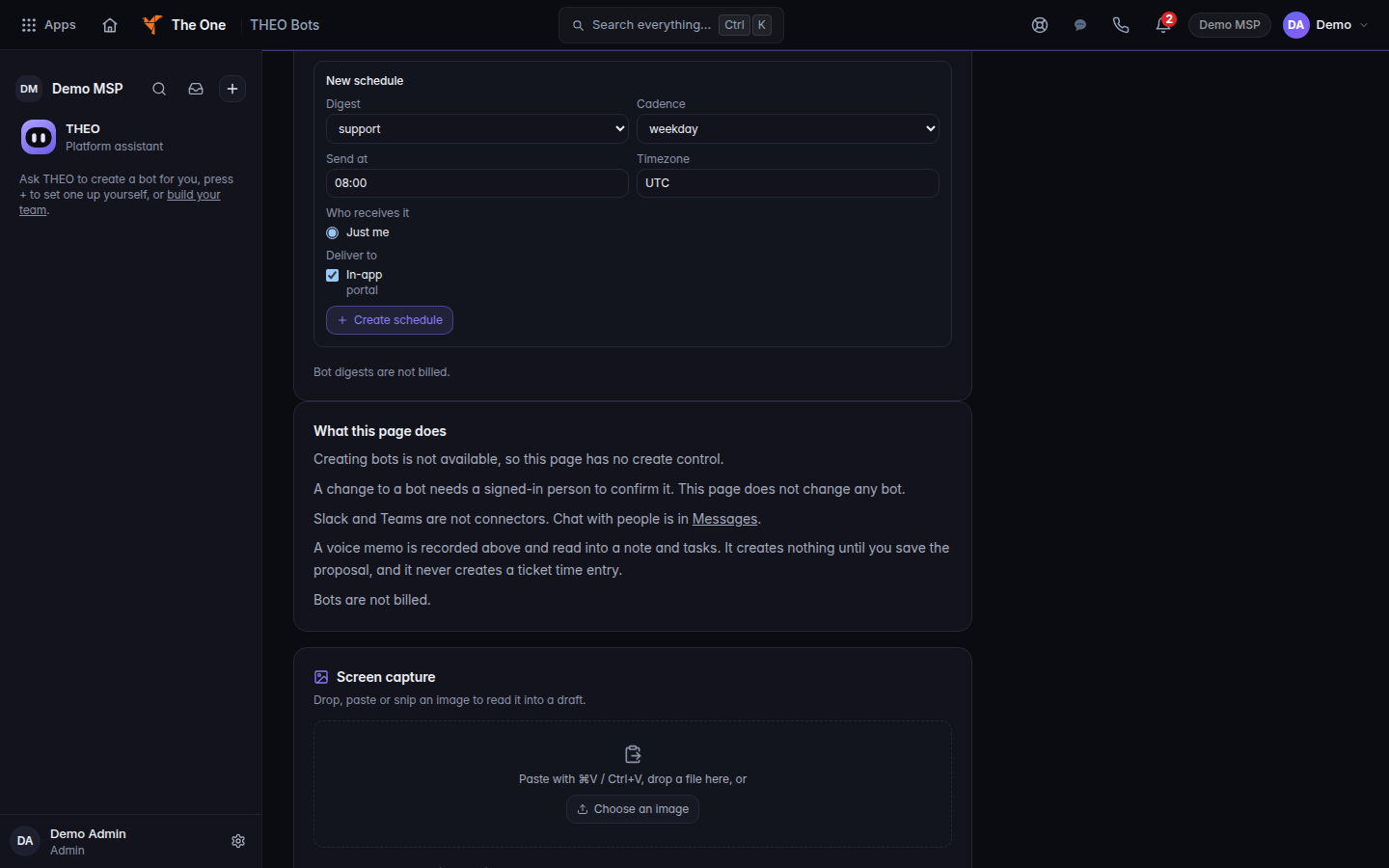
- Read What this page does. It says creating bots is not available, so there is no create control. This page does not change any bot. A change needs a signed-in person to confirm it.
A voice memo on this page is recorded into a note and tasks only after you save the proposal. It does not create a ticket time entry.
What is unfinished#
These parts are built so a person stays in charge. They are not a product you can turn on from this guide.
- Scheduled runs only prepare. A run can store a mail draft, a prepared draft, or a proposed action. It cannot send, post, pay, sign, approve, delete, or change permissions. A person's Send is the only send. If a company rule is Off, the send is refused.
- Company rules. Each of these is Ask first or Off. There is no automatic setting. Email to people outside the company, Email inside the company, Calendar invites, Posting to Procore, and Writing to QuickBooks. An unreadable rule is treated as Off.
- Always. Bots never pay, sign, approve, delete, or change permissions. There is no setting that lets a bot act without a person.
- Pause all bots. Under Emergency, an administrator chooses Pause all bots, then confirms. Chat and automations stop for everyone in the company until Resume all bots. Only a company administrator can pause or resume.
- Activity log. The heading is Activity log · today. Drafts, sends, automation runs, and rule changes appear there. An empty day says Nothing yet today. Export saves the log.
On Waiting for you, a draft stays until the person chooses Send or Dismiss. The page says nothing is sent until you press Send. A confirmation is a review step, not a guarantee the action finished.
If it goes wrong#
- This reading is for staff accounts. A client account cannot read tenant connections.
- The connections could not be read just now. The page cannot say whether they are usable. Choose Read again. Do not treat that as an empty tenant.
- Your mailbox is not connected, so Send will not work yet. The draft is kept. Your IT provider connects the mailbox.
What's next#
Was this article helpful?