
THEO guide for MSPs
Open Chat, start a new conversation, and read the reply before you act on it.
Applies to Technician Admin
Use Chat when you want THEO to look something up or draft wording. Name the client, the record, and the time period when they matter.
A reply is a draft until you send or apply it yourself.
Ask a question#
- Open THEO Bots, then Chat.
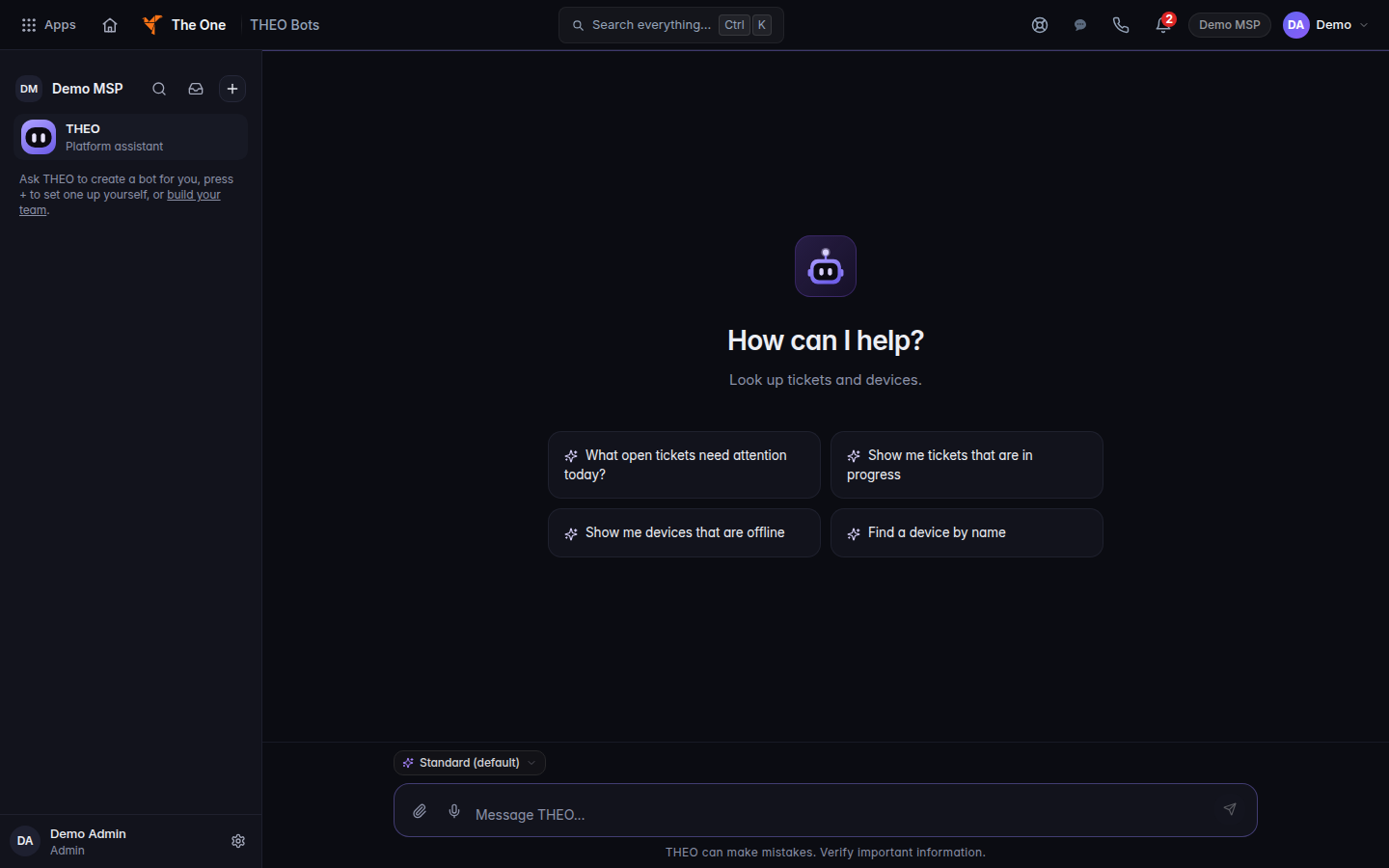
THEO Chat, with the message box - Choose New chat when the subject is new. Stay in the same chat for a follow-up.
- Type the question. The empty box reads Message THEO….
- Read the reply. Check the source record before you change anything.
Your organization's Products page shows what is included today. Packaging is not final for work that is still being finished.
If it goes wrong#
- THEO Bots is missing from My Apps. Your role does not include it. Ask an admin. See Roles and permissions.
- The reply says a source could not be read. That is a failed read. It is not an empty list and it is not a count of zero.
- You expected THEO to send or change something. It does not. See Approve an action THEO holds.
What's next#
Was this article helpful?