
Ask THEO in the client portal
For clients. THEO support chat opens in a panel beside your work. It cannot place an emergency call.
Applies to Client
THEO is the support chat in your portal. It is your MSP's AI technician. It is not THEO Bots, which is a separate product. It opens in a panel beside the page you are on. It answers from your own company. It does not see another company's records.
THEO cannot place an emergency call. If you need emergency services, use a phone.
Open the panel#
- Open your user menu and choose Chat with Theo. You can also choose Theo in the portal menu. The panel opens beside the page you are on.
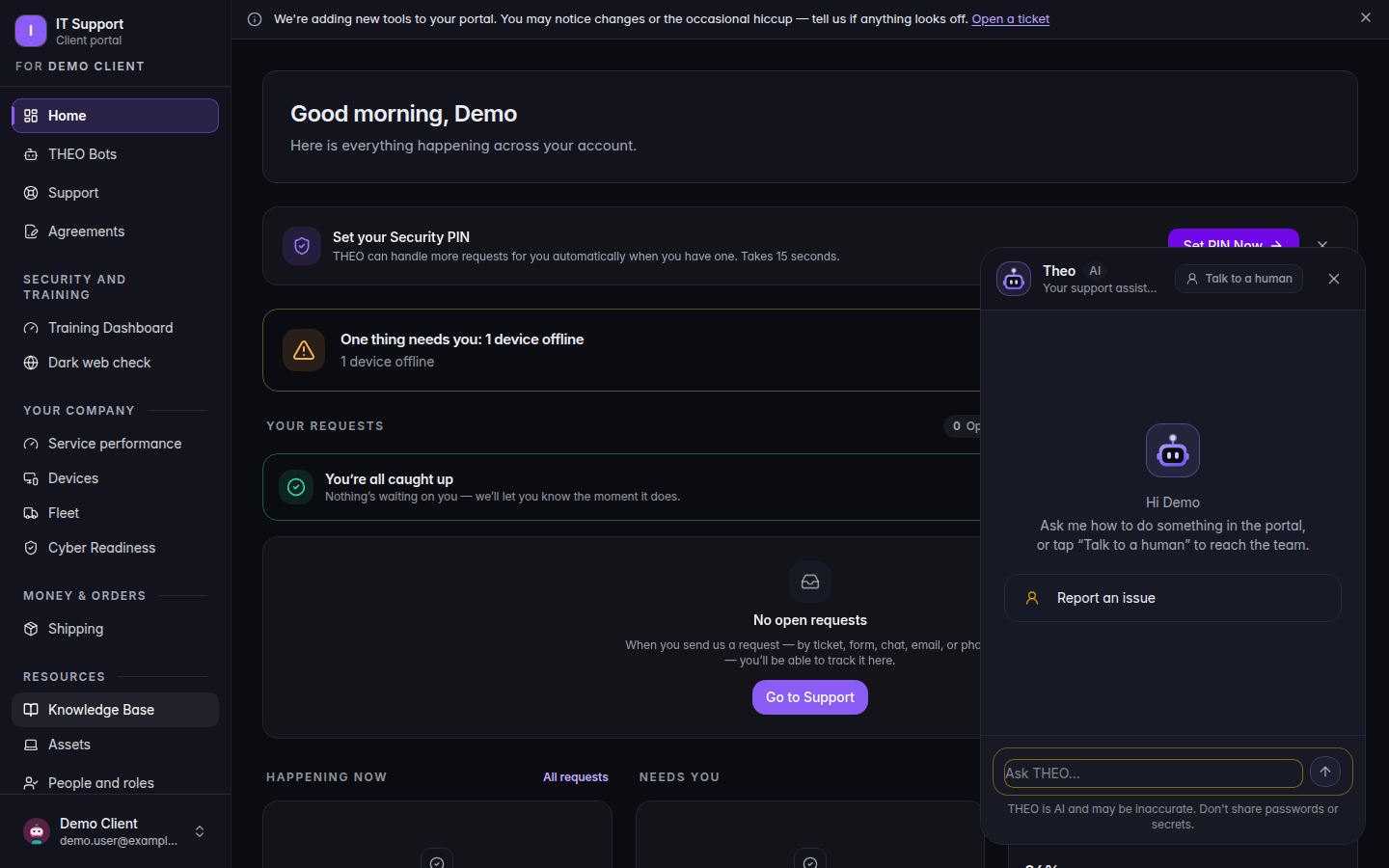
Chat with Theo open beside the portal home - If you land on a page titled THEO opens in the panel beside your work, choose Open THEO.
- Type your question. The box reads Ask THEO….
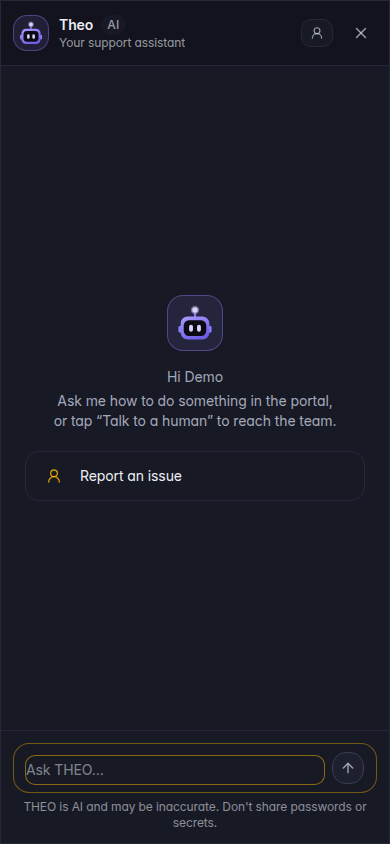
The same panel on a phone, with Ask THEO - If THEO offers to hand you to a person, that is your MSP. You can also use Support. See Get help in the client portal.
If it goes wrong#
- The page says Ask THEO is not turned on for your account. Your MSP has not turned it on for you. Ask them. The page names your provider.
- THEO asks for a password or a multi-factor code. Do not type it. THEO is not allowed to ask for either. Tell your MSP.
- You need a person now. Use Support, or the hand-off your MSP set up. THEO does not replace that.
What's next#
Was this article helpful?