
Hand a request to a person
Choose when THEO answers, takes a message, declines, or sends the person to your team.
Applies to Owner Admin
You decide, by kind of request, whether THEO answers or hands the person to your team. The rules apply to your technicians and to your clients.
Set the hand-off#
- Open Settings, then THEO, then Conduct.
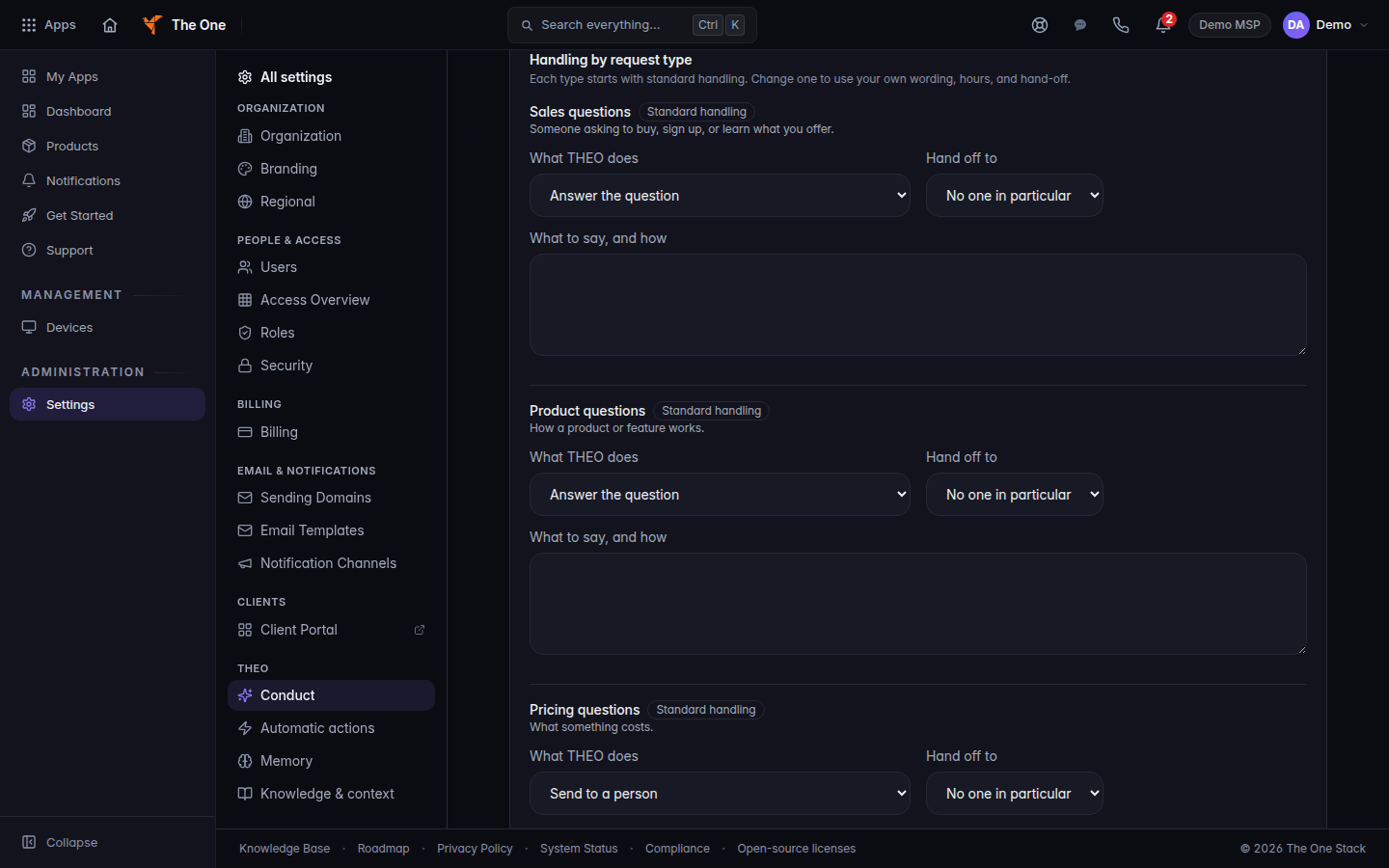
THEO conduct, Handling by request type - Under Handling by request type, open the type you want to change. The types are Sales questions, Product questions, Pricing questions, After hours, Handing off to a person, and Anything else.
- Set What THEO does to one of Answer the question, Send to a person, Take a message, or Politely decline.
- Set Hand off to to No one in particular, A queue, Whoever is on call, or An email address. If you pick a destination, fill in Name or address.
- For After hours, check the days you are open and set Opens, Closes, and Time zone. Leave every day unchecked to skip hours.
- Save. The toast reads THEO conduct settings saved.
Topics THEO should decline is one topic per line, up to 20. THEO declines and offers a person.
Handing off to a person is the type used when someone asks for a human or the issue is urgent.
On-call routing itself is Work an on-call incident.
If it goes wrong#
- Only owners and admins of this organization can change THEO conduct settings. You are not an owner or an admin.
- Someone else changed these settings after you opened them. Reload, then make the change again. Your edit was not saved.
- THEO conduct settings could not be reached. Nothing was changed. Try again. The previous settings are still in effect.
What's next#
Was this article helpful?