
Work an on-call incident
Open On-Call from PSA and use the six pages in the menu.
Applies to Technician Admin
On-Call is a module inside PSA. It is not a separate app in the product switcher. Use it when you are covering pages.
The menu shows Overview, Incidents, Schedules, Escalation, Services, and Reports. Other On-Call addresses are not in the menu. If one of them says Coming soon, it is not part of daily work.
Open the pages#
- Open PSA, then On-Call. You land on Overview. The description is Live incident and coverage snapshot.
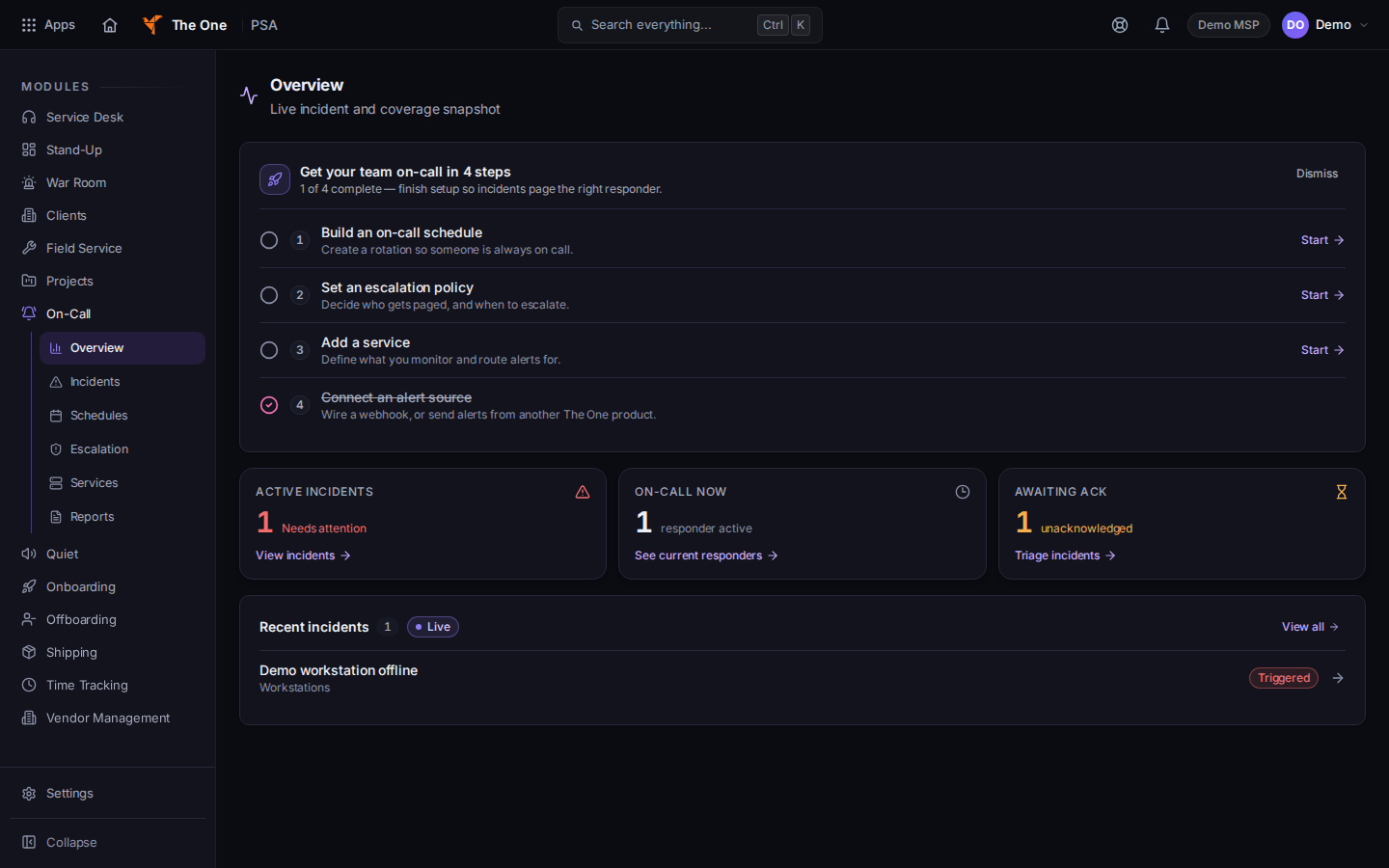
On-Call Overview - Open Incidents for the list. The description is Triage, acknowledge and resolve — sorted by severity. See Acknowledge an on-call incident.
- Open Schedules for coverage. See See who is on call.
- Open Escalation. The page title is Escalation Policies.
- Open Services for what is monitored.
- Open Reports. The tabs are Summary, Analytics, and Responder load.
Owners and admins configure On-Call in its settings. That form is not one of the six menu pages, and this article does not cover it. If Overview says An admin or owner finishes setup, ask an admin.
If it goes wrong#
- Unable to load overview. Retry. A failed overview is not an all-clear.
- Couldn't load incidents. Please try again in a moment. Retry Incidents.
- A page you remember is not in the menu. Use Incidents. Do not treat a Coming soon page as a working tool.
- On-Call is missing under PSA. Your role cannot open it, or the organization does not include it. Ask an admin.
What's next#
Was this article helpful?