
Generate a compliance report
Generate a CyberAssure report for one framework and export it.
Applies to Admin
Reports builds a compliance report for one framework. The page title is Compliance Reports.
The report is an analysis of the framework you pick. It is not a certification, and it is not legal, accounting, or insurance advice.
Generate it#
- Open Reports.
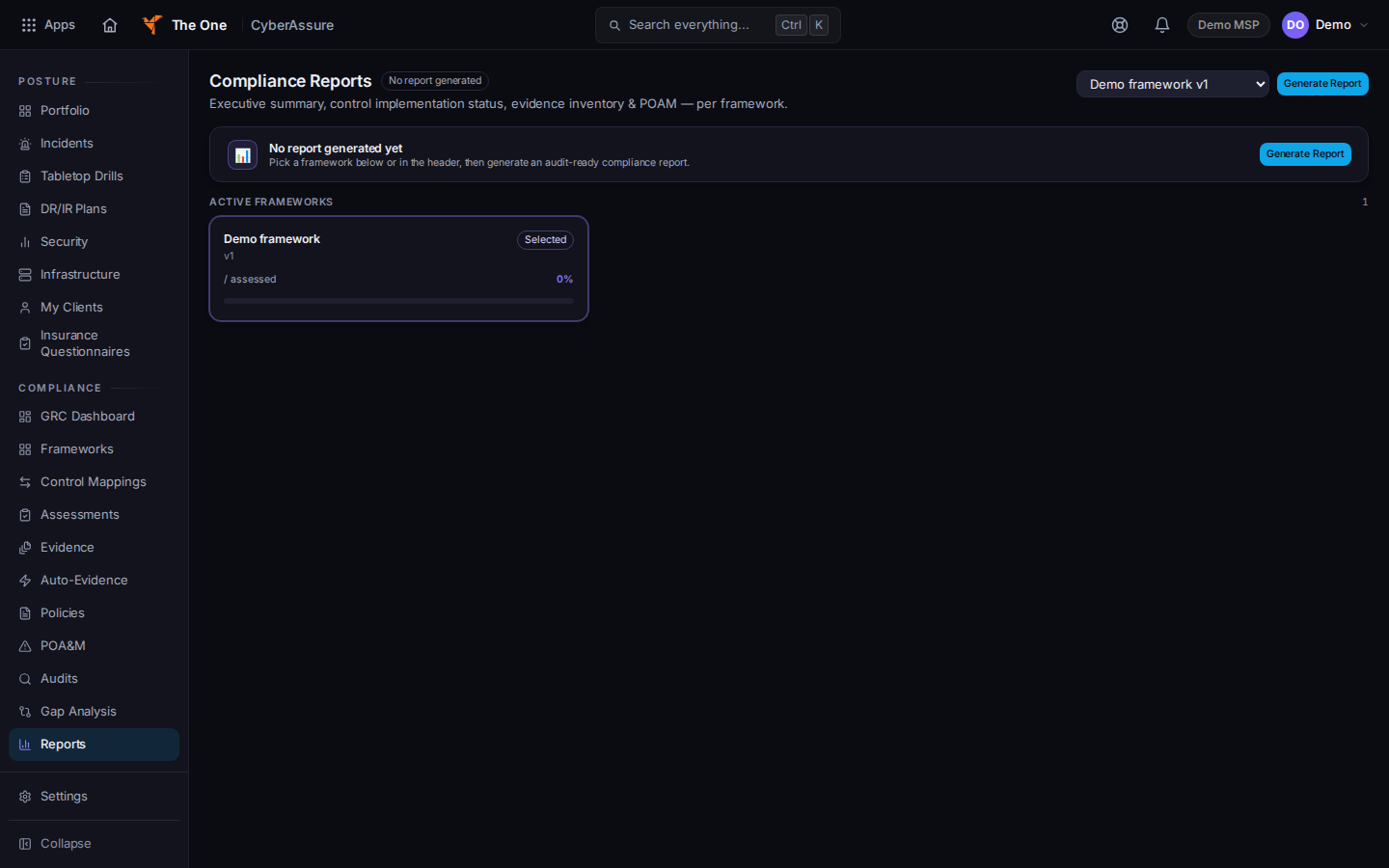
Compliance Reports, before a report is generated - Choose a framework in Select Framework.
- Choose Generate Report. While it runs, the button reads Generating….
- After the report appears, choose Export HTML, Export PDF, or Export CSV.
The empty state says No report generated yet until you generate one. The report can include an Approved Evidence section. Items that are not approved are not that section.
If it goes wrong#
- No active frameworks found — create and activate a framework first. Open Frameworks, activate one, then return to Reports.
- Generate Report stays disabled. Pick a framework first.
- The report fails to generate. Read the banner, dismiss it, and try again. Do not export a page that did not finish.
What's next#
Was this article helpful?