
Join a CyberAssure war room
Join the war room on a CyberAssure incident and log a decision.
Applies to Admin Technician
A CyberAssure war room is the workspace on a CyberAssure incident. It is not the PSA war room you open from Defend. For that path, see Escalate an incident to the war room.
Join#
- Open Incidents in CyberAssure.
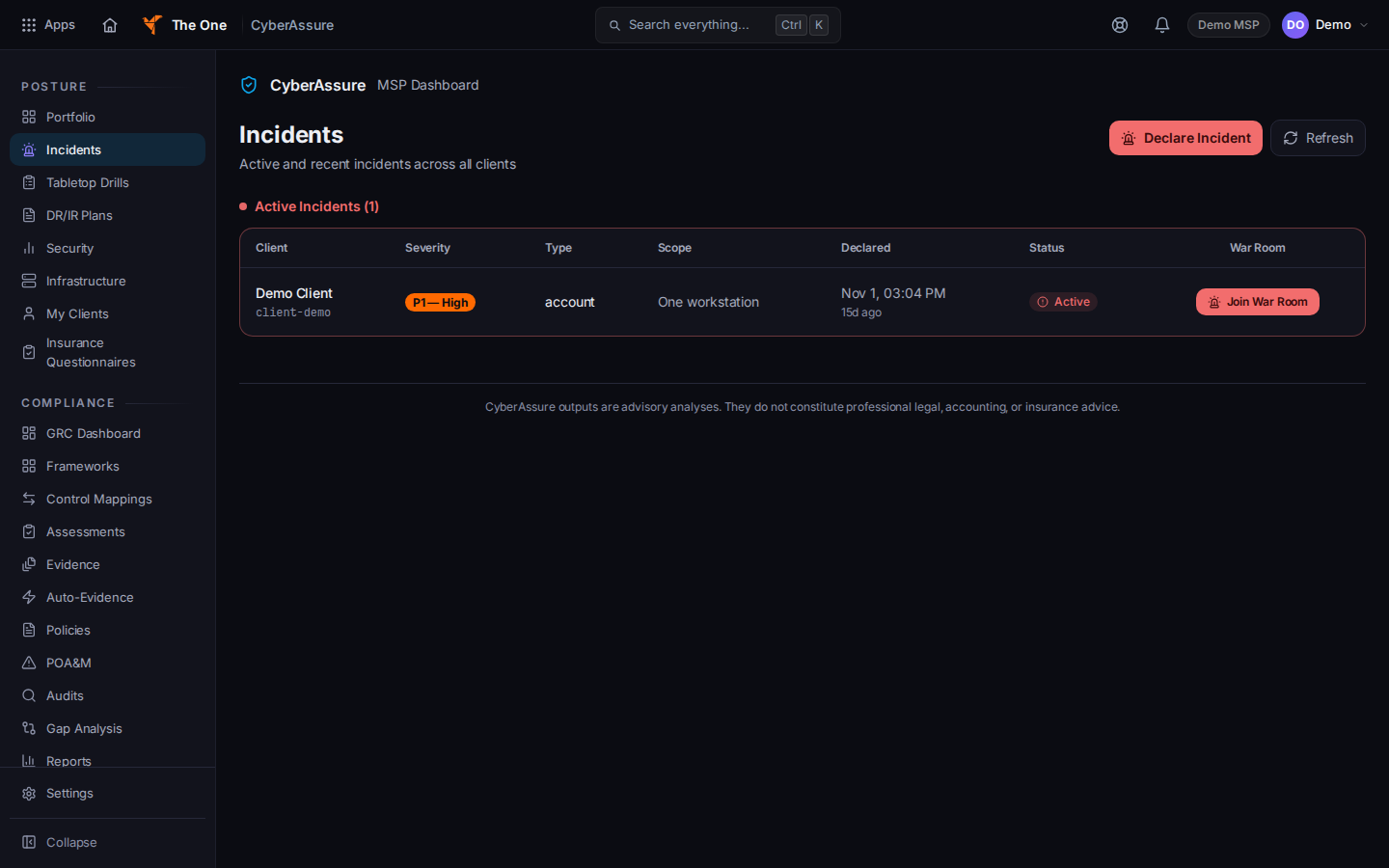
Join War Room on a CyberAssure incident - On the incident, choose Join War Room. Open incident opens the incident itself.
- Use the tabs Decisions, Runbook, THEO Drafts, and Files.
- On Decisions, the panel is Decision Log. Choose Log Decision to record one.
The room can say that communications in it may be preserved as evidence. Read that line before you type.
A draft on THEO Drafts stays a draft until someone accepts it. Do not treat a draft as a sent update.
If it goes wrong#
- Unable to Join War Room. You may not have access to that incident. Ask an admin.
- You do not see Incidents. CyberAssure is not included for you, or you opened the wrong app.
- You meant the PSA war room. Use Escalate to War Room on the Defend incident. See Escalate an incident to the war room.
What's next#
Was this article helpful?