
Take AI safety training
Open the AI Safety track in the portal and start a lesson.
Applies to Client
AI Safety is a training track about using AI at work: not leaking data, not trusting the wrong answer, and not being misled by a machine. It is separate from the rest of your security lessons.
Your organization publishes it. If nothing is published, the card says so.
Start a lesson#
- Open Training Dashboard.
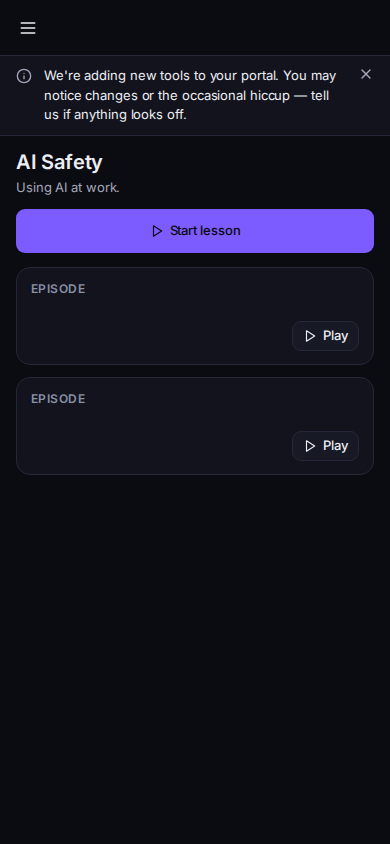
AI Safety, with Start lesson - On the AI Safety card, choose Open AI Safety. You can also open AI Safety in the portal menu when that row is shown.
- Open a lesson and choose Start or Continue.
- Read the debrief at the end, the same way you do for other lessons.
The card shows how many episodes are published when the track has lessons. Start training inside Hawkeye can open the portal when lessons are waiting. See Using Hawkeye in Outlook.
If it goes wrong#
- No AI Safety training published yet. Your organization has not published this track. Nothing is overdue.
- Loading your AI Safety training… Wait. If it stays, reload the dashboard.
- We couldn't load your AI Safety training just now. Retry. A failed load is not an empty track.
- You do not see AI Safety. Your organization has not included the track. Ask your IT team.
What's next#
Was this article helpful?