
Who can use the security apps
Which roles can open Defend, Shield, CyberAssure, training, and On-Call, and who can change settings.
Applies to Owner Admin
Each security app follows the organization and the role. A missing app is usually one of those two, not a broken link.
Match the person to the app#
- Confirm the organization includes the app before you change a role.
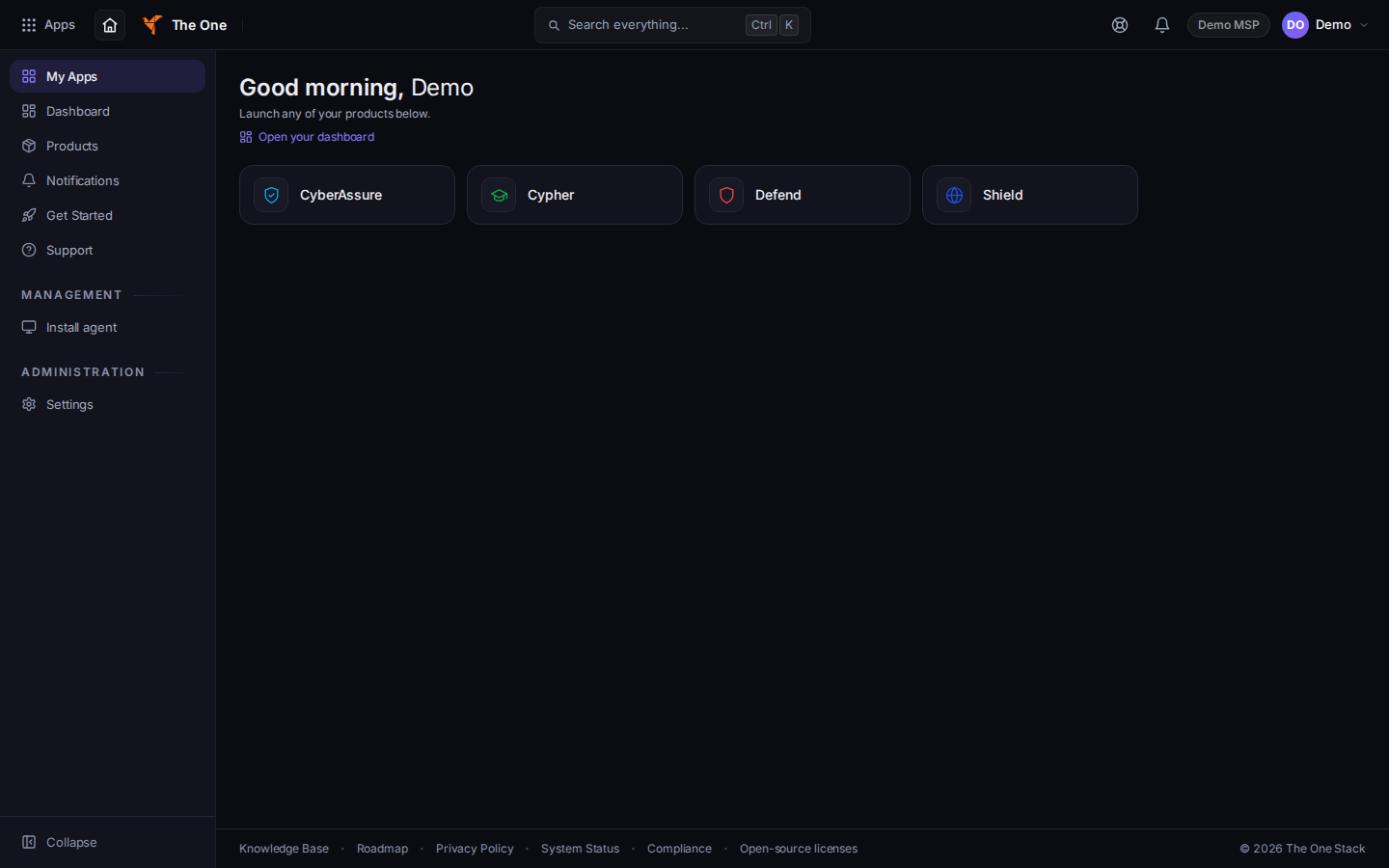
The product list, with the security apps the organization includes - Defend. Staff with access can open it. A viewer sees You have view-only access to this alert or You have view-only access to this incident and cannot acknowledge, isolate, or close. Settings, including Hawkeye enabled, are for an owner or an admin. See Defend settings.
- Shield. Staff with access can open the menu. Settings, including DNS Defaults, are for an owner or an admin. Clients have no Shield page. See Filter DNS with Shield.
- Hawkeye. People use it in Outlook after an admin turns on Hawkeye enabled. See Using Hawkeye in Outlook.
- CyberAssure. MSP admins see the full sidebar. Other staff see Portfolio, Incidents, and Tabletop Drills. Clients see the portal pages only when you turn CyberAssure on for that company. See Open CyberAssure.
- Training. Admins assign bundles in CRM. Clients open Security Training and AI Safety in the portal. See Assign security training.
- On-Call. Staff who can open PSA and On-Call use the six menu pages. On-Call settings are for an owner or an admin. See Work an on-call incident.
- Domain risk in the client portal is off until you grant it for that company. See See your domain risk.
If it goes wrong#
- A technician is sent out of settings. That is the owner and admin gate. Do not widen a viewer into an admin to skip it. Change the role on purpose.
- A client sees a staff page. They should be in the portal, not in Defend, Shield, or CRM. Send them to the client article for that task.
- Access Denied in CyberAssure. The person is not an MSP administrator.
What's next#
Was this article helpful?