
When a security page fails
What to do when a security page fails to load, and what a failure is not.
Applies to Technician Admin Client
A failed load is not an empty fleet, an empty evidence library, or an all-clear. Read the banner, retry, and only then decide.
Before you start#
Staff#
- Read the banner before you refresh a second time.
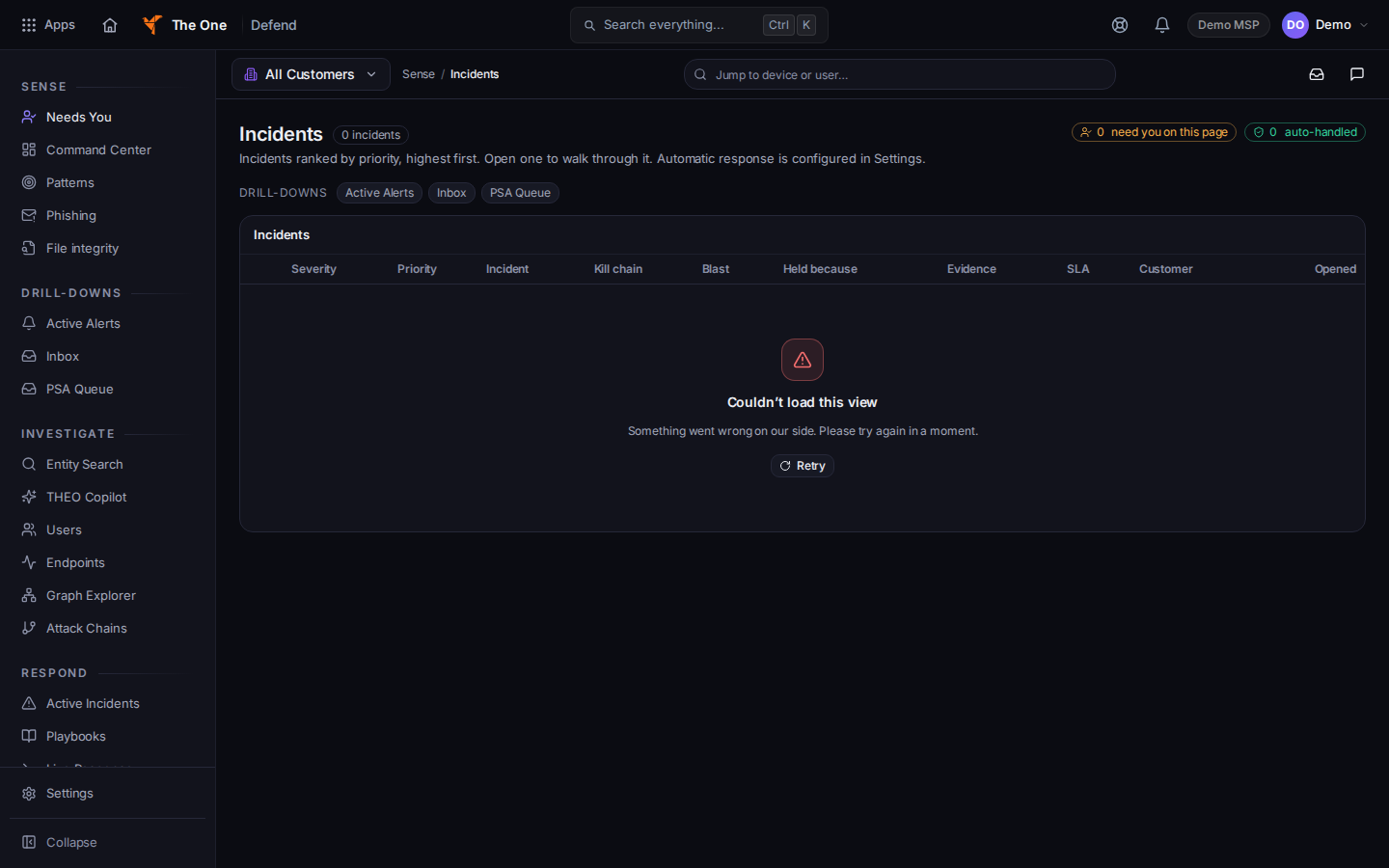
A failed load banner on a security page - Use the wording on the page:
- Defend alerts: Failed to load alerts.
- Defend inbox: Failed to load your inbox.
- Defend patterns: Failed to load patterns.
- Defend command center: Couldn't load the command center.
- On-Call overview: Unable to load overview.
- On-Call incidents: Couldn't load incidents. Please try again in a moment.
- CyberAssure evidence: Failed to load evidence.
- Auto-Evidence: Failed to load auto-evidence sources. Check your connection and try again.
- Shield lists: Clients failed — retry.
- Retry once. If the banner remains, note the app, the page name, the client, and the time. Do not paste tokens or passwords into a ticket.
- A view-only message is not a failure. You have view-only access to this alert means your role can read and cannot act.
Clients#
- Domain risk: Couldn't load your domain risk summary. Retry. See See your domain risk.
- Training: We couldn't load your training progress just now. Or We couldn't load your AI Safety training just now. Retry. See Your security training.
- Hawkeye: Hawkeye couldn't check this message. You can still report the email. See Report a phishing email.
If the retry still fails, contact support.
What's next#
Was this article helpful?