
See CyberAssure in your portal
Open the CyberAssure pages your provider turned on for your company.
Applies to Client
CyberAssure in the portal is a service your provider includes for your company. You do not buy it from this page. If your company does not have it, the portal does not show it.
You land on Overview.
Read your pages#
- Open CyberAssure.
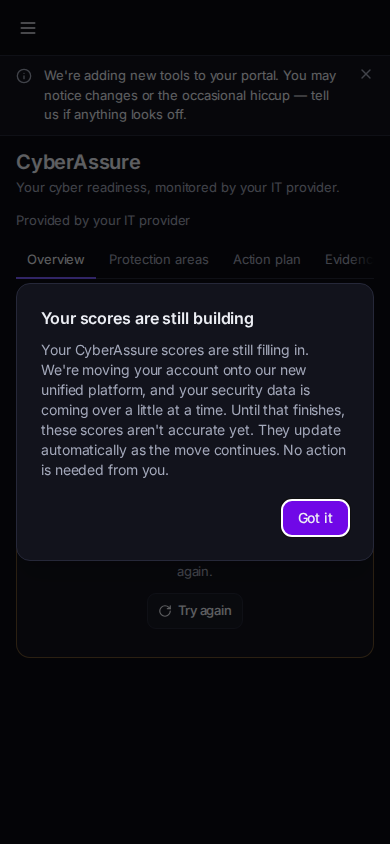
CyberAssure Overview in the portal - Read Overview. The areas include Identity & Access, Endpoint, Email & SaaS, Backup & Recovery, Network, Detection & Response, People, and Plan Maturity.
- If an area says Not measured, there is no score for it. Do not read a blank as a pass.
- Open the other tabs when they are shown: Protection areas, Action plan, Evidence, Plans and policies, and Trust summary.
- Insurance questionnaire appears only when your provider has turned that tab on. If you do not see it, it is not part of your pages.
If it goes wrong#
- CyberAssure is not in the portal. Your provider has not turned it on for your company. Ask them.
- A page says your scores are still filling in. Wait and reopen Overview. Do not treat a filling-in message as a finished score.
- Not measured on every area. Nothing has been measured yet. Ask your provider if you expected a reading.
What's next#
Was this article helpful?