
Security at The One Stack
Where MSP staff and their clients do security work, and what this guide does not claim.
Applies to Technician Admin
Security work in The One Stack is split across a few apps. Each one has its own menu. This page is the map.
Use it to pick the right app, then open the task article for the screen you are on.
Before you start#
Pick the app#
- Defend is the staff queue for security items. You land on Incidents. The section that needs a person is Needs you.
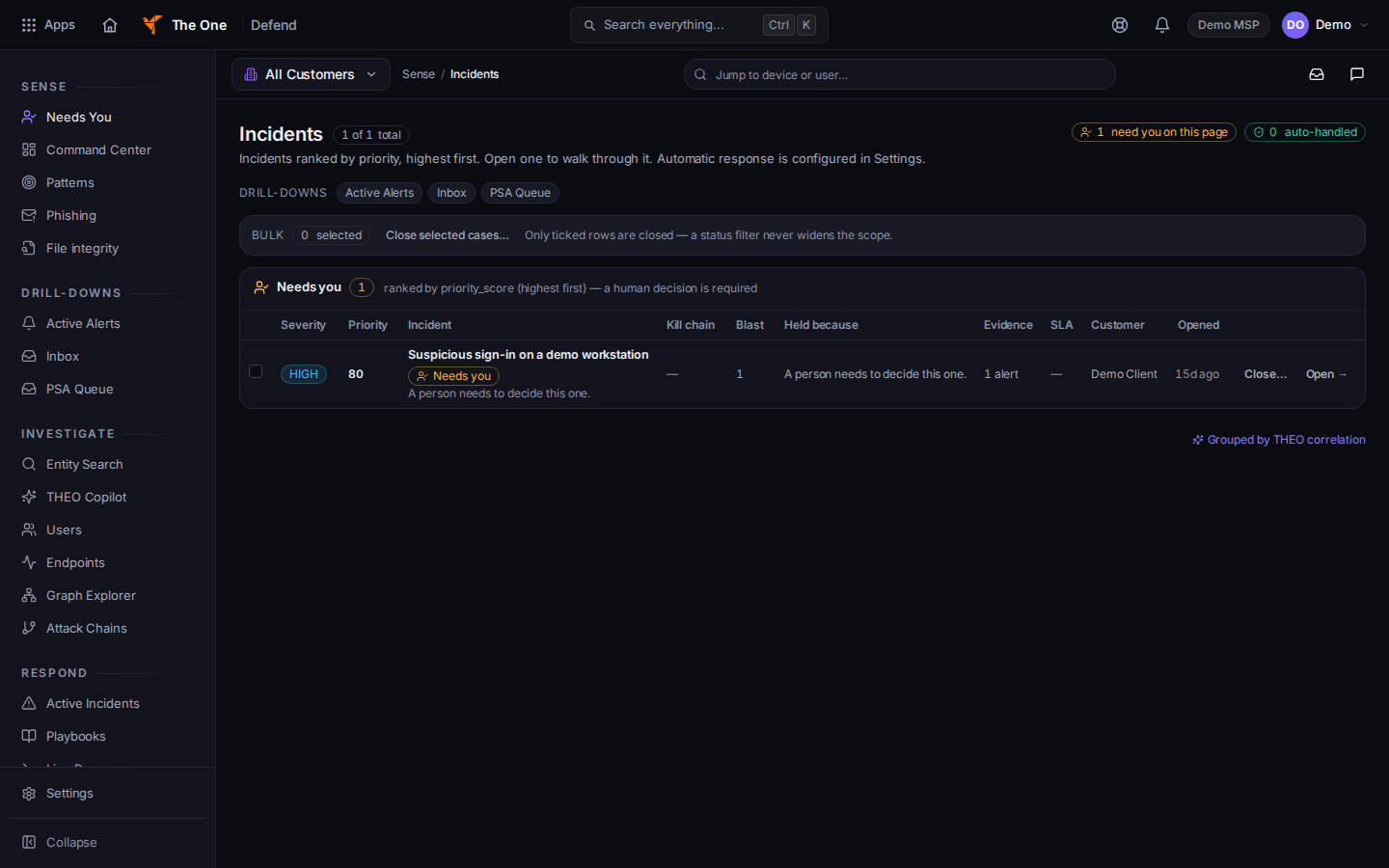
Incidents in Defend, with the Needs you section - Shield is DNS filtering for staff. Clients do not get a Shield page.
- Hawkeye is the Outlook add-in people use to check one email and report it. It runs in Outlook on the web, Outlook for Windows, and Outlook for Mac.
- CyberAssure is posture, evidence, and reports for staff. A client sees it in the portal only when your organization turns it on for that company.
- Cypher is security awareness training. Staff open it from CRM. Clients open Security Training and AI Safety in the portal.
- On-Call is inside PSA. It is not its own tile. The menu has six pages: Overview, Incidents, Schedules, Escalation, Services, and Reports.
If it goes wrong#
- The app is missing. Your organization does not include it, or your role cannot open it. Ask an owner.
- A client asks for Shield in the portal. It is not there. You manage Shield in the staff app.
- A bookmarked page says Coming soon. That page is not part of daily work. Use the menu.
What's next#
Open Defend
Start on the queue that needs a person.
Filter DNS with Shield
Review DNS filtering as staff.
Using Hawkeye in Outlook
Check one email in Outlook.
Open CyberAssure
Open posture, evidence, and reports.
Your security training
The client path for lessons.
Work an on-call incident
Open the six On-Call pages.
Was this article helpful?