
SIEM integrations in Defend
What Defend exchanges with devices, On-Call, and PSA, and what is still being finished.
Applies to Technician Admin
Defend keeps security events with the rest of the staff tools. There is no separate marketplace to install. A connection works when that product is included and the device or account is actually reporting.
Before you start#
Check the path you rely on#
- For endpoints, confirm the device is enrolled and checking in. Agents are built to send process, network, and file events. Delivery of those events into the queue is still being finished, so an empty Active Alerts list is not a clean device.
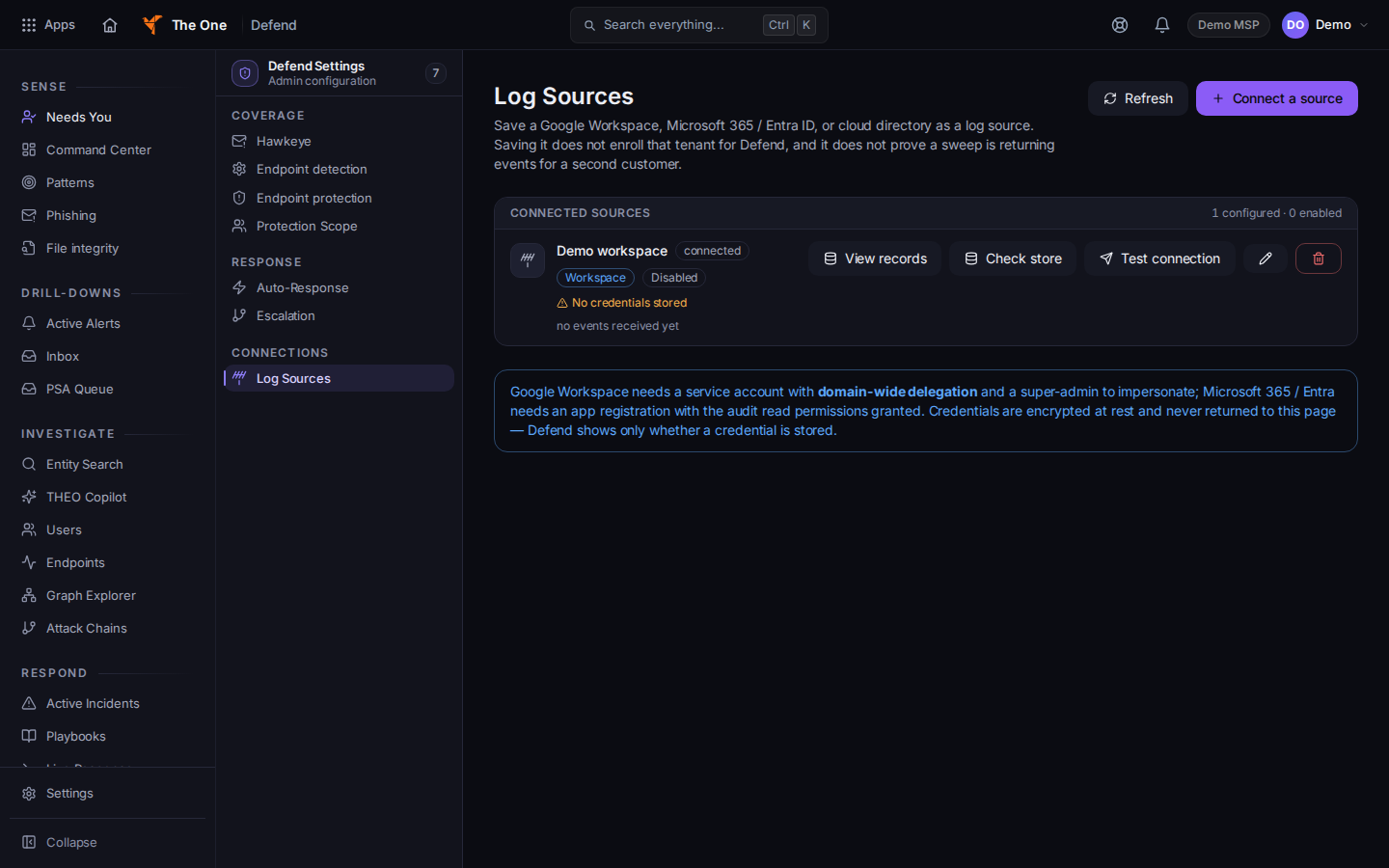
Log Sources in Defend settings - Software inventory can be matched to vulnerability data. That match is separate from endpoint-alert delivery.
- Response actions run as commands on the device at its next check-in. If the device is offline, the action has not completed. Read the undo label first. See Choose a response in Defend.
- An admin connects inbound log sources under Defend settings, then Log Sources. See Defend settings.
- Escalate on an incident can notify the on-call rotation when On-Call is set up. See Work an on-call incident.
- Escalate to War Room opens a PSA war room record. It does not send the case to a third-party SIEM. See Escalate an incident to the war room.
Framework programs, control mappings, assessments, and audits are in CyberAssure. See Open CyberAssure.
A forensics snapshot is not a stored download. The endpoint may stage a process list locally. That local list is not collected evidence.
Defend does not forward alerts out to a third-party SIEM.
If it goes wrong#
- An isolate action did not finish. The device was offline or the agent was not checking in. Check the device, then read the action again after it reconnects.
- Log Sources will not load. Retry. A failed settings read is not an empty source list.
- You cannot open settings. Settings are for an owner or an admin.
What's next#
Was this article helpful?