
Read backup jobs and alerts
Open Jobs for a run and Alerts when a backup or restore failed.
Applies to Technician Admin
Jobs lists backup runs. Alerts lists failures and missed backups. Acknowledge an alert when you have seen it. Resolve it when the problem is handled.
A missed backup can also open a ticket for your team.
Check jobs and alerts#
- Open Backups, then Jobs. The heading is Backup Jobs.
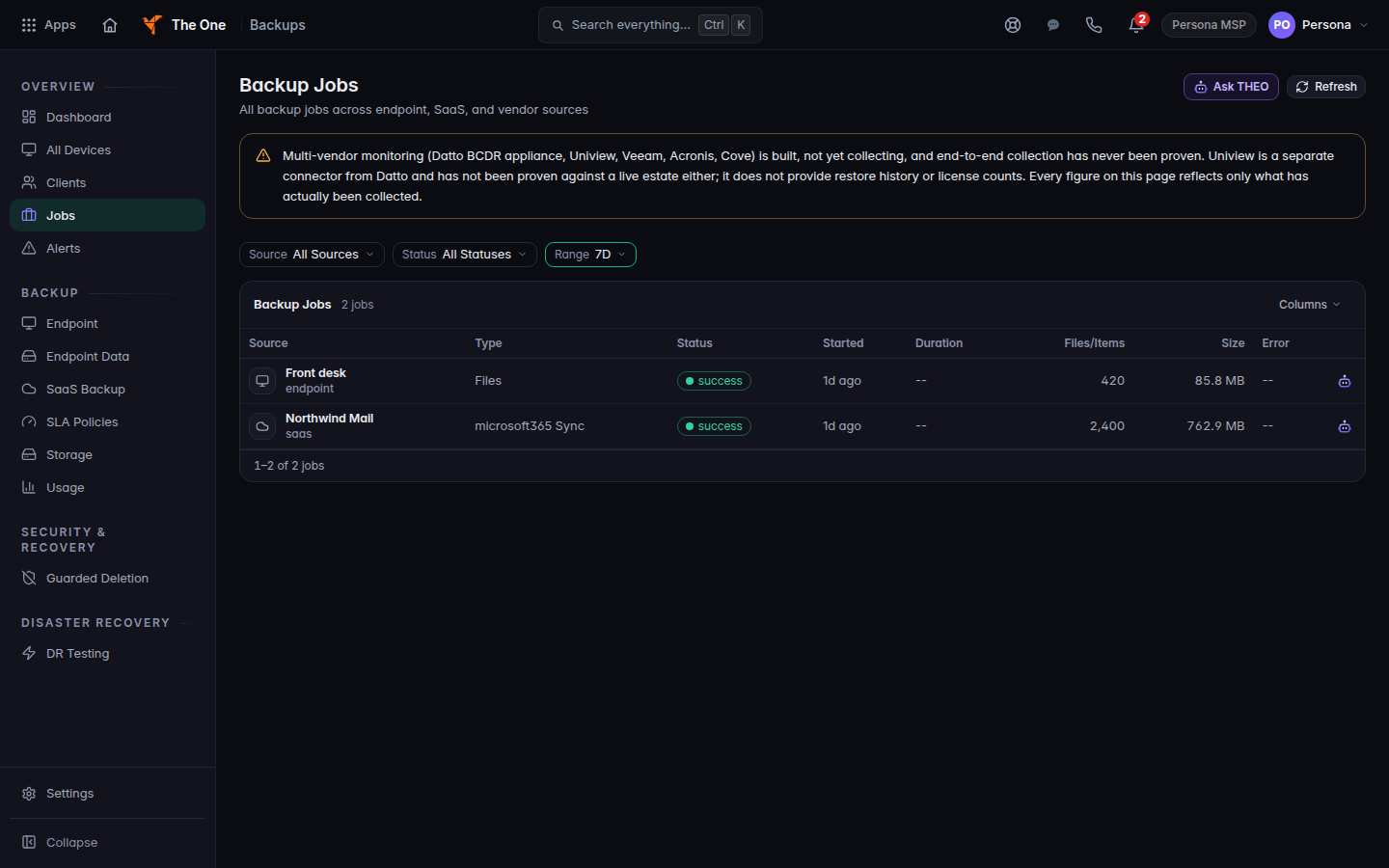
Backup Jobs list - Open Alerts. Filter by status if you only want ones that are still open.
- On an open alert, choose Acknowledge. Choose Resolve when you are done.
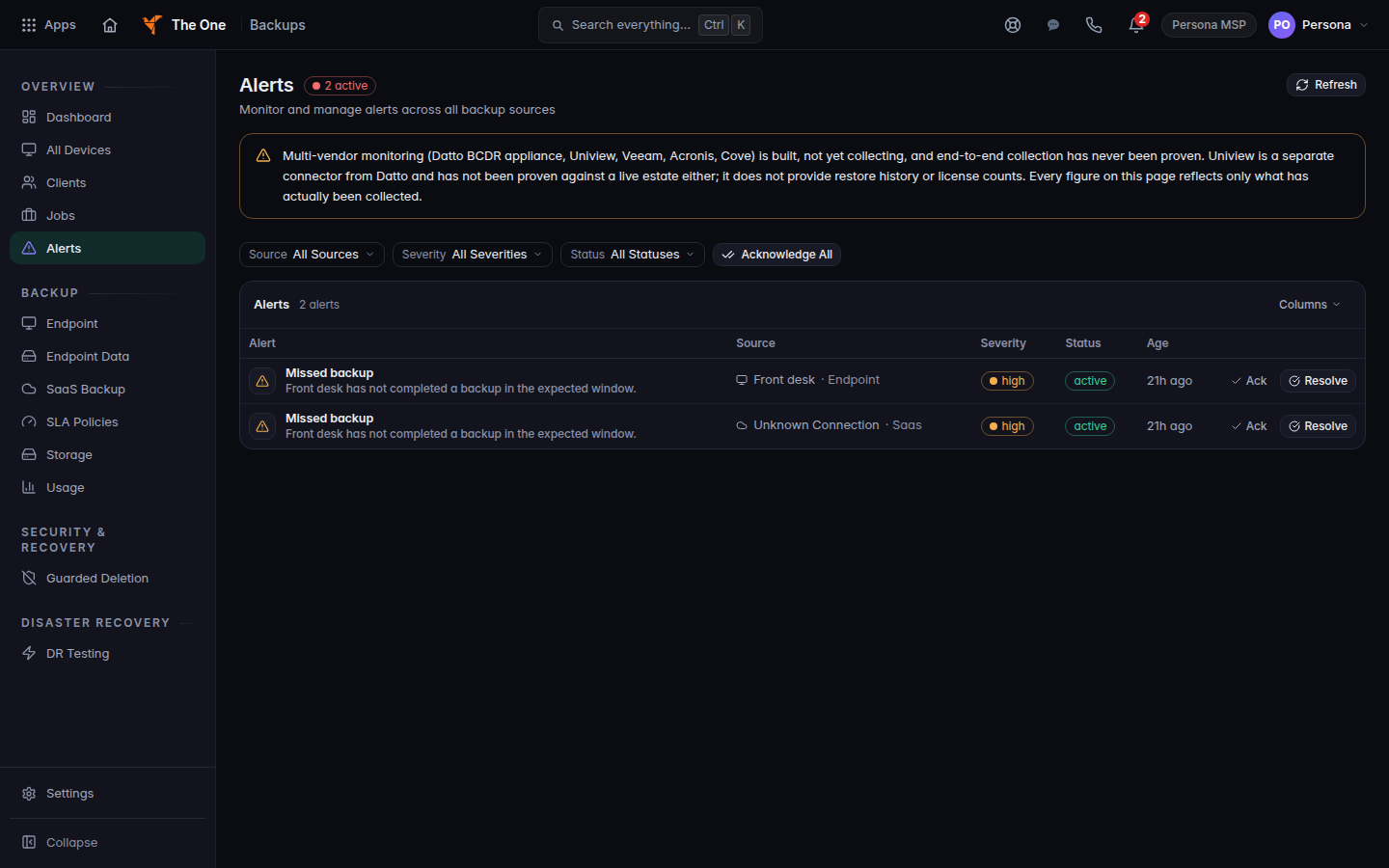
Alerts, with Acknowledge and Resolve - Choose Acknowledge All to acknowledge every open alert in the current filter. The button reads Acknowledging... while it runs.
Owners and admins set which failures notify you under the settings gear, on Alert Settings.
If it goes wrong#
- The list is empty. No jobs have run, or the filter hides them. Clear the filter. For Microsoft 365, confirm a policy exists. See Set a cloud backup policy.
- Failed to load. Refresh the page. If Dashboard also fails, Backups may be unavailable. Try again later.
- You cannot acknowledge. Your role can open Backups but not change alerts. Ask an admin.
What's next#
Was this article helpful?