
Read a project timeline
Timeline in the Projects sidebar is the schedule across projects. The Timeline tab on a project is that project's dates.
Applies to Technician Admin
A timeline shows work by date. Projects has two of them. The sidebar Timeline is the schedule across projects. The Timeline tab on one project is that project's dates.
Read the schedule across projects#
- Open PSA, then Projects, then Timeline.
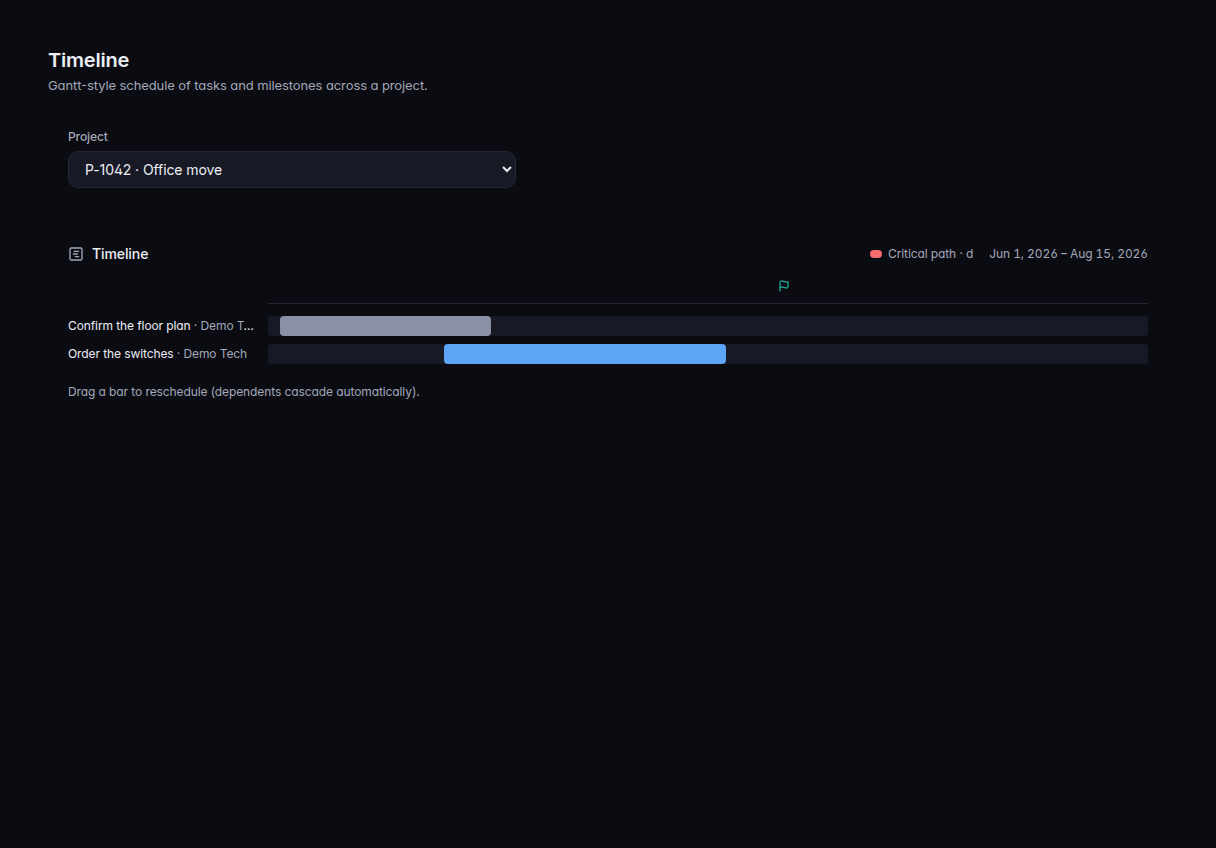
Timeline, with the project selector and two task bars - Choose Project if you want one project's bars. The page describes the view as a Gantt-style schedule.
An empty organization says No projects yet. Create one first. See Create a project.
Read one project's dates#
- Open the project.
- Choose Timeline.
- Read the bars against Started and Due in the bar above the tabs. Progress is the project's own progress. Ticket counts on the Tickets tab do not change that number.
If it goes wrong#
- The address says timeline and you see the same page. That older address opens Timeline. It is the same screen.
- No projects yet. There is nothing to plot. Add one and set Start Date or Due Date. See Create a project.
What's next#
Was this article helpful?