
What Projects is
Projects holds the plan, the tasks, and the timeline. Staff open it inside PSA. Clients see a separate view in the portal.
Applies to Technician Admin
Projects is where a piece of work lives after it is bigger than one ticket. A project has a name, dates, tasks, a board, a timeline, and optional time entries.
Staff use it to plan delivery and to see the tickets, the client company, and the contract that belong to that work. A client never opens the PSA module. They see a project in the portal only when you show it, or they use their own Projects app when your organization has turned that on.
Where it lives#
- Open PSA, then Projects.
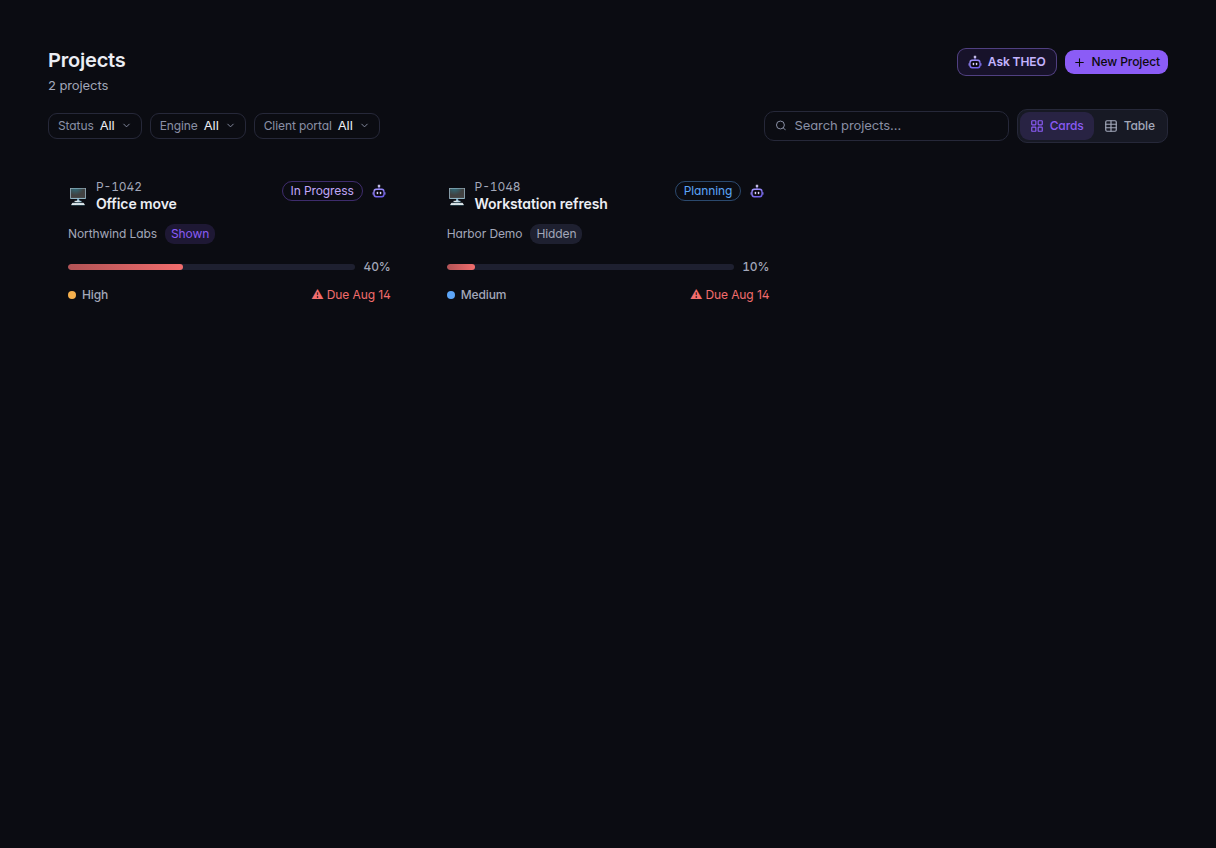
The Projects list, with New Project - The sidebar lists Dashboard, Projects, My Tasks, Milestones, Timeline, Time Entries, Documents, Templates, and Team. An admin also sees Settings.
An old address that starts with Projects opens this same PSA area. There is no separate Projects tile.
Two client views#
These are different records.
- Projects your provider runs. You create these in PSA and turn on Show in client portal. The client can follow progress and comment. They cannot edit your plan.
- The client's own Projects app. This is a paid upgrade that most clients do not have yet. Their company runs its own projects, tasks, and requests. Your PSA list does not show those rows.
If it goes wrong#
- Projects is missing under PSA. The organization does not include Projects. Ask an owner.
- Settings is missing. You are not a Projects admin. See Who can use Projects.
What's next#
Was this article helpful?