
Turn portal modules on
For MSP staff. Module switches for a customer's own site are not on screen. Client apps are.
Applies to Owner Admin
Portals does not show a Modules tab. The page is Coming soon, so there is no list of modules to save.
What you can switch today are the client apps on that customer's portal: Files, IT Support, and the rest of Apps & products. See Turn a client app on.
Where the switches are#
- Open Portals and read Coming soon.
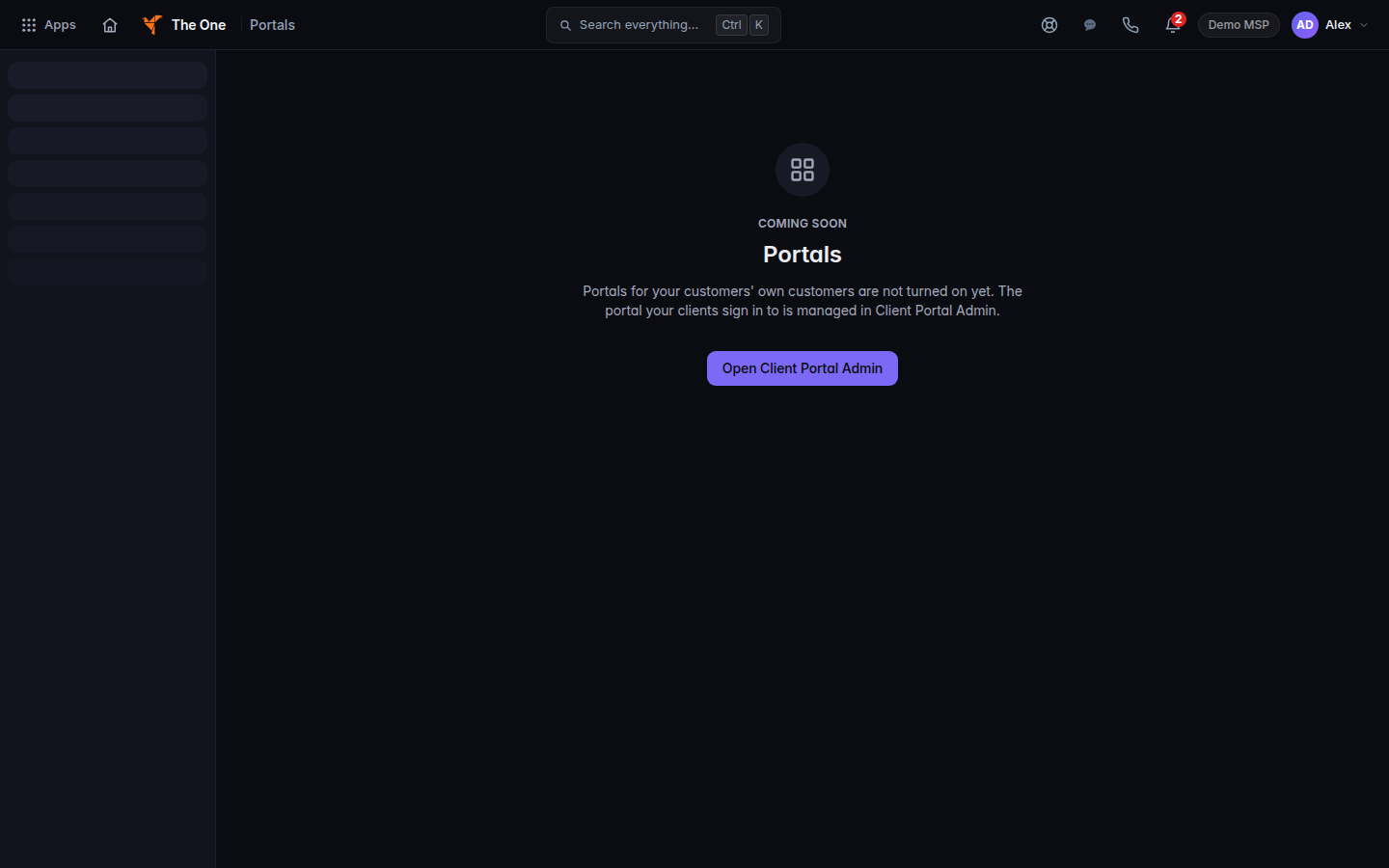
Coming soon, with Open Client Portal Admin - Choose Open Client Portal Admin.
- Open the customer, then Apps & products.
- Turn the client apps on or off there. See Turn a client app on.
If it goes wrong#
- You cannot find Save modules. That button is not on screen.
- The client portal menu did not change after you opened Portals. Opening Portals does not change client apps. Use Apps & products.
What's next#
Was this article helpful?