
Verify a hostname in Portals
For owners. The Portals hostname editor is not on screen. The hostname you can verify is in Client Portal Admin.
Applies to Owner Admin
Portals does not show a Custom domain tab. The page is Coming soon.
The hostname you can add and verify today is Custom Domain under Defaults for all customers in Client Portal Admin. One hostname serves the client portal. See Verify a portal hostname.
Where to verify a hostname#
- Open Portals. It stays on Coming soon.
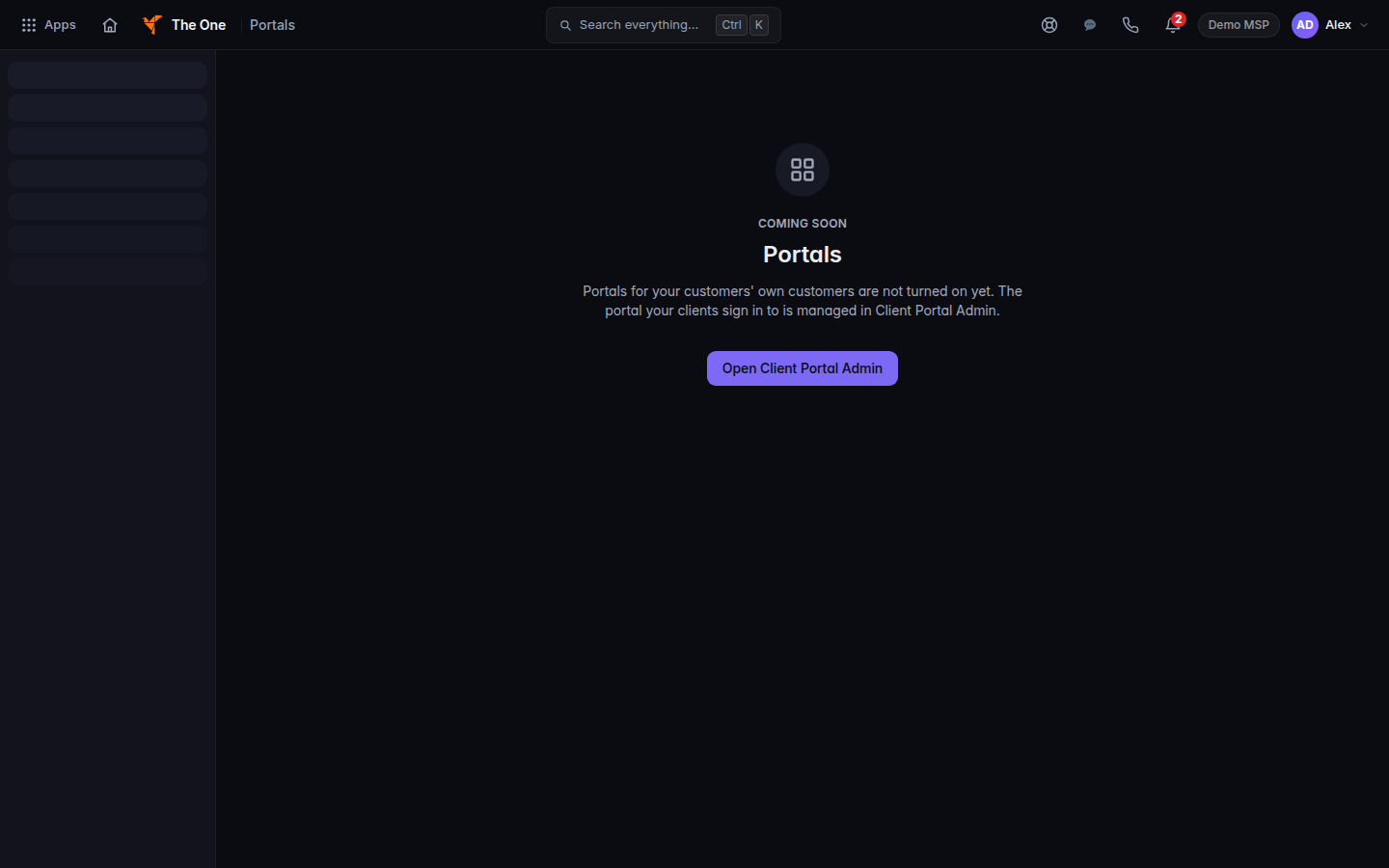
Coming soon, with Open Client Portal Admin - Choose Open Client Portal Admin.
- Open Defaults for all customers, then Custom Domain. See Verify a portal hostname.
If it goes wrong#
- You cannot find Customer portal hostname. That field is not on the Portals page.
- You need the portal your clients open. Use Custom Domain in Client Portal Admin. See Verify a portal hostname.
What's next#
Was this article helpful?