
Add a contact
Add a person on the CRM Contacts list.
Applies to Technician Admin
A contact is a person at a company. Add one when you need a name on a ticket, a deal, or the client portal.
This is CRM, then Contacts. It is not Workspace Contacts.
Add the person#
- Open CRM, then Contacts.
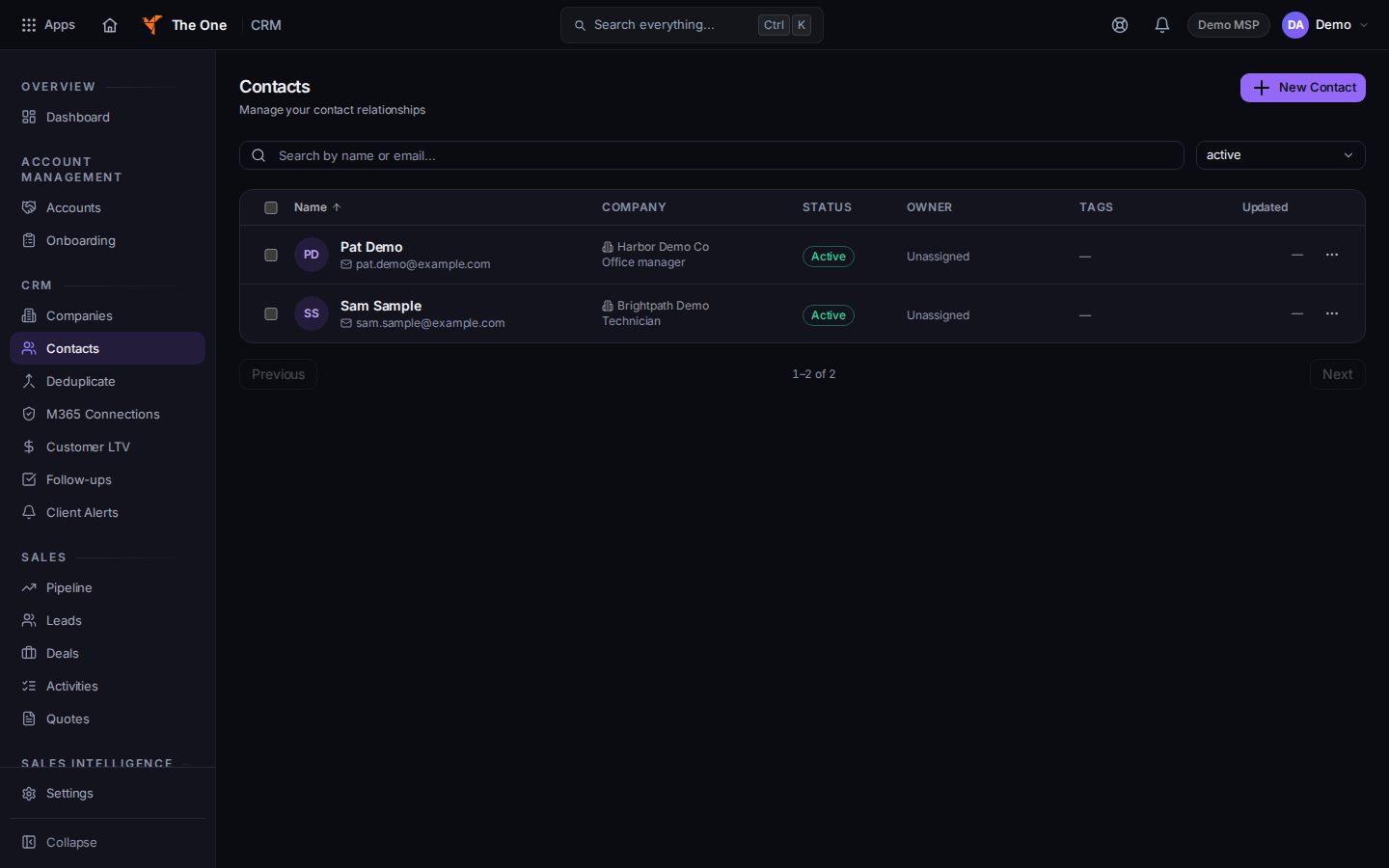
Contacts, with New Contact
Sample records for Demo MSP.
- Choose New Contact. The dialog title is New Contact.
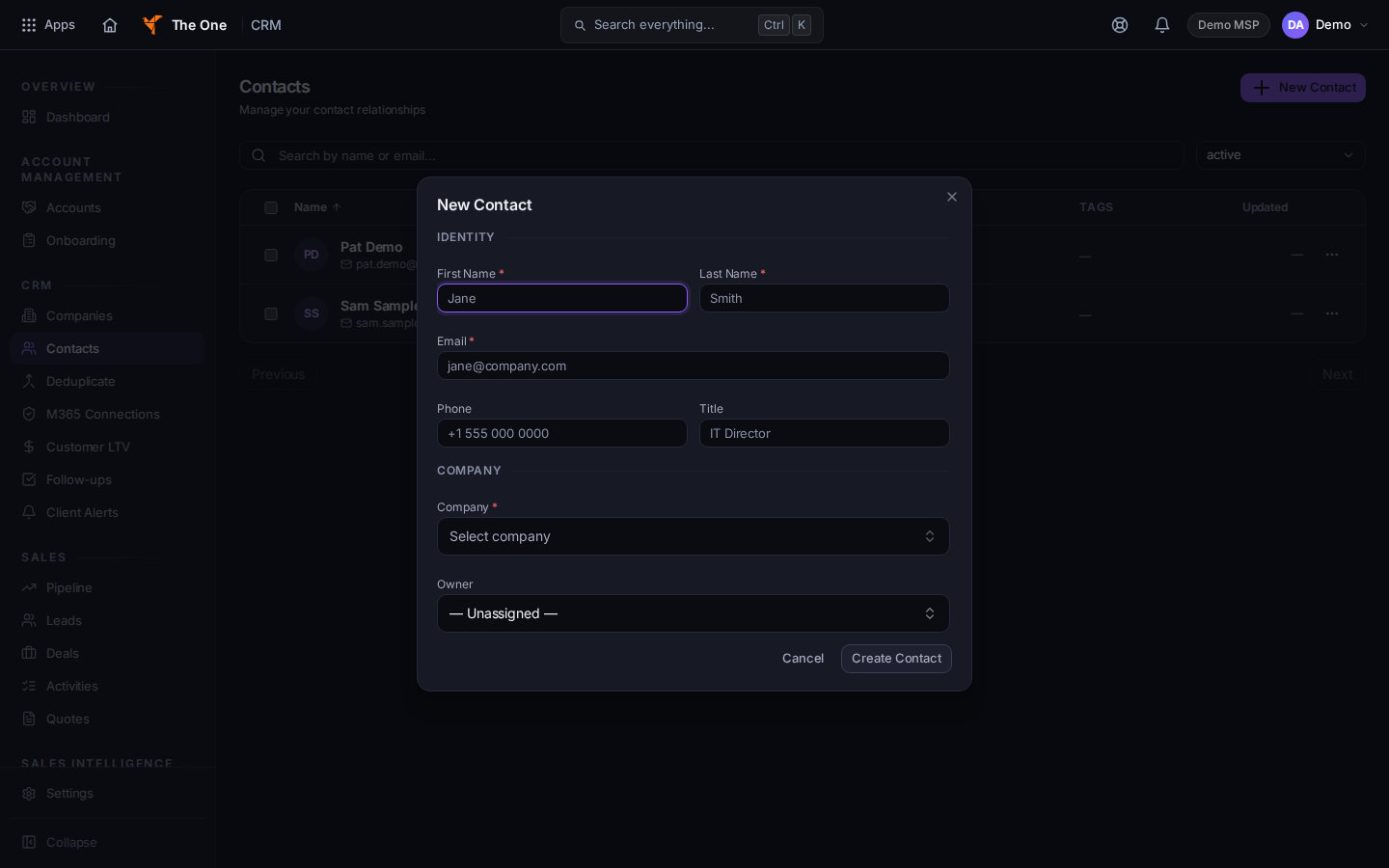
New Contact
Sample records for Demo MSP.
- Fill First Name, Last Name, and the company. Email, Phone, and the job title are optional.
- Choose Create Contact. The page says Contact created.
An active contact at a Client company can sign in to the client portal with their email and a one-time link. CRM does not send a portal invite. If the company is not a Client, the contact screen says This contact will not be able to sign in to the client portal.
If it goes wrong#
- Failed to create contact. Read the message and correct the form. Search Contacts before you try a second time.
- Couldn't load contacts. Retry on that message.
- No contacts found. Clear the search. The empty list offers New Contact when nothing is filtering the list.
- You are in Workspace Contacts. Go back to CRM, then Contacts.
What's next#
Was this article helpful?