
Add a lead
Add an unqualified person on Sales Leads.
Applies to Technician Admin
A lead is a person who is not yet a deal. The menu label is Leads. The page title is Leads.
A lead is not a contact and not a deal. When the person already belongs to a company you serve, add them on Contacts. See Add a contact.
Add one#
- Open CRM, then Sales, then Leads.
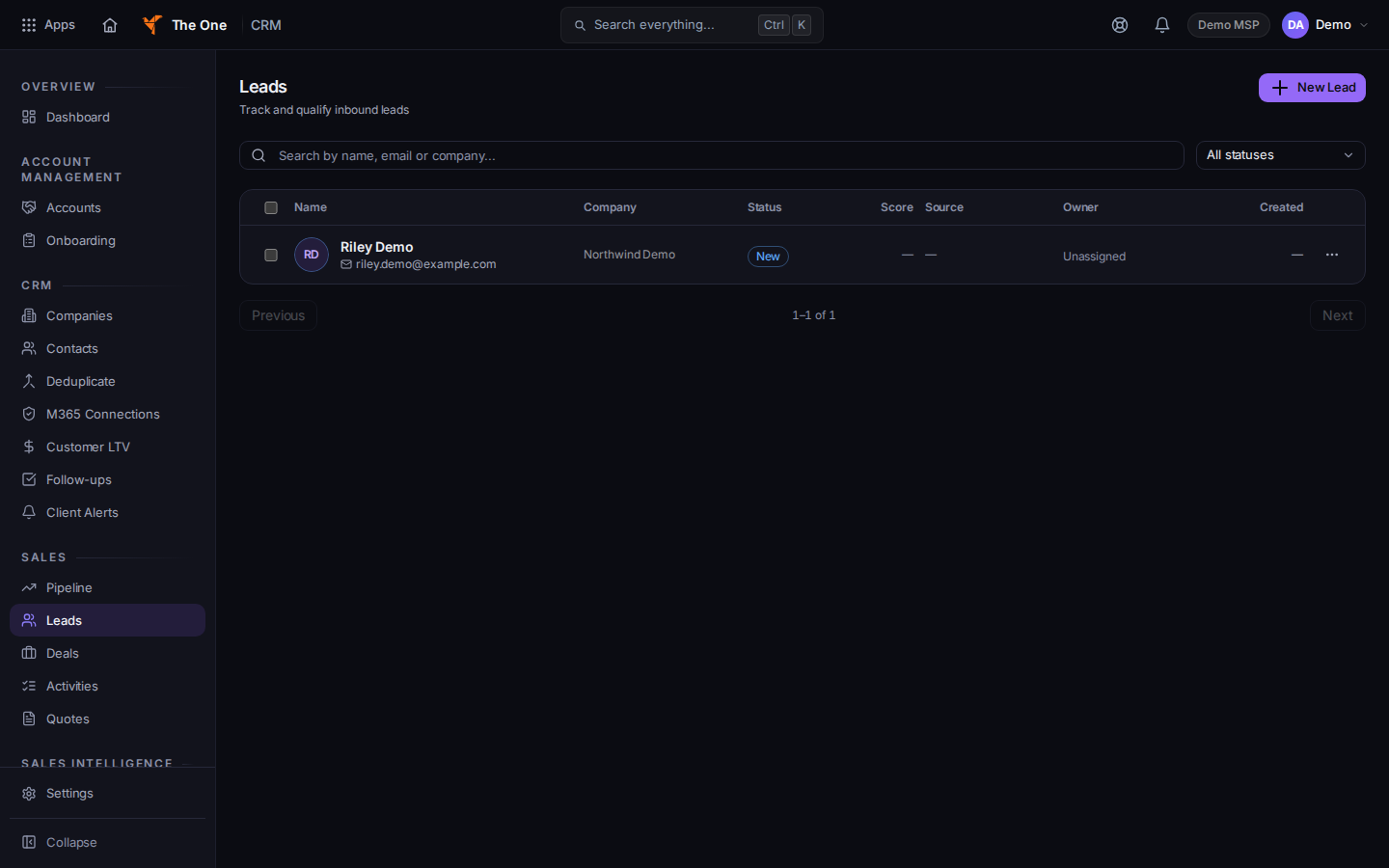
Leads, with New Lead
Sample records for Demo MSP.
- Choose New Lead. The dialog title is New Lead.
- Under Identity, fill First Name, Last Name, and Email. Those three are required. Phone, Title, and Company are optional.
- Under Lead Info, fill what you know, then save.
- Open the row to keep working on it.
If it goes wrong#
- Couldn't load leads. Retry on that message.
- No leads found. Clear the search. The empty list offers New Lead when the list is not filtered.
- Leads is not in the menu. Your role cannot open CRM Sales. Ask an admin.
What's next#
Was this article helpful?