
Set deal stages
Add and reorder pipeline stages, then save. The board uses this list.
Applies to Admin Owner
Stages are the columns on Pipeline. Change them here, not by renaming a card.
Set them#
- Open the settings gear, then Pipeline. The description is Stages, probabilities, win/loss reasons.
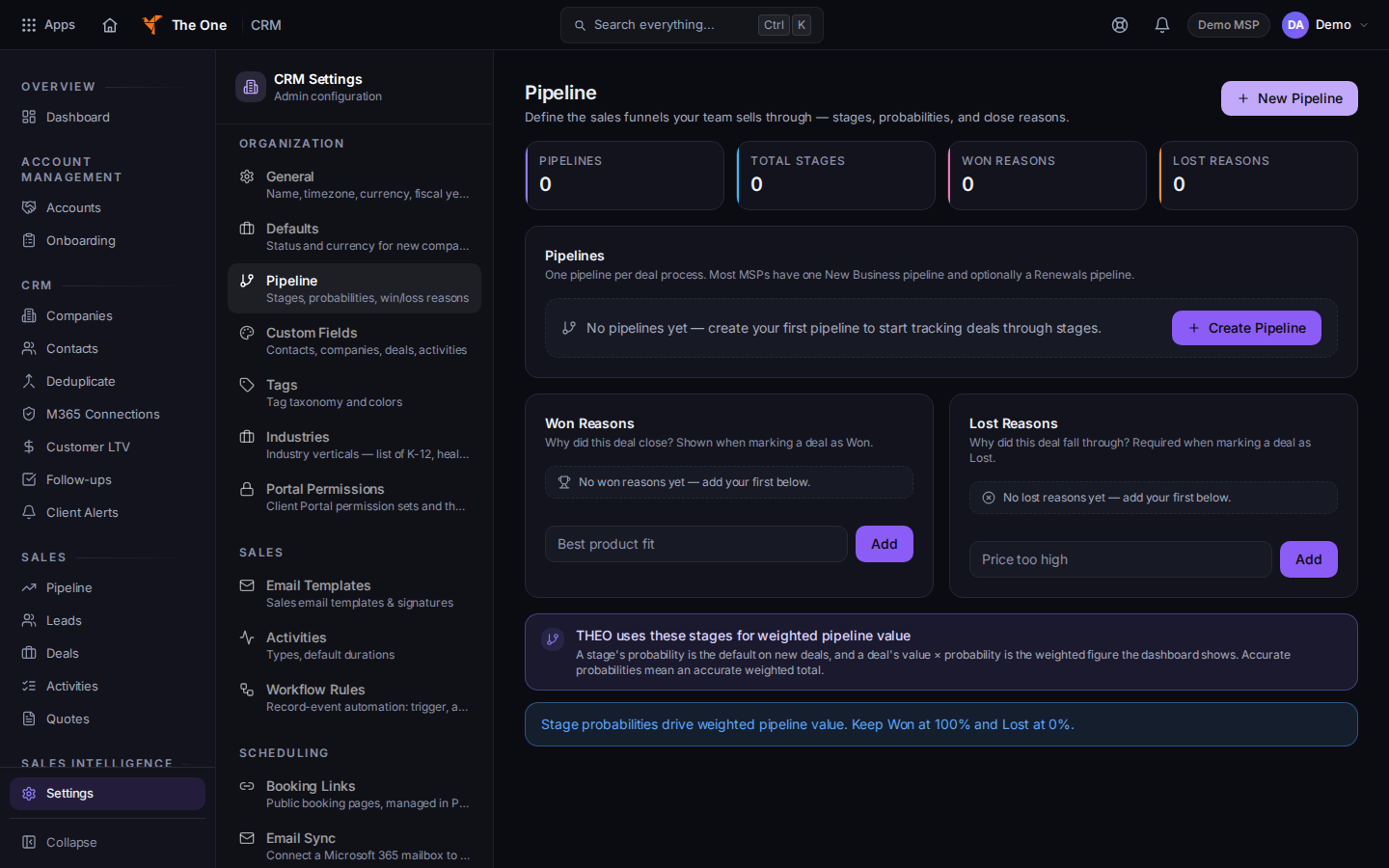
Pipeline settings. An empty book offers Create Pipeline
Sample records for Demo MSP.
- If the page says No pipelines yet, choose Create Pipeline. Open that pipeline.
- Choose Add Stage. Set Stage name, Probability, Color, and Outcome. Leave Default pipeline checked for the one new deals use.
- Use Move stage up to reorder. Funnel preview shows the order before you save.
- Choose Save.
The board then uses this list, plus any stage that is already on a deal.
If it goes wrong#
- You don't have access to CRM Settings. Ask an owner.
- A deal sits in a stage you removed. Stages already on deals still appear on the board until those deals move.
What's next#
Was this article helpful?