
Open a deal
See deals and start one from CRM Sales.
Applies to Technician Admin
A deal is an opportunity you are tracking. The menu label is Deals. The page title is Deals.
It is not a ticket and not a lead.
Open or create one#
- Open CRM, then Sales, then Deals.
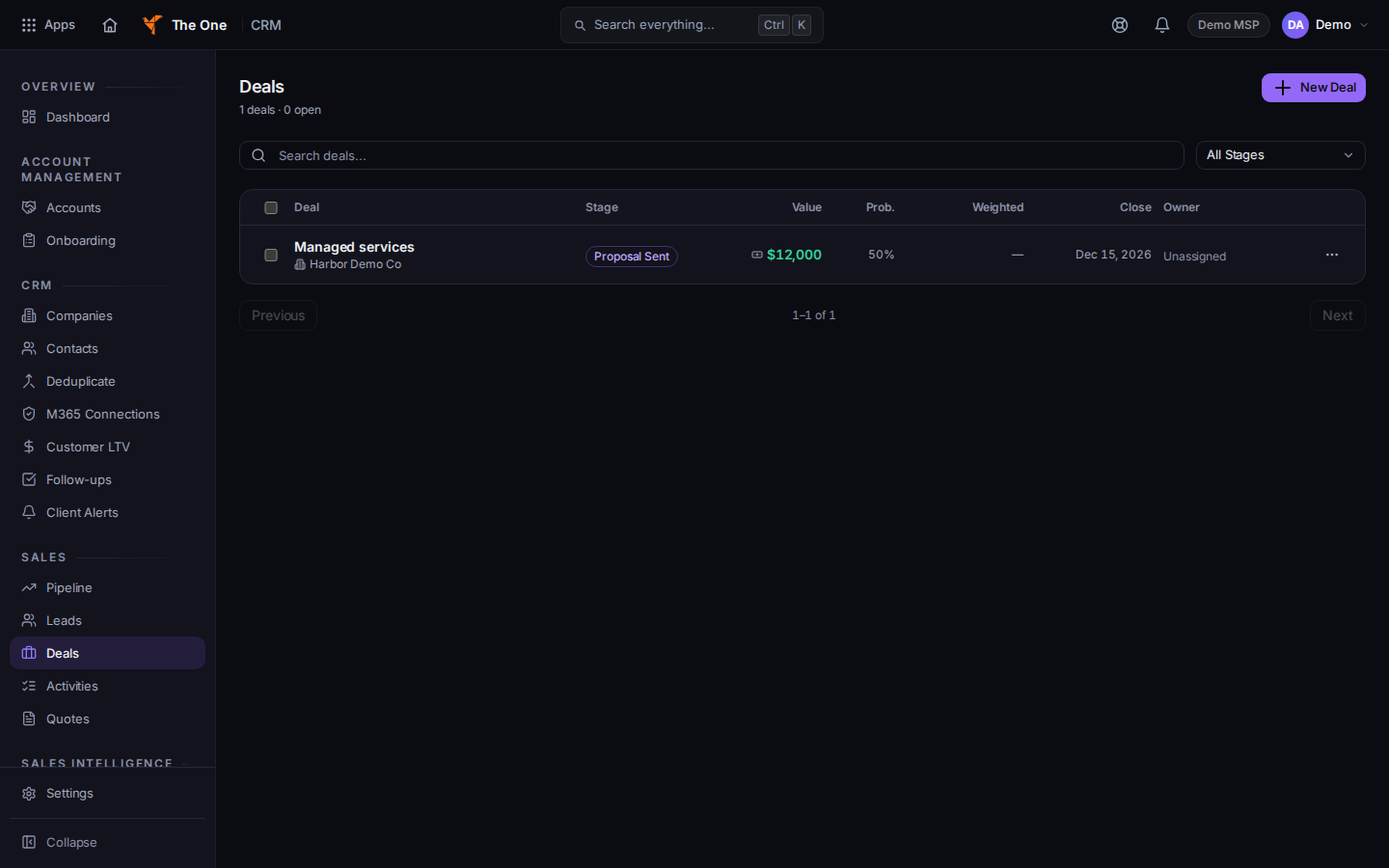
Deals, with New Deal
Sample records for Demo MSP.
- Choose New Deal. The dialog title is New Deal.
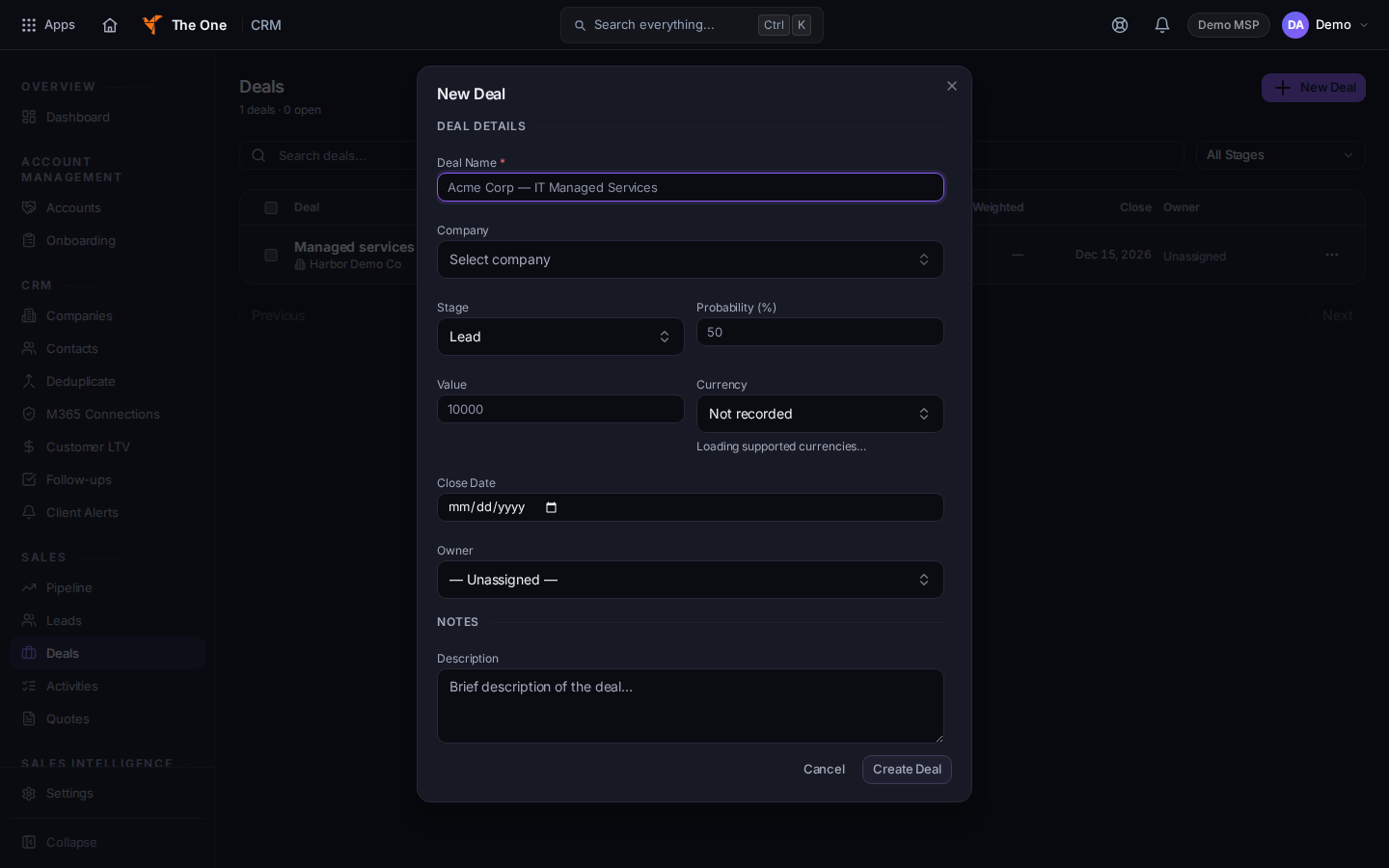
New Deal, with Deal Name and Currency
Sample records for Demo MSP.
- Deal Name is required. Set Company, Stage, Probability (%), Close Date, Owner, and Description when you have them.
- If you type a Value, choose Currency. The form says Choose a currency — a deal value is only money in a denomination. Leave Value blank to save the deal unpriced.
- Choose Create Deal. The page says Deal created. Open the row to keep working.
A deal with no company does not appear on that company's Sales tab. The list marks it.
If it goes wrong#
- Failed to create deal. Read the message. A value without a currency cannot be saved.
- Supported currencies could not be loaded, so a value cannot be saved with a denomination. Leave the value blank to create the deal unpriced. Save without a value, or retry when currencies load.
- Couldn't load deals or No deals found. Retry, or clear the search. The empty list offers New Deal when nothing is filtering it.
- Deals is not in the menu. Your role cannot open CRM Sales. Ask an admin.
What's next#
Was this article helpful?