
Create a quote
Start a quote from Sales Quotes and save it with Create Quote.
Applies to Technician Admin
A quote is a priced offer you can attach to a company, a contact, and a deal. The menu label is Quotes. The page title is Quotes.
Proposals stay out of the sidebar until there is data. This article is the quote, not a proposal.
Create it#
- Open CRM, then Sales, then Quotes.
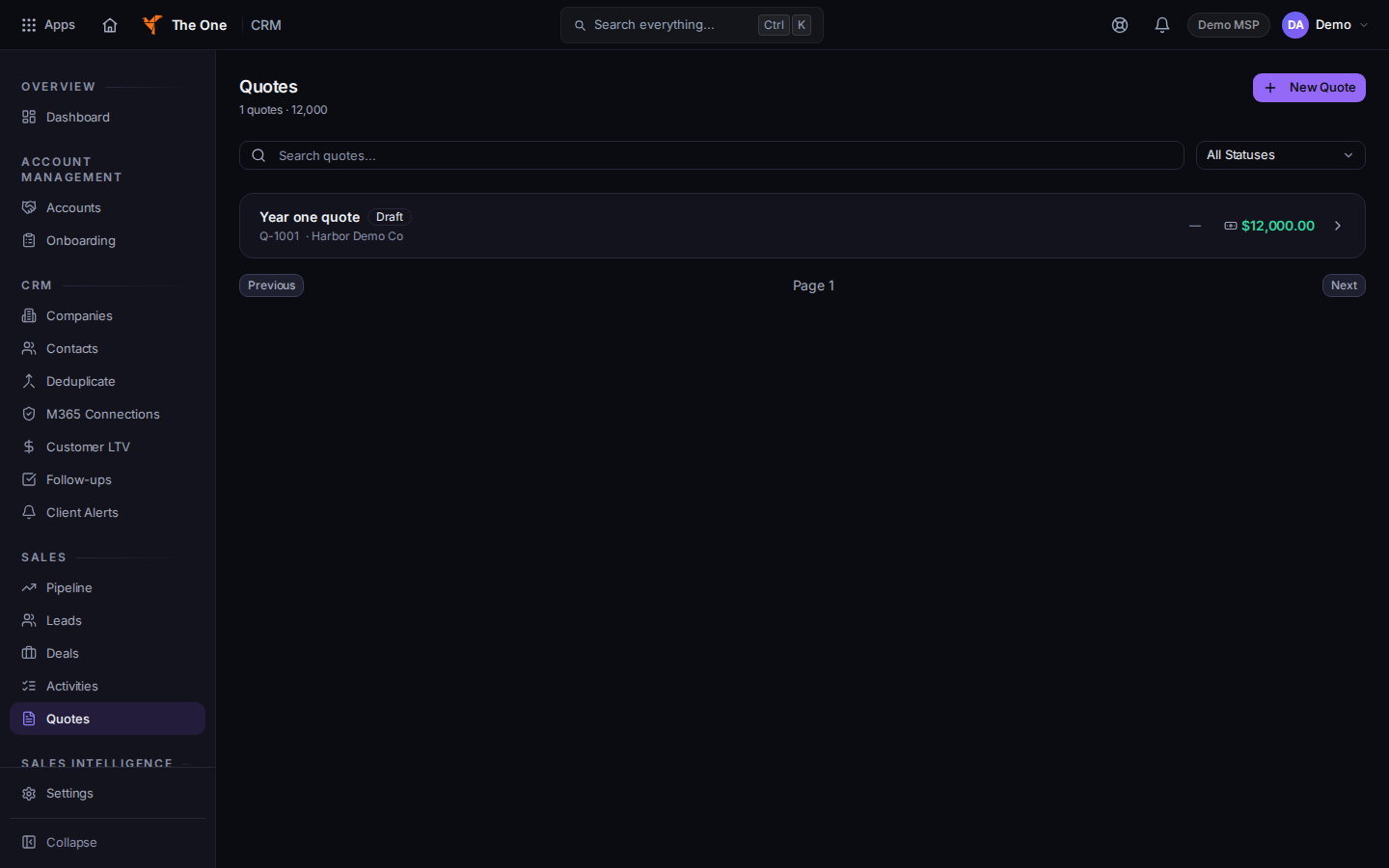
Quotes, with New Quote
Sample records for Demo MSP.
- Choose New Quote. The page title is New Quote.
- Fill Quote Name. It is required. Set Valid Until, Description, Company, Contact, Deal, and Contact Email when you have them.
- Choose Create Quote. To change it later, open the quote and choose Save Changes on Edit Quote.
If it goes wrong#
- Couldn't load quotes. Retry on that message.
- No quotes found. The empty list offers New Quote.
- Back returns you to the previous page without a guarantee the quote was saved. Choose Create Quote first.
What's next#
Was this article helpful?