
Add a workflow rule
Create a rule that runs when a company, contact, lead, or deal is created or updated.
Applies to Admin Owner
A workflow rule runs one action when a record is created or updated. The settings label is Workflow Rules. The page title is Workflow Automation.
A deal moving between stages is an update of that deal. It is not its own trigger. There is no run history on this page. The run is recorded on the server, and CRM does not show the last runs.
Add the rule#
- Open the settings gear, then Workflow Rules.
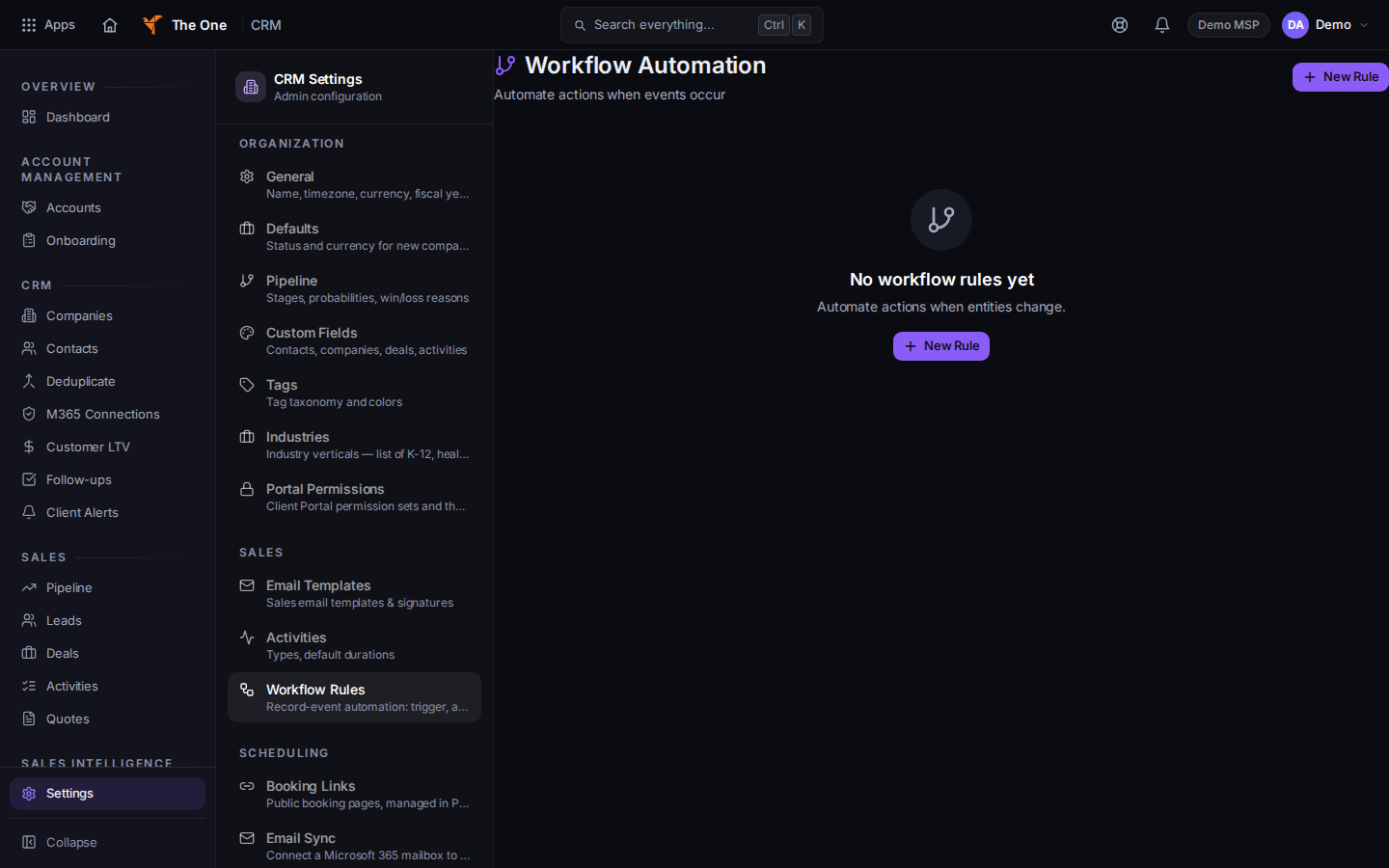
Workflow Automation, with New Rule
Sample records for Demo MSP.
- Choose New Rule. The form title is New Workflow Rule.
- Set Name. Under When, choose Contact, Company, Lead, or Opportunity.
- Under Is, choose Created or Updated. Status Changed is on the list. A stage move is stored as Updated, so use Updated when you care about a stage.
- Under Action, choose Log Activity, Update Field, or Send Email. Fill the fields that appear for that action.
- Choose Create. The page says Workflow created.
If it goes wrong#
- The rule never runs. Check When and Is. A stage-only rule set to Status Changed does not match the update CRM sends.
- Send Email has nowhere to go. Fill the address, subject, and body the form asks for. An action you cannot fill in does not run.
- You expected a history tab. This page does not show one.
What's next#
Was this article helpful?