
Add a deal automation
Save a deal rule from Automation, Deal Rules. The page title is Deal Automations.
Applies to Admin Owner
Deal Rules stores an action for when a deal moves or its status changes. The page title is Deal Automations. This is separate from Workflow Rules, which run on create and update. See Add a workflow rule.
Add one#
- Open CRM, then Automation, then Deal Rules.
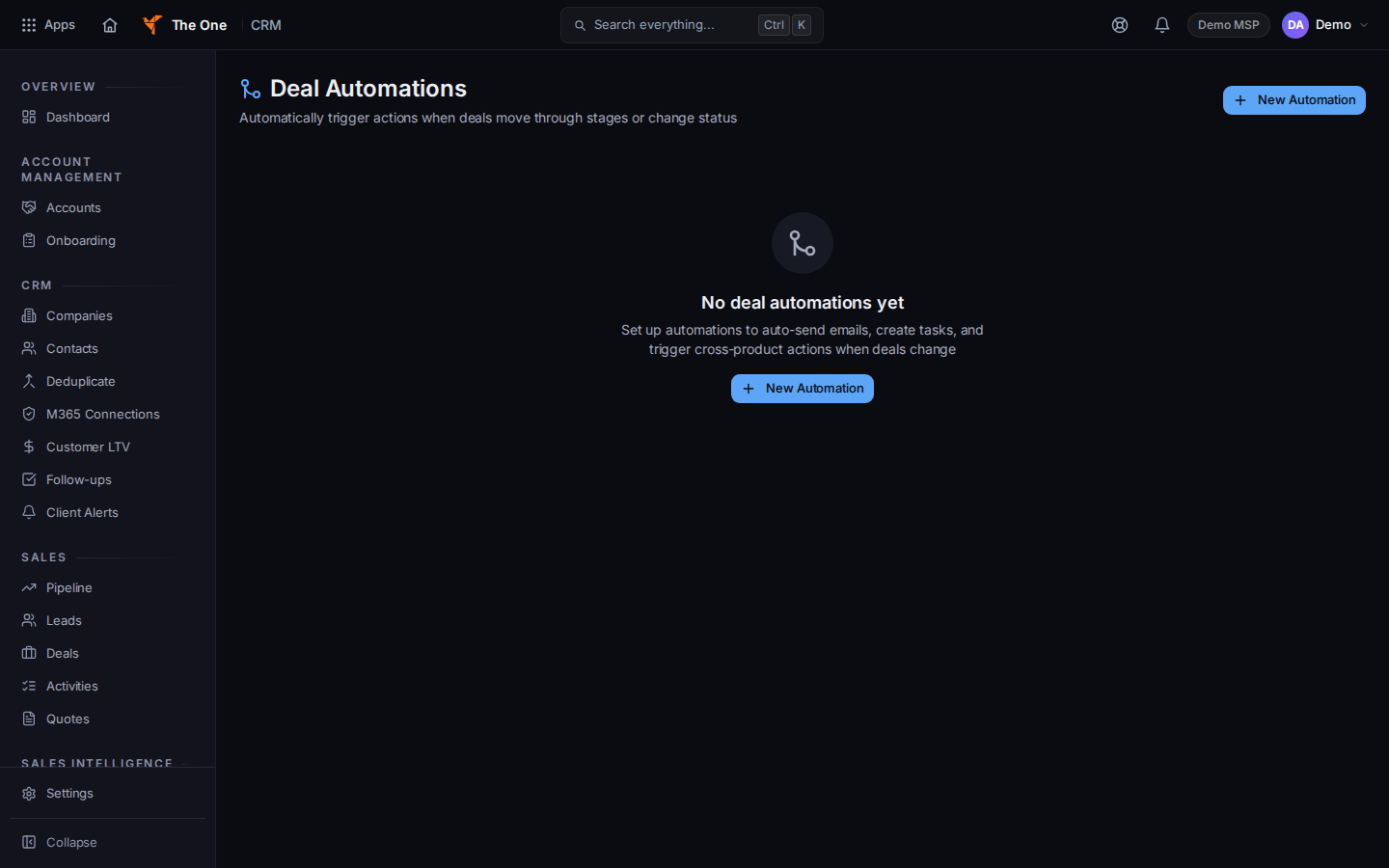
Deal Automations, with New Automation
Sample records for Demo MSP.
- Choose New Automation. The dialog title is New Automation. Edit Automation is the same dialog for a rule you already saved.
- Name the rule, set when it runs, and set the action. Save.
- No deal automations yet is the empty list. It also offers New Automation.
If it goes wrong#
- Couldn't load deal automations. Retry on that message.
- A stage move did not run a workflow rule. Workflow rules see that move as an update. A deal automation is the rule that is about the stage. Check which page you saved it on.
What's next#
Was this article helpful?