
Save a scoring rule
You can save a scoring rule. CRM does not apply it to a contact or a lead.
Applies to Admin Owner
Scoring Rules opens a page titled Lead Scoring. You can save a rule there. The page says, in full:
Saved, but not applied: nothing in CRM evaluates a scoring rule yet, so no contact's or lead's score changes because of one. Scores come from the website-widget cron, the AI SDR scorer and the manual rescore.
Saving a rule here does not change a number on a person.
Save one anyway#
- Open CRM, then Automation, then Scoring Rules.
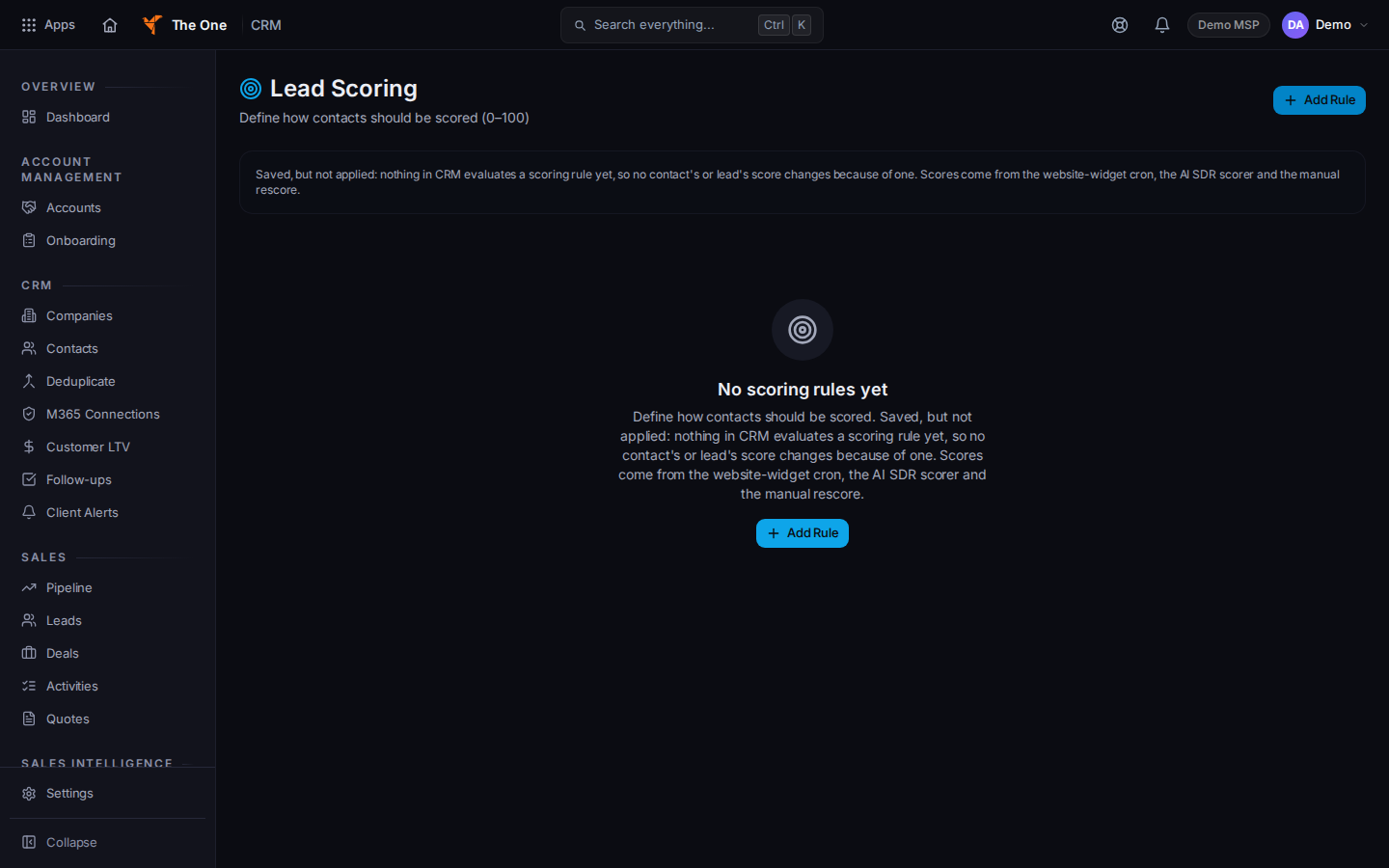
Lead Scoring, with the not-applied note
Sample records for Demo MSP.
- Read the note at the top before you build a rule.
- Choose Add Rule. The dialog title is New Scoring Rule.
- Name it, set the condition, and save if you want the rule stored for later.
- No scoring rules yet is the empty list. Couldn't load scoring rules means the list failed. Retry.
If it goes wrong#
- A contact's score did not move. That is what the note says. Do not add another rule to force it.
- You wanted a lead score that someone typed. Open the lead and set the value there. This page does not do that.
What's next#
Was this article helpful?