
Create a QBR
Create a quarterly business review from QBR Reviews.
Applies to Technician Admin
A QBR is a quarterly business review for one company. The menu item is Reviews. The page title is Quarterly Business Reviews.
Schedules stay out of the sidebar until there is data. This article is the review, not the schedule console.
Create it#
- Open CRM, then QBR, then Reviews.
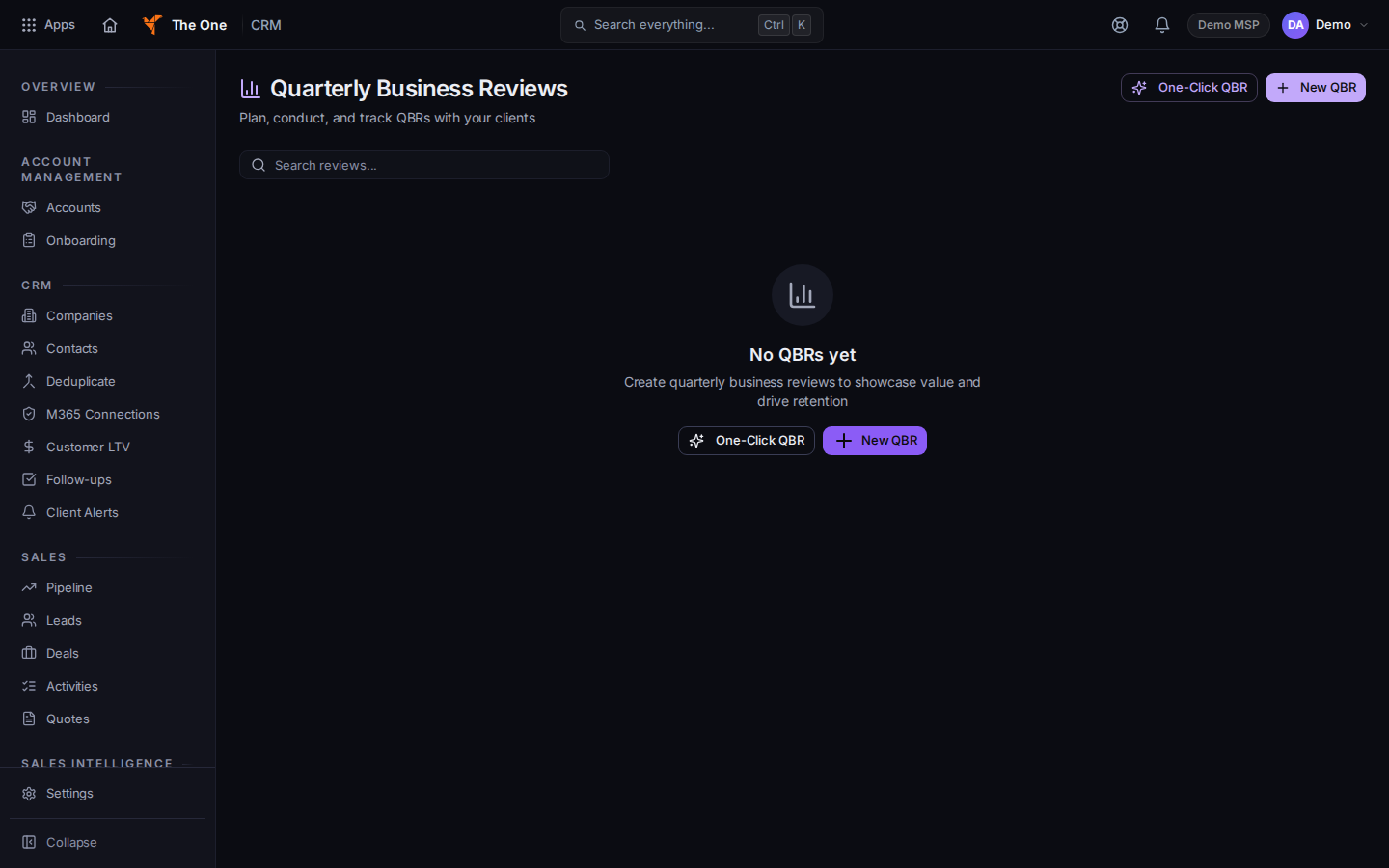
Quarterly Business Reviews, with New QBR
Sample records for Demo MSP.
- Choose New QBR. The dialog title is New QBR.
- Pick the company and set Scheduled Date. It is required.
- Choose Create QBR.
- Open the review to keep working. No QBRs yet is the empty list.
If it goes wrong#
- Couldn't load reviews. Retry on that message.
- Schedules is not in the menu. That page is hidden until there is schedule data. Create the review here instead.
What's next#
Was this article helpful?