
Start a client onboarding
Start an onboarding from CRM. The work is a project, not a separate checklist.
Applies to Technician Admin
Onboarding is the board of client onboardings. The page title is Client onboarding. Each onboarding is a project. CRM does not keep a second copy of the tasks.
Start one#
- Open CRM, then Account Management, then Onboarding.
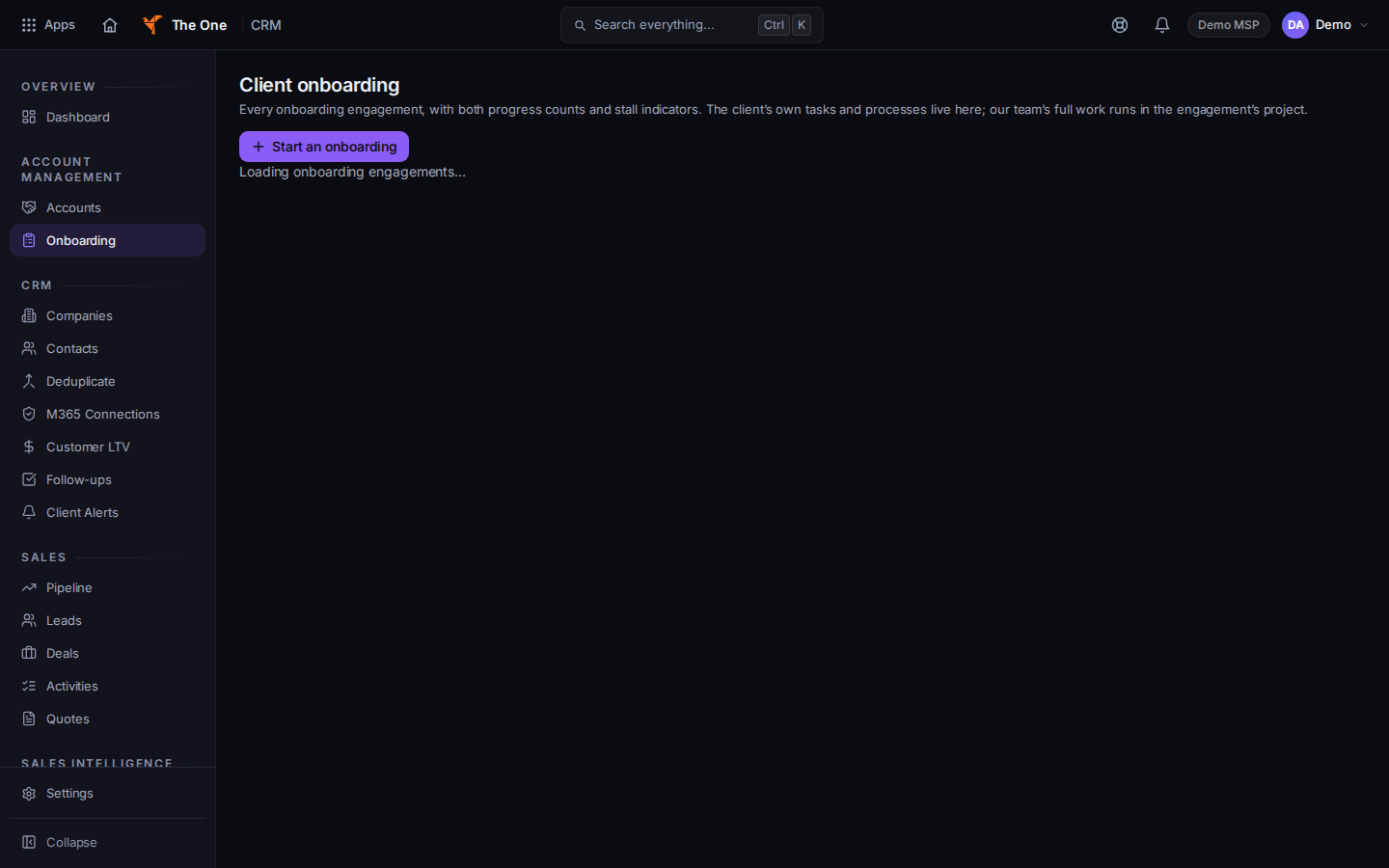
Client onboarding, with Start an onboarding
Sample records for Demo MSP.
- Choose Start an onboarding.
- Pick the company and confirm. The button names the company when one is selected. Otherwise it says Start onboarding.
- Open the row to see phases, the runbook, findings, and scope. Phases are labels on the board. They do not lock the next step.
- Complete tasks on the project. See Open a project.
Findings on this board are not tickets. A stall stays on this board. CRM does not email the client about it.
If it goes wrong#
- Loading onboarding… does not finish. Leave the page and open Onboarding again.
- The task you checked is still open in Projects. Refresh the project. The project is the source. This board reads it.
What's next#
Was this article helpful?