
Open Account Management
Open Accounts for the account-manager board and the shared customer conversation.
Applies to Technician Admin
Account Management is the home for the account-manager relationship. The menu item is Accounts. The page title is Account Management.
It is not the company list and not the deal board.
Open it#
- Open CRM, then Account Management, then Accounts.
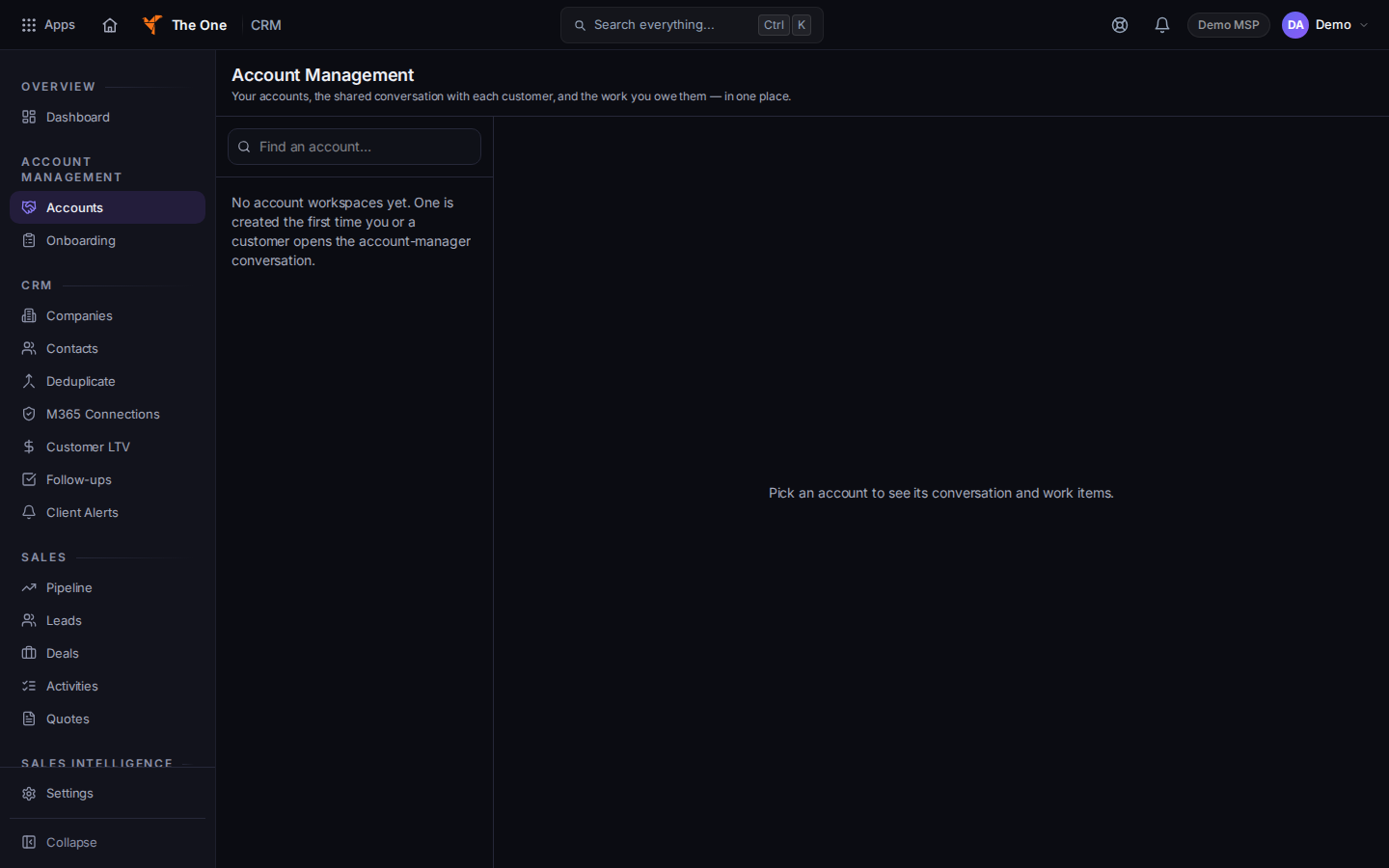
Account Management
Sample records for Demo MSP.
- Open an account to see the shared conversation and the work on that client.
- Use Onboarding in the same section when the work is a new client. See Start a client onboarding.
If it goes wrong#
- You opened Companies instead. Companies is the record. Accounts is the relationship board. Both can be open for the same client.
- The section is missing. Your role cannot open CRM. Ask an admin.
What's next#
Was this article helpful?