
See service work on a company
Open the company Service tab for tickets, assets, and PSA activity.
Applies to Technician Admin
The company record is where sales and service meet. Tickets stay in PSA. CRM shows them on the company so you do not keep a second copy.
Open the service picture#
- Open the company.
- Choose Service.
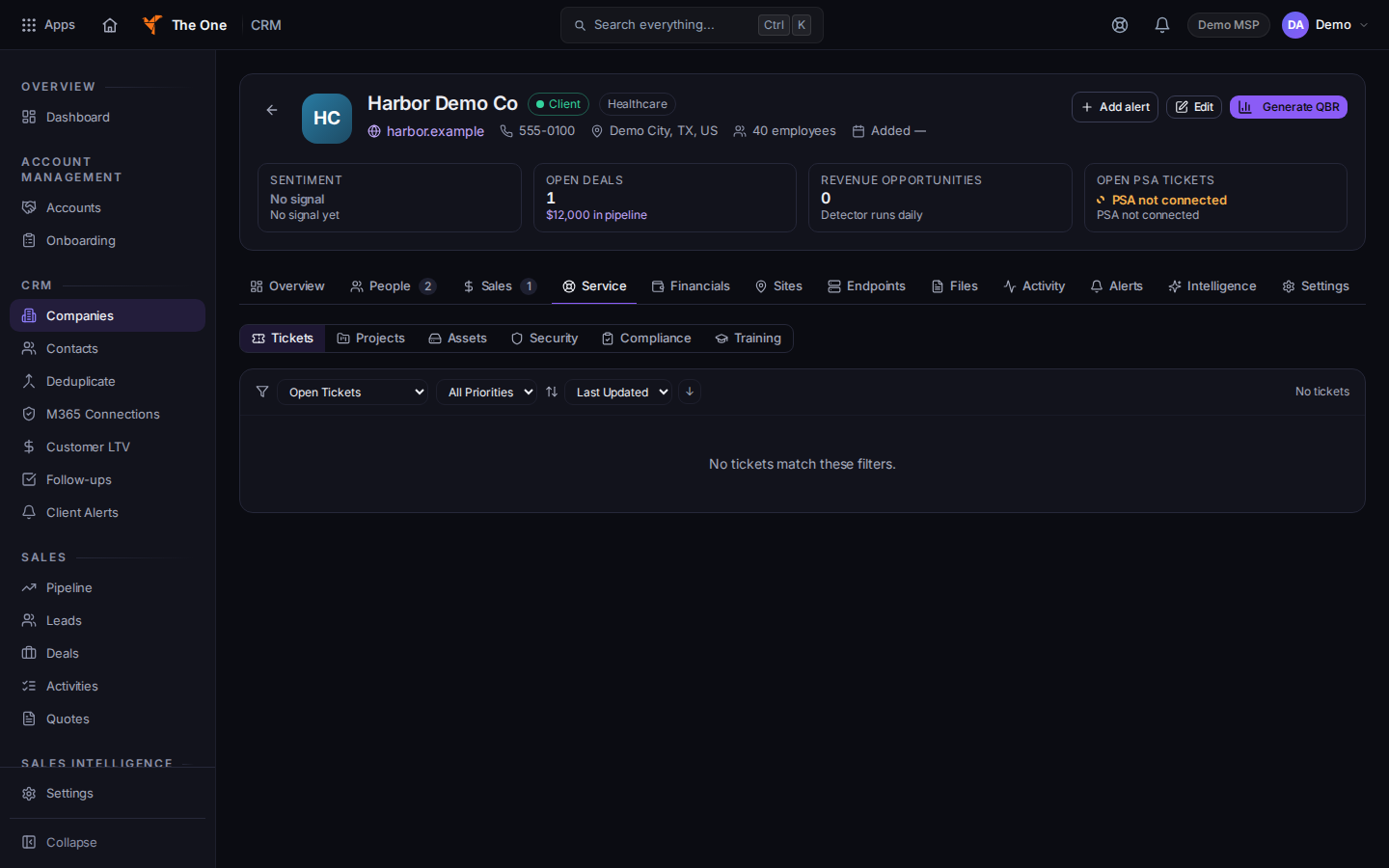
Service tab, with Tickets and Projects
Sample records for Demo MSP.
- Choose Tickets for requests, Projects for project work, Assets for configuration items, and Security, Compliance, or Training for those views.
- Choose Activity, then PSA Activity, for service activity on the timeline.
To work a ticket, open it from Tickets. See Open a ticket.
If it goes wrong#
- Tickets is empty. The company on the ticket must be this company. A deal or a note in CRM does not create a ticket.
- You changed the client name on the ticket. Change it on the company. See Read a company record.
What's next#
Was this article helpful?