
Open a ticket
Create a ticket from Service Desk so the right queue can see it.
Applies to Technician Admin
A ticket is the record of a request. Open one when a client asks for help or when you find work that belongs in a queue.
The same form can start a change or a problem. Those types change the heading and the button. See Open a change or a problem.
Create it#
- Open PSA, then Service Desk, then Tickets.
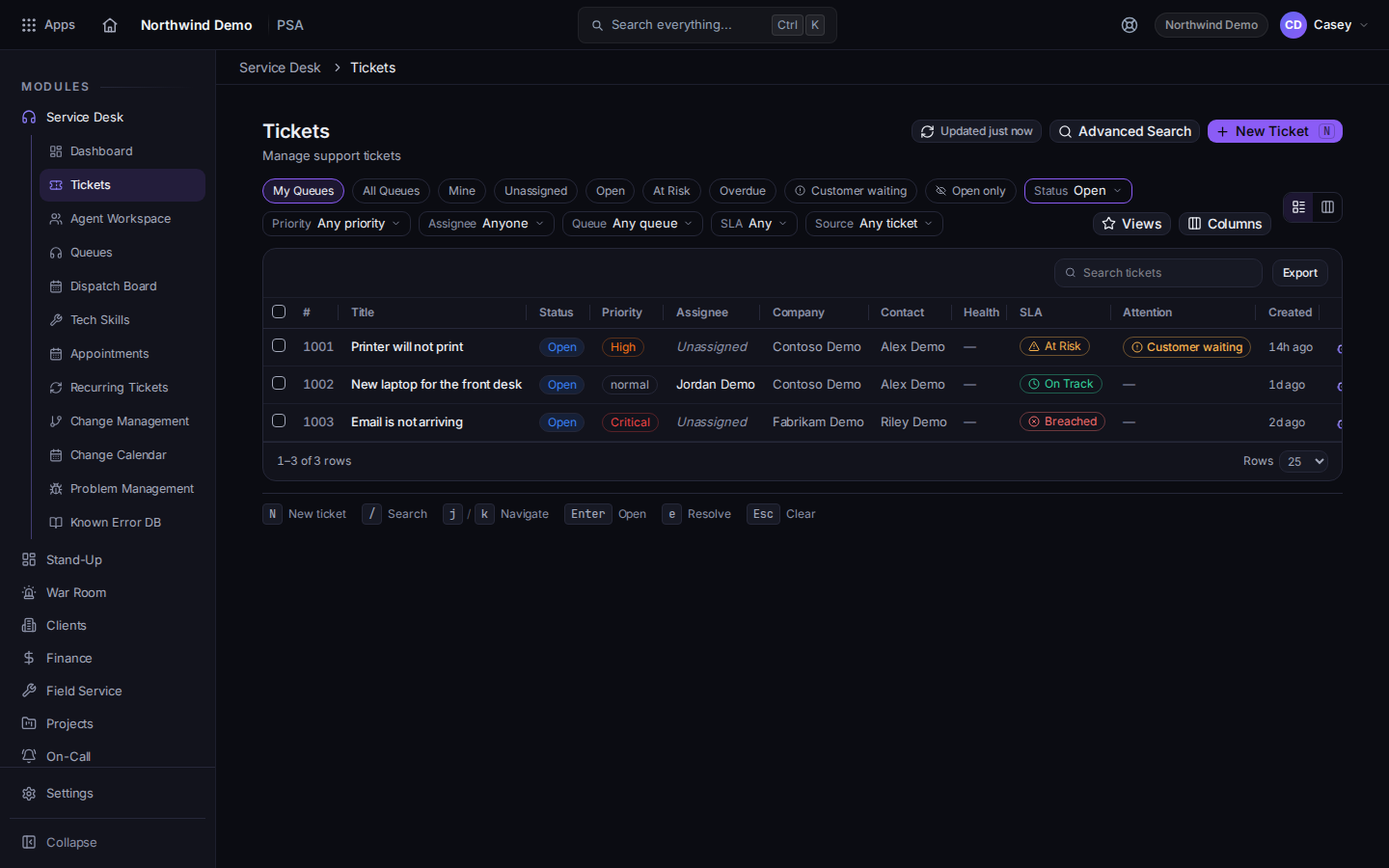
The ticket list and New Ticket - Choose New Ticket. The heading is New Ticket.
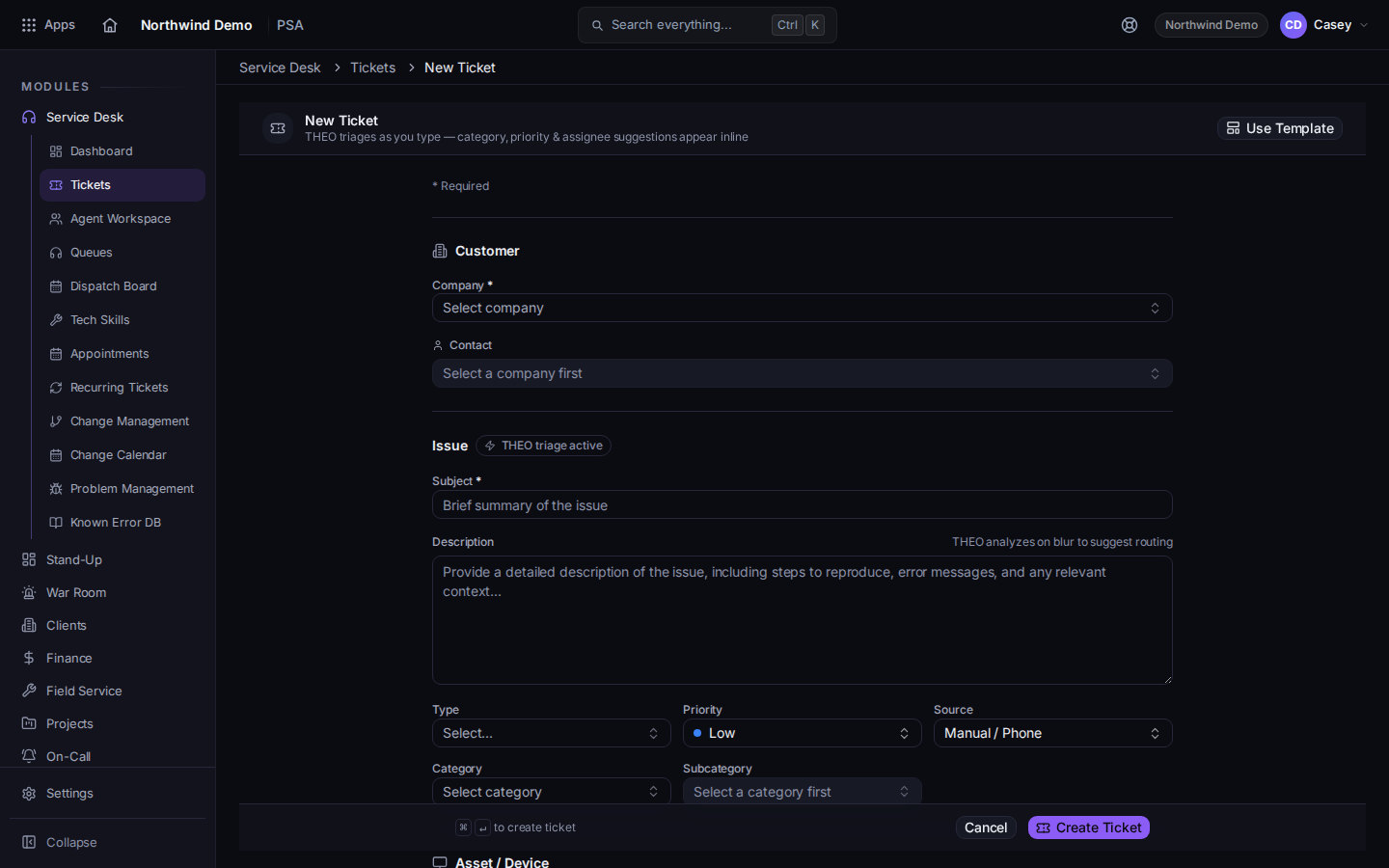
The new ticket form, with Company, Subject, and Create Ticket - Choose Company, then Contact. Company is required.
- Write Subject and Description.
- Set Type, Priority, Source, and Category. Add Subcategory when you use it.
- Optional: link an Asset / Device.
- Leave Queue on Auto-route (default queue) and Assignee on Auto-assign from queue unless you already know who should take it.
- Choose Create Ticket. While it saves, the button reads Creating….
Advanced Search on the list is for finding a ticket, not creating one. Mail can also open a ticket. See Turn email into a ticket.
If it goes wrong#
- You do not see Service Desk. Your role does not include it. Ask an admin.
- The new ticket is not in Mine. It was routed to a queue and not assigned to you. Open All Queues or Unassigned.
- Company will not save. Add the company first. See Find a company.
What's next#
Was this article helpful?