PSA 14 of 50

Create a recurring ticket

Save a template so PSA opens the same ticket on a schedule.

Applies to Admin Technician

A recurring ticket is a template. PSA creates a ticket from it on the schedule you set.

The page is Recurring Tickets in Service Desk. It is not hidden behind a feature switch.

Create the template#

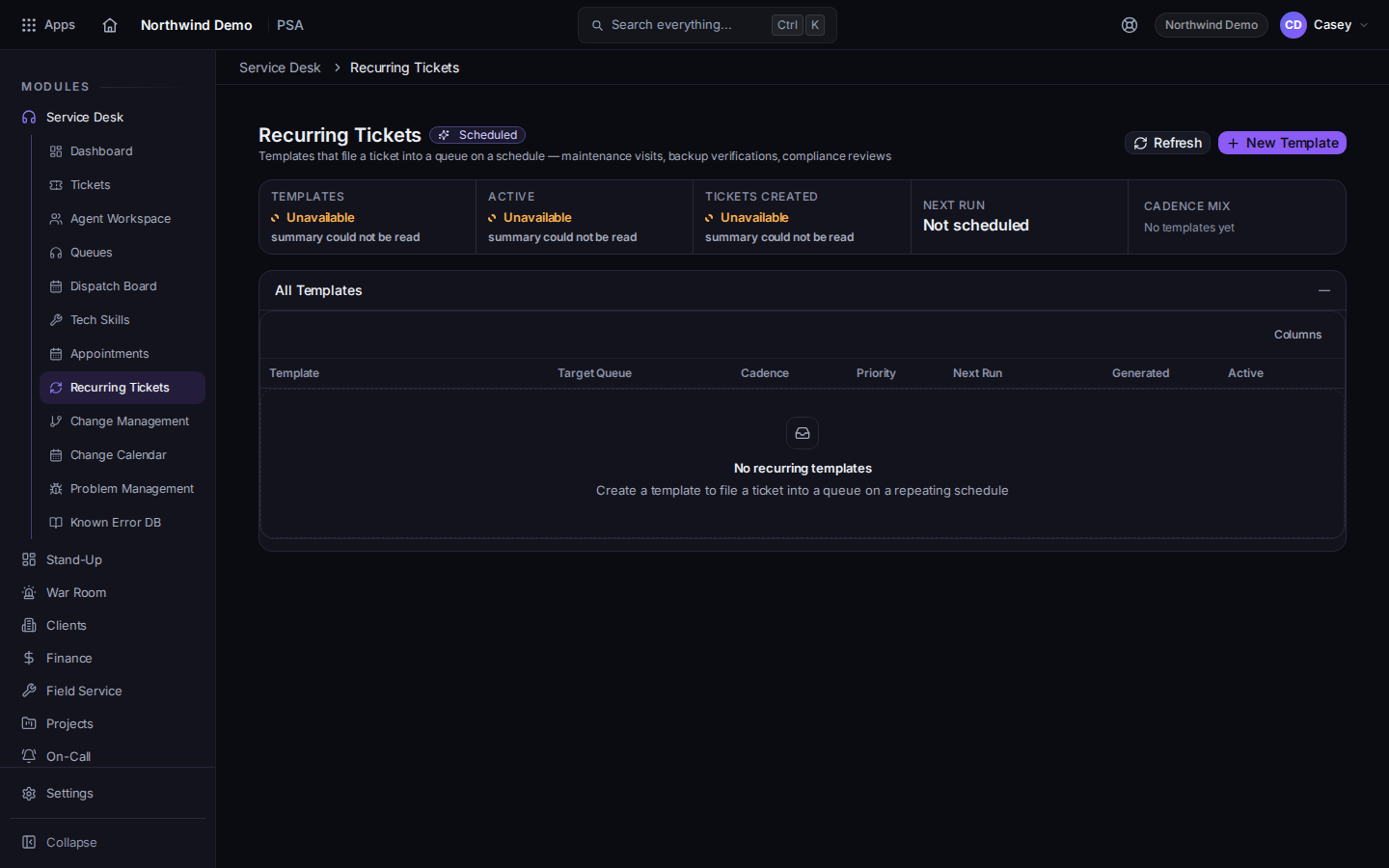
  1. Open PSA, then Service Desk, then Recurring Tickets.
    Recurring Tickets, with New Template
    Recurring Tickets, with New Template
    The page title is Recurring Tickets. A Scheduled badge marks the ones that will run.
  2. Choose New Template. The dialog title is New Recurring Template. Editing an existing one says Edit Recurring Template.
  3. Fill in the ticket the schedule should open, and the schedule, then save.
  4. To remove one, confirm Are you sure you want to delete this recurring template?

The ticket that gets created is a normal ticket after that. Work it like any other. See Open a ticket.

If it goes wrong#

  • Recurring Tickets is not in the menu. You are not in Service Desk. Open PSA, then Service Desk.
  • Nothing is created on the day you expected. Open the template and check that it is still scheduled. A deleted template does not run.