
Set SLA business hours
Set SLA policies, business hours, and holidays. Timers pause outside coverage and on holidays.
Applies to Admin
SLA policies are the targets on a ticket. Business hours are the clock those targets use. Holidays pause the clock for a day.
The page does not invent a response time for you. You enter the targets. Technicians read the result on the ticket. See Read a ticket SLA.
Set the clock#
- Open PSA settings from the gear, then Service Desk, then SLA Policies.
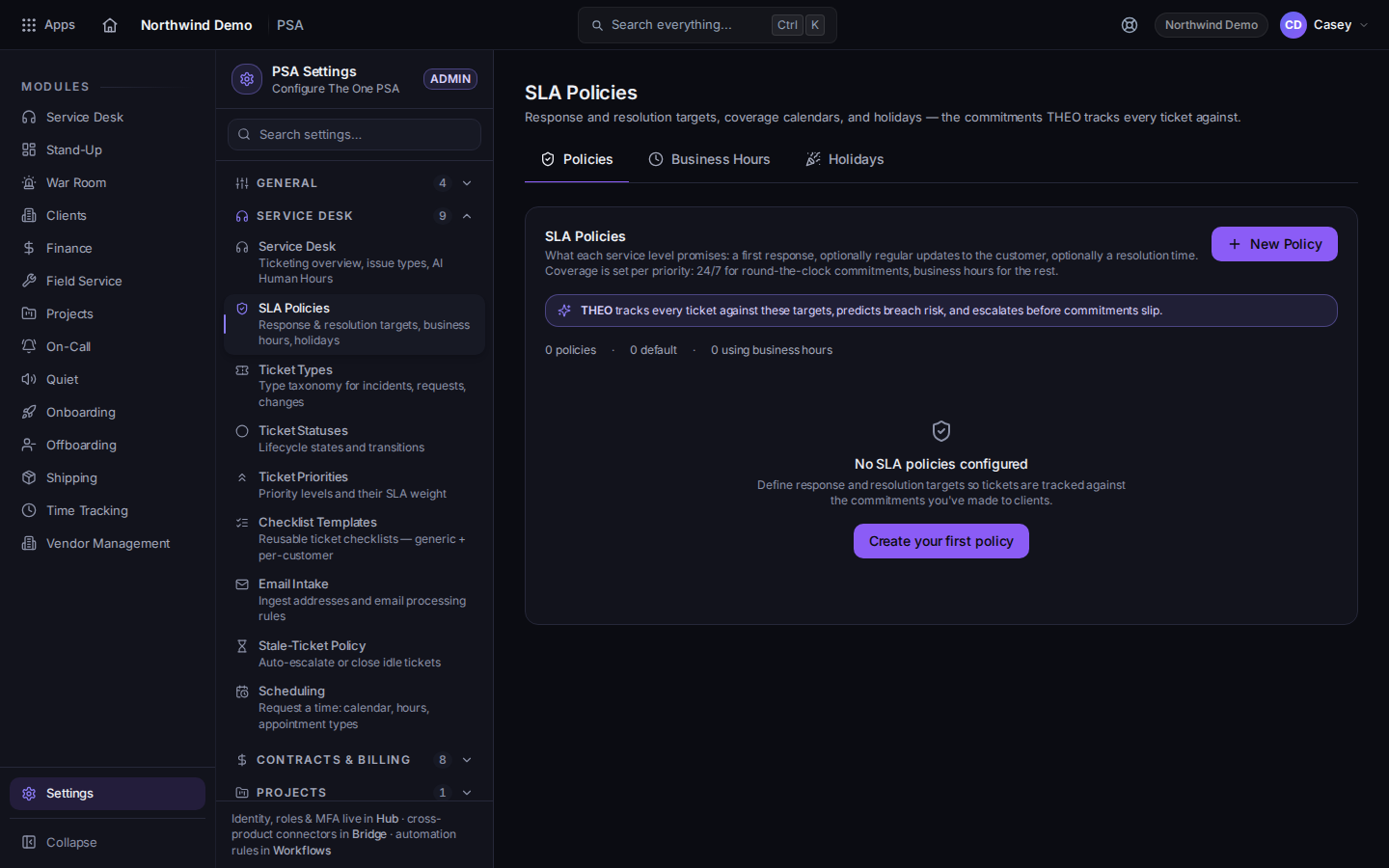
SLA Policies, with Policies, Business Hours, and Holidays - Open Policies. Each policy can name a priority, a target, and whether it uses business hours.
- Open Business Hours. Add or edit a calendar with New Business Hours Calendar. The page says policies set to business hours pause outside these windows.
- Open Holidays. Add the dates that should pause SLA timers.
- Save.
Use Business Hours on a policy is what ties that policy to the calendar. A policy that does not use business hours does not pause for the calendar.
There is no separate pause-on-status control on this page. Do not look for one.
If it goes wrong#
- You cannot open SLA Policies. Your role cannot open PSA settings. Ask an owner or admin.
- A ticket still says No SLA. The ticket's priority is not covered by a policy, or no policy is assigned. Check Policies, then the ticket. See Read a ticket SLA.
What's next#
Was this article helpful?