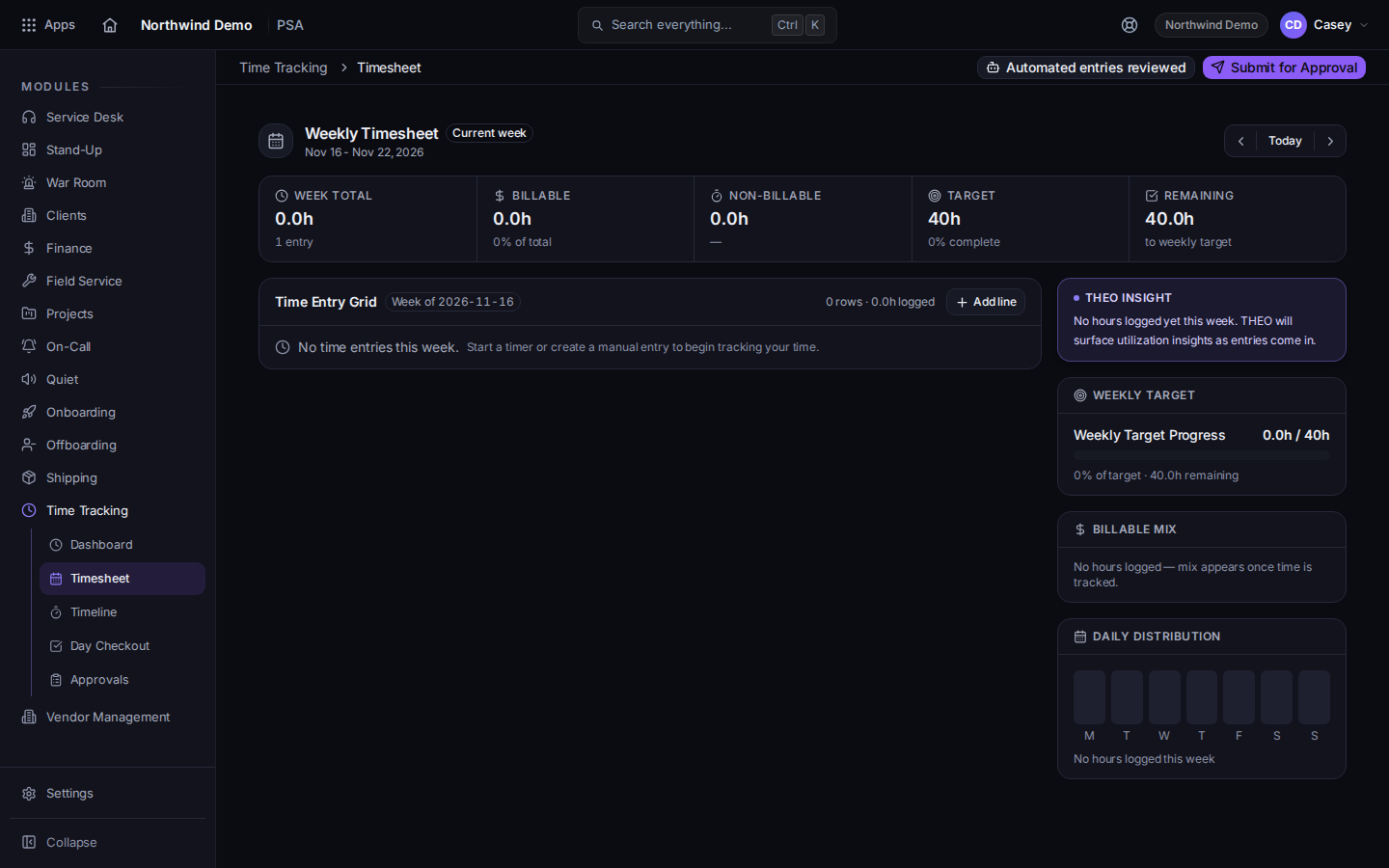
Open PSA, then Time Tracking, then Timesheet.Weekly Timesheet, with Submit for ApprovalThe page title is Weekly Timesheet.
Read the entries. Fix anything that is on the wrong day before you submit.
Choose Submit for Approval. While it sends, the button reads Submitting….
The same Time Tracking menu has Dashboard, Timeline (the page title is Activity Timeline), Day Checkout, and Approvals. See Close out your day and Approve a timesheet.
Review the automated entries before submitting. The banner names how many still need review. Automated entries have to be reviewed before the timesheet can be submitted.
Could not submit timesheet. Please try again. Nothing was submitted. Try again.
You do not see Time Tracking. Use New Time Entry on the ticket. That control is on the ticket, not only on this page.