PSA 26 of 50

Turn ready time into invoices

On Ready to Invoice, create PSA draft invoices from time that is ready to bill.

Applies to Admin

Ready to Invoice is the Finance page for time that can be billed. It creates draft invoices in PSA. It does not email the client.

Send each draft after you have read it. See Send an invoice.

Create the drafts#

  1. Open PSA, then Finance, then Ready to Invoice.
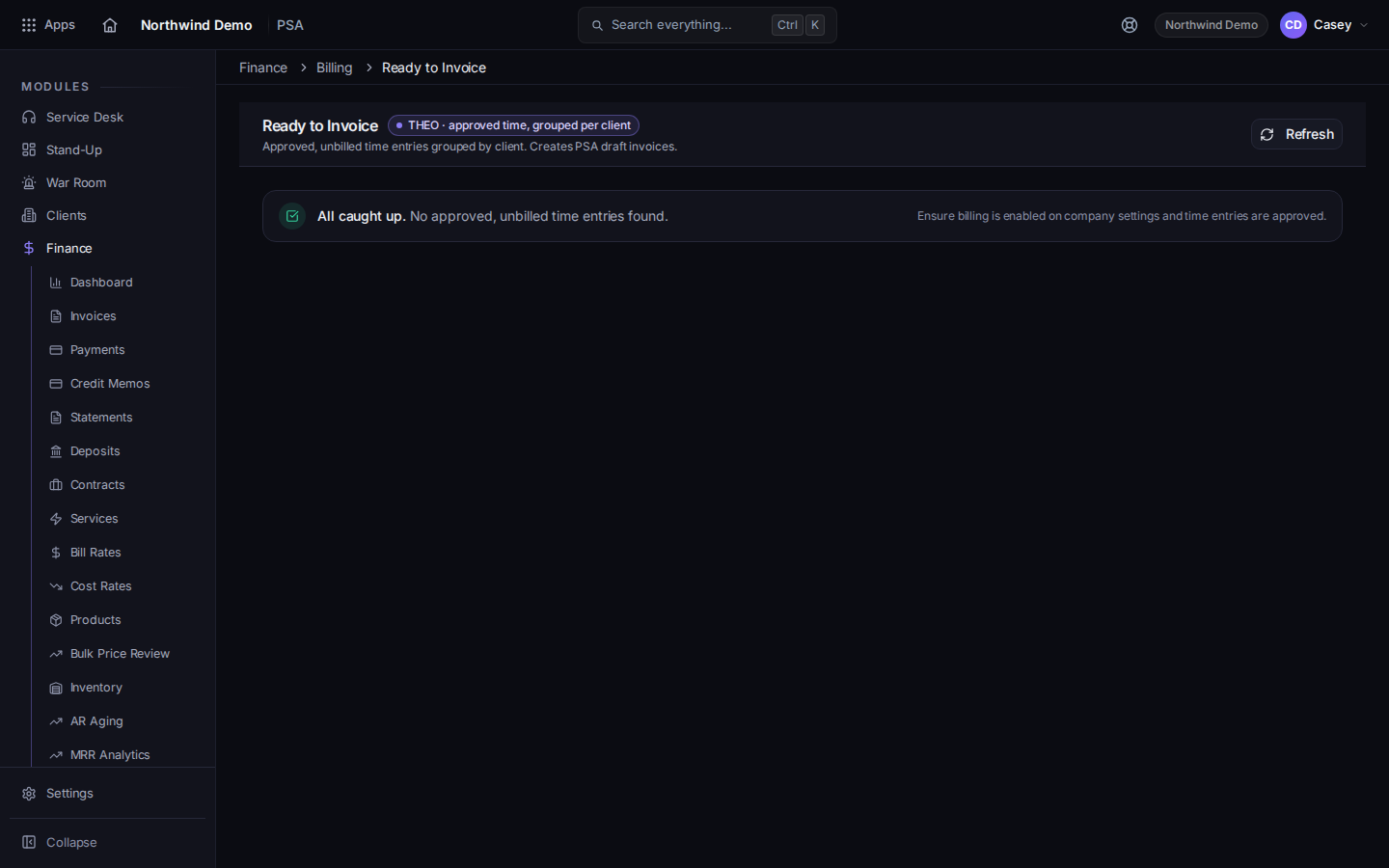
    Ready to Invoice, with Create Invoice on a row
    Ready to Invoice, with Create Invoice on a row
    The title is Ready to Invoice. The page says it creates PSA draft invoices.
  2. Read the rows. Choose Create Invoice on one row, or Create All Invoices when the count on the button matches the rows you mean to bill.
  3. Open Invoices and review each draft before you send it.

If it goes wrong#

  • The list is empty. Nothing is marked ready, or the time is not billable. Check the ticket entry and Billable.
  • You don't have access to Finance. Ask a PSA admin. This page is not on the ticket.
  • You created drafts you did not mean to send. They are drafts until you send them. Open each one before you choose Send Invoice.