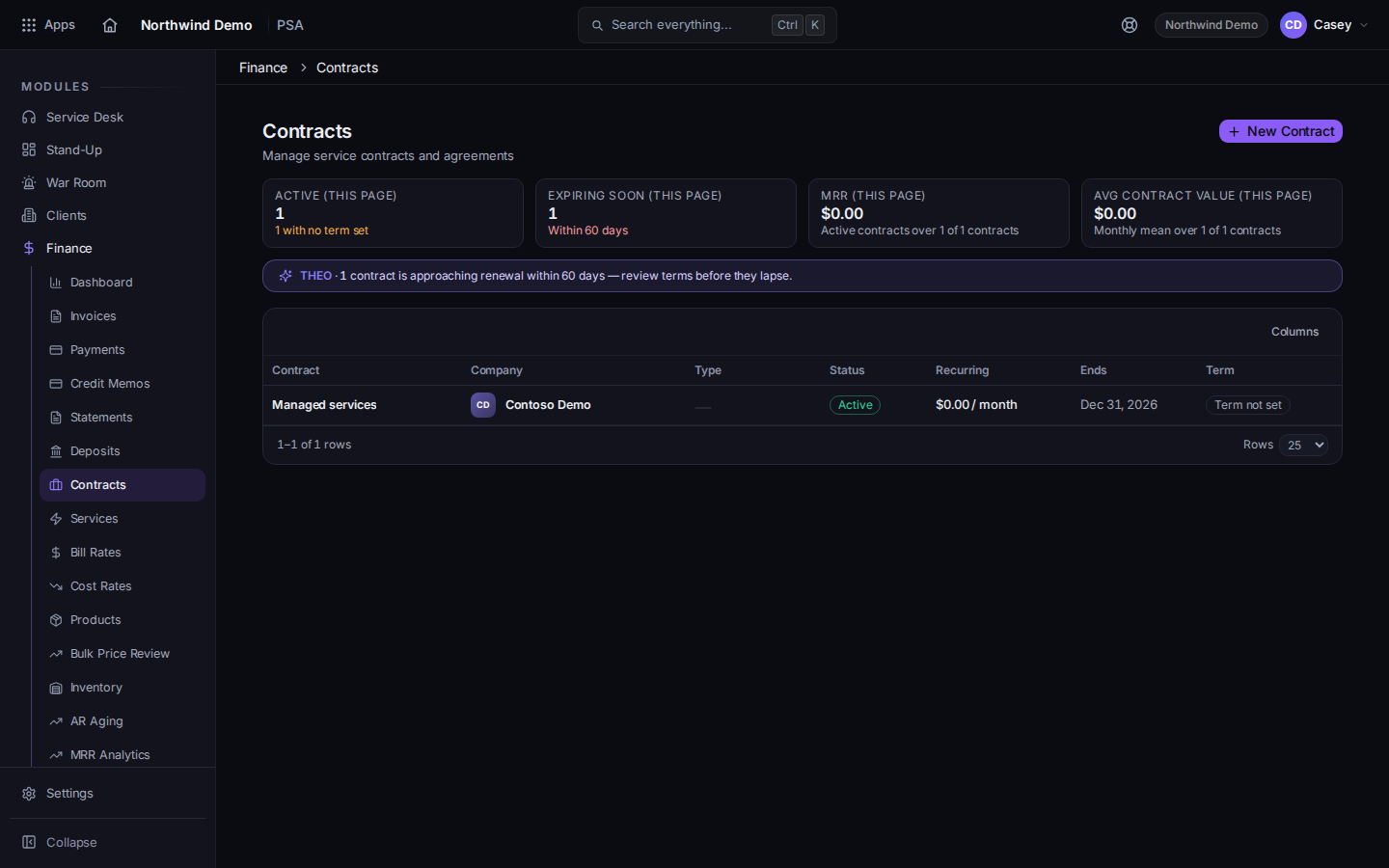
See contracts and agreements, and start a new one when your role includes Finance.
2 min read
Applies toAdmin
A contract is the agreement you bill against. The list is in PSA Finance. Contracts and agreements are the same list. The page says it manages service contracts and agreements.
You only see Finance when your account has the finance capability.
Open PSA, then Finance, then Contracts.The contract list, with New ContractThe title is Contracts.
Choose a row to read it, or New Contract to start one.
On New Contract, the heading says you are creating a service contract or agreement.
Fill Contract Name, Company, Type, Start Date, and the other fields on the form. End Date, Effective Date, SLA Policy, Frequency, Timing, and Payment Terms (days) are on the form when you use them.
Default contract for this company marks the contract the company should use by default.
Set Term type and At the end of the term when the form asks. A renewal term asks for Renewal term (months) and Notice period (days).
Choose Create Contract. While it saves, the button reads Saving....
Contract Renewals is a separate Finance page for renewals. It can send or withdraw a renewal agreement. It is not the contract list.
You don't have access to Finance, or You don't have access to contracts. Your role cannot view them. Ask a PSA admin for a billing view permission. Do not expect Contracts to appear for every technician.
You need a ticket, not a contract. See Open a ticket.
No block-hours pool is configured on this agreement, so there is no prepaid allowance to measure burn against. The contract has no block-hours pool. Add one if that is how you bill, or bill another way.