
Set a ticket priority
Set the priority on a ticket. The names and the SLA weight come from your settings.
Applies to Technician Admin
Priority tells the queue how urgent the work is. It is not the same as status.
Your admin defines the levels under Ticket Priorities. Do not assume a fixed set of names. Use the names on your screen.
Set it#
- Open the ticket, or start a new one.
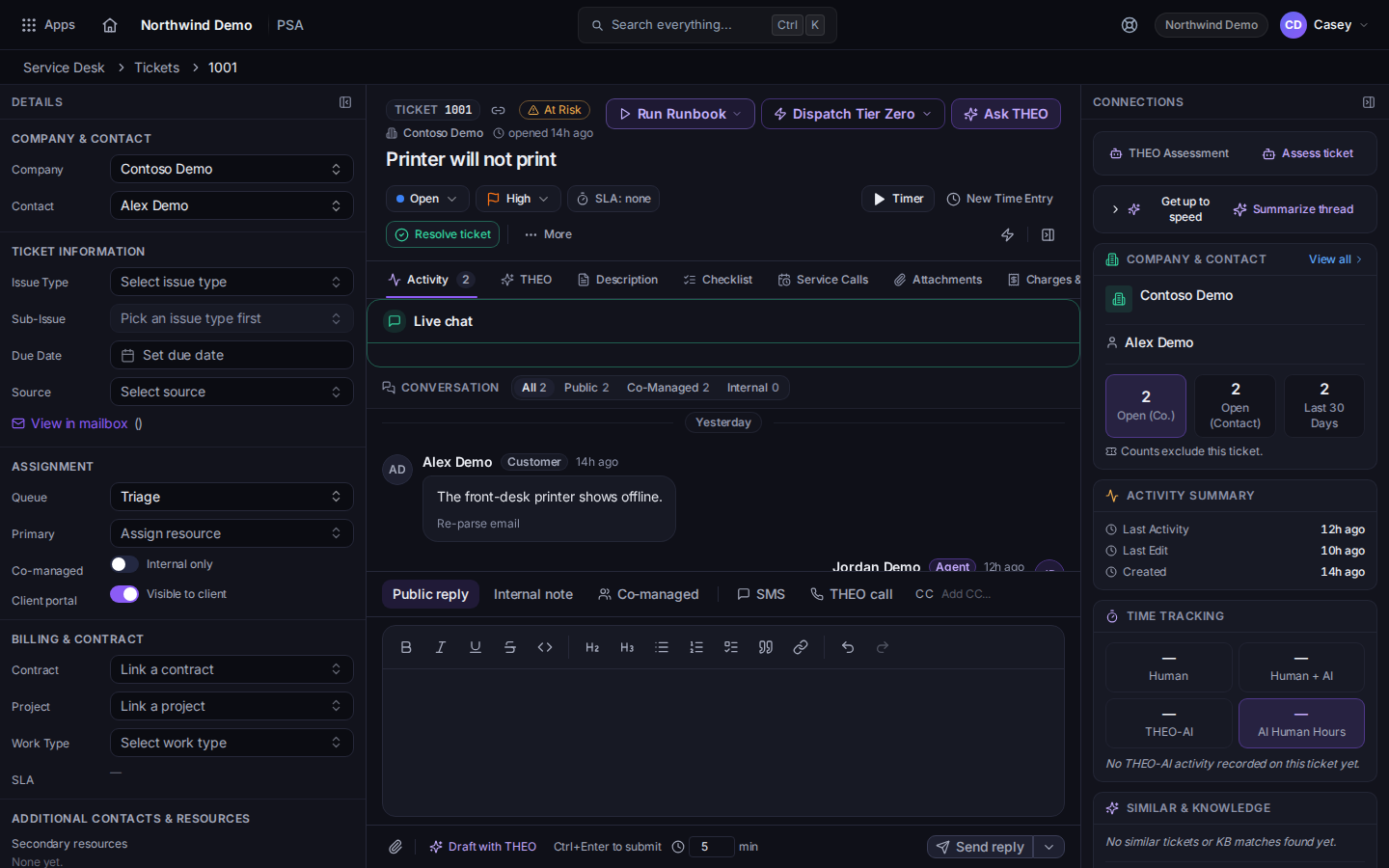
Priority on the ticket - Set Priority.
- On the list, filter with Priority when you want one level only.
A client can mark their own request urgent in the portal. That is a separate action. It shows on your list as Customer waiting. See Flag your request as urgent.
If it goes wrong#
- The priority you want is missing. Ask an admin to add it under Ticket Priorities. See Open PSA settings.
- Raising priority did not change the SLA chip. The clock follows the SLA policy for that priority. Read the chip. See Read a ticket SLA.
What's next#
Was this article helpful?