
Escalate a ticket
Use Escalate on a ticket when your organization has defined an escalation action.
Applies to Technician Admin
Escalate hands the ticket to an action your admin defined. If you do not see the button, no action is available on that ticket.
This is not a separate rules page. Admins manage the actions under PSA settings, then Automation, then Escalation Actions.
Escalate it#
- Open the ticket.
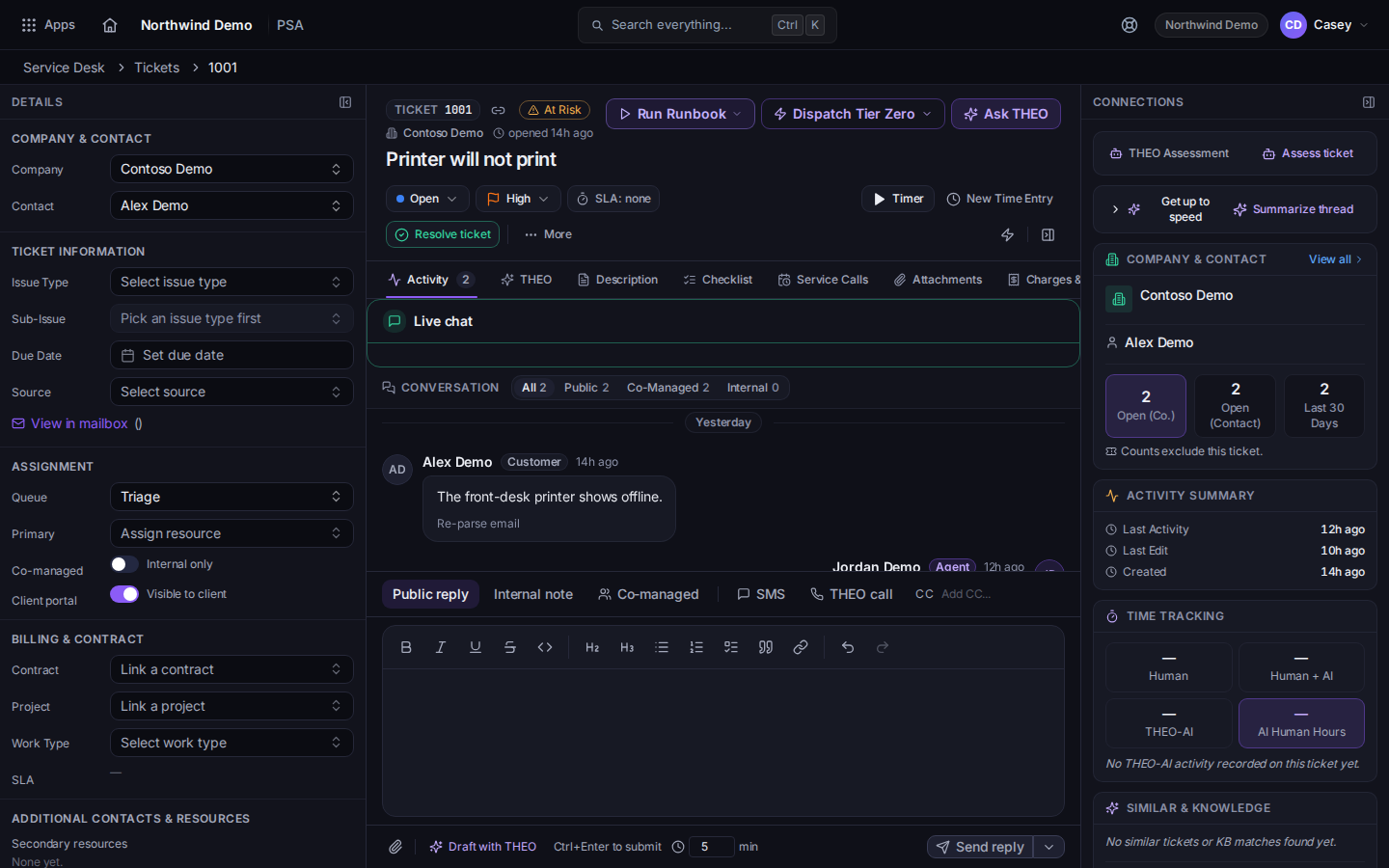
Escalate on the ticket - Choose Escalate. The tooltip is Escalate this ticket.
- Pick the action in the menu.
- If the work needs a person instead of an action, set Primary. See Assign a ticket.
Raising Priority is separate. See Set a ticket priority.
If it goes wrong#
- Escalate is not on the ticket. Your admin has not added an action, or the ticket is already resolved or closed.
- You need the ticket in another queue. Open More, then Reassign Queue. See Work a queue.
What's next#
Was this article helpful?