
Open a change or a problem
Use the new-ticket form with Type set to a change or a problem. The heading follows the type.
Applies to Technician Admin
A change and a problem use the same create form as a ticket. Type decides which fields you see and what the button says.
Change Management and Problem Management in Service Desk are the lists for work already created. Change Calendar shows changes on a calendar. Known Error DB is the known-error list.
Create it#
- Open PSA, then Service Desk, then Tickets, then New Ticket.
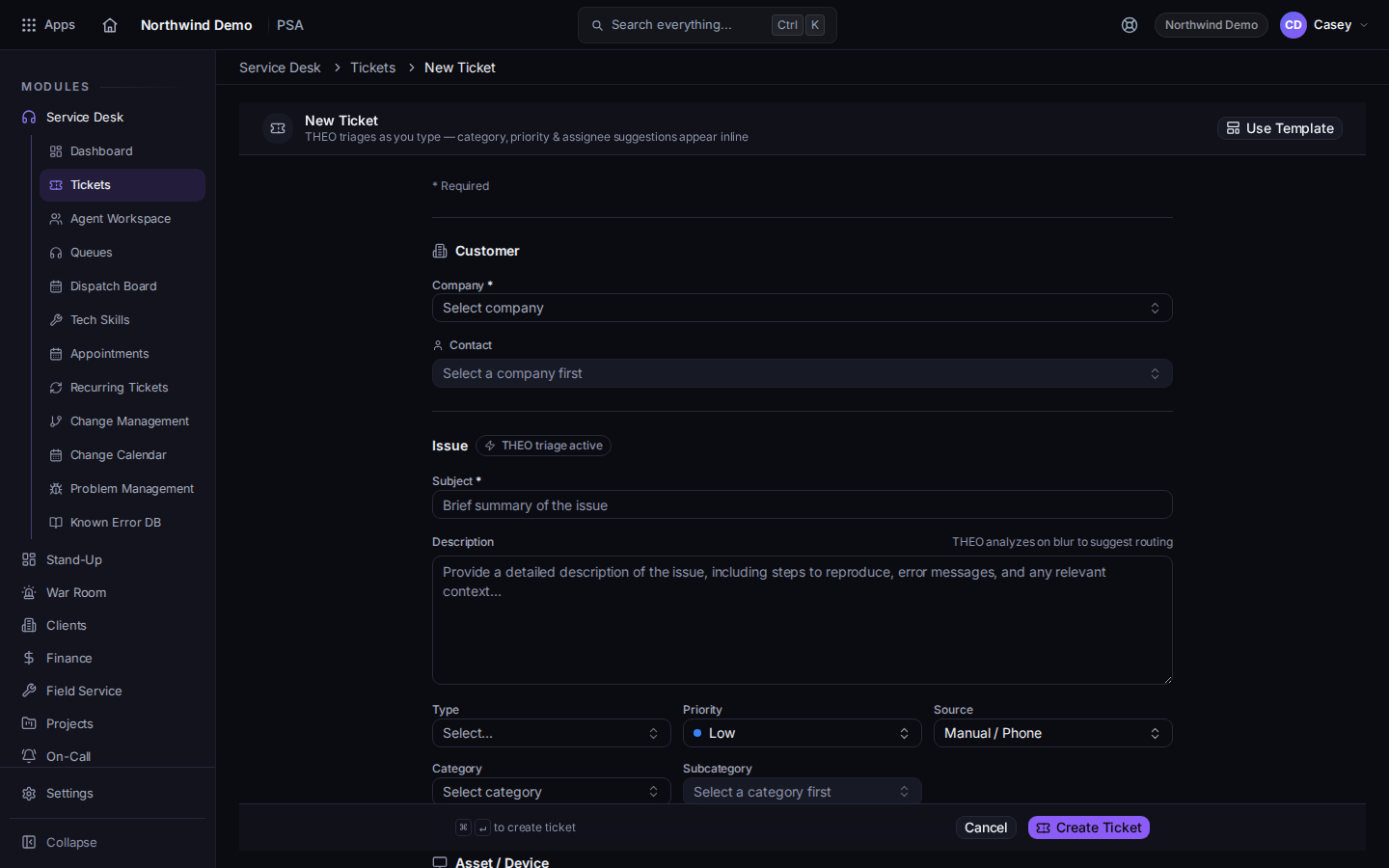
New Ticket with Type set so the heading can become New Change or New Problem - Set Type to the change or problem type your organization uses.
- For a change, the heading becomes New Change and the button becomes Create Change. Fill Change Type, Risk, Impact, Planned Start, Planned End, Implementation Plan, Backout / Rollback Plan, and CAB Approval Notes when those fields are on the form.
- For a problem, the heading becomes New Problem and the button becomes Create Problem. Fill Root-Cause Hypothesis, Workaround, and Related Incidents when those fields are on the form.
- Choose the create button. While it saves, it reads Creating….
An emergency change type is labeled Emergency — urgent, expedited approval when that option is in your list.
If it goes wrong#
- The heading stays New Ticket. Type is still a normal ticket type. Change Type.
- You need the list, not a new record. Open Change Management or Problem Management in the Service Desk menu.
What's next#
Was this article helpful?