
Merge two tickets
Merge one ticket into another so the notes and time move to the ticket you keep.
Applies to Technician Admin
Merge when two tickets are the same request. Notes and time entries move onto the ticket you keep.
You start from the ticket you are merging away from. You search for the ticket that should remain.
Merge them#
- Open the ticket you do not want to keep as the main record.
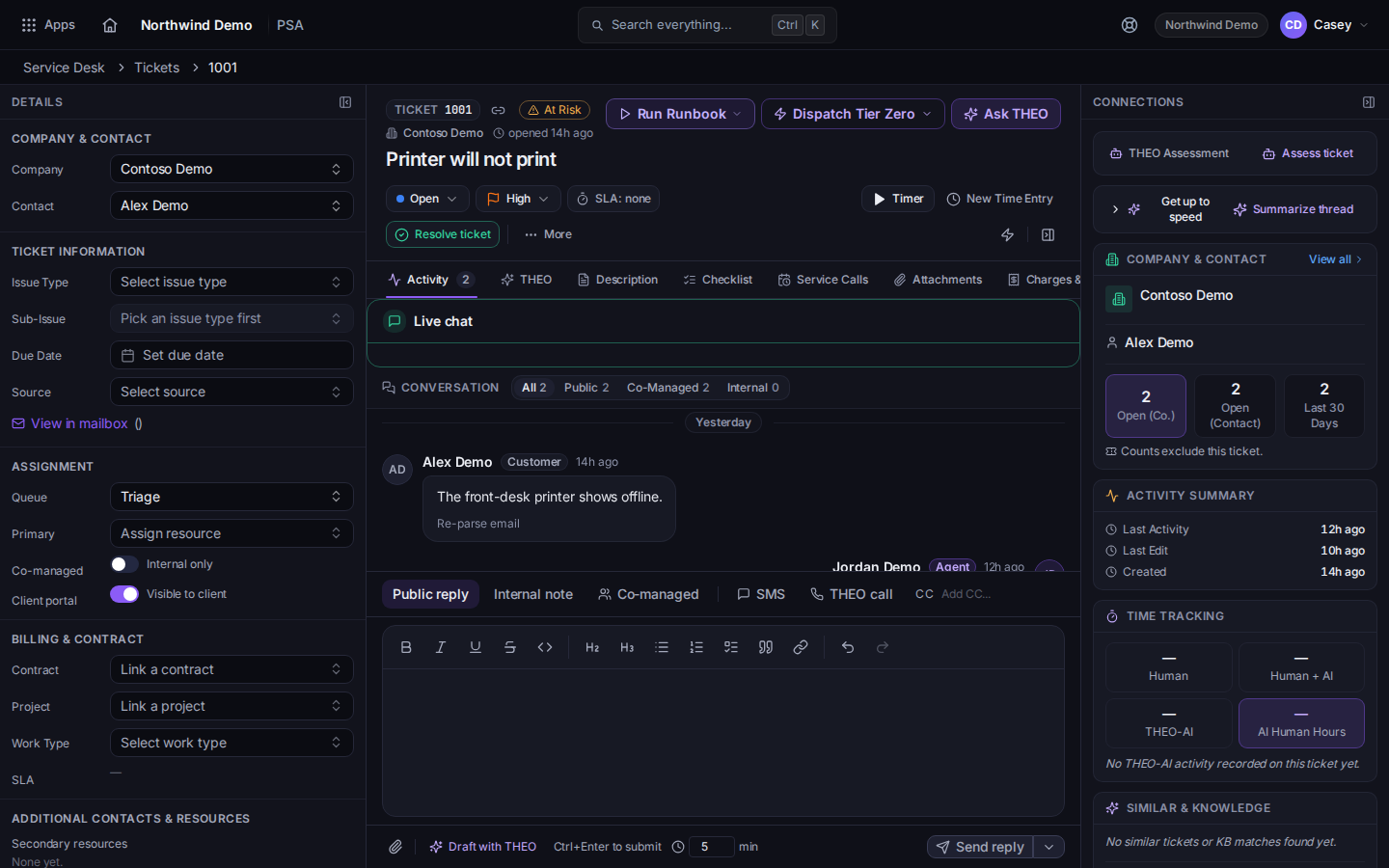
More, then Merge Tickets - Choose More, then Merge Tickets.
- The dialog title is Merge Tickets. It says the notes and time entries will be transferred.
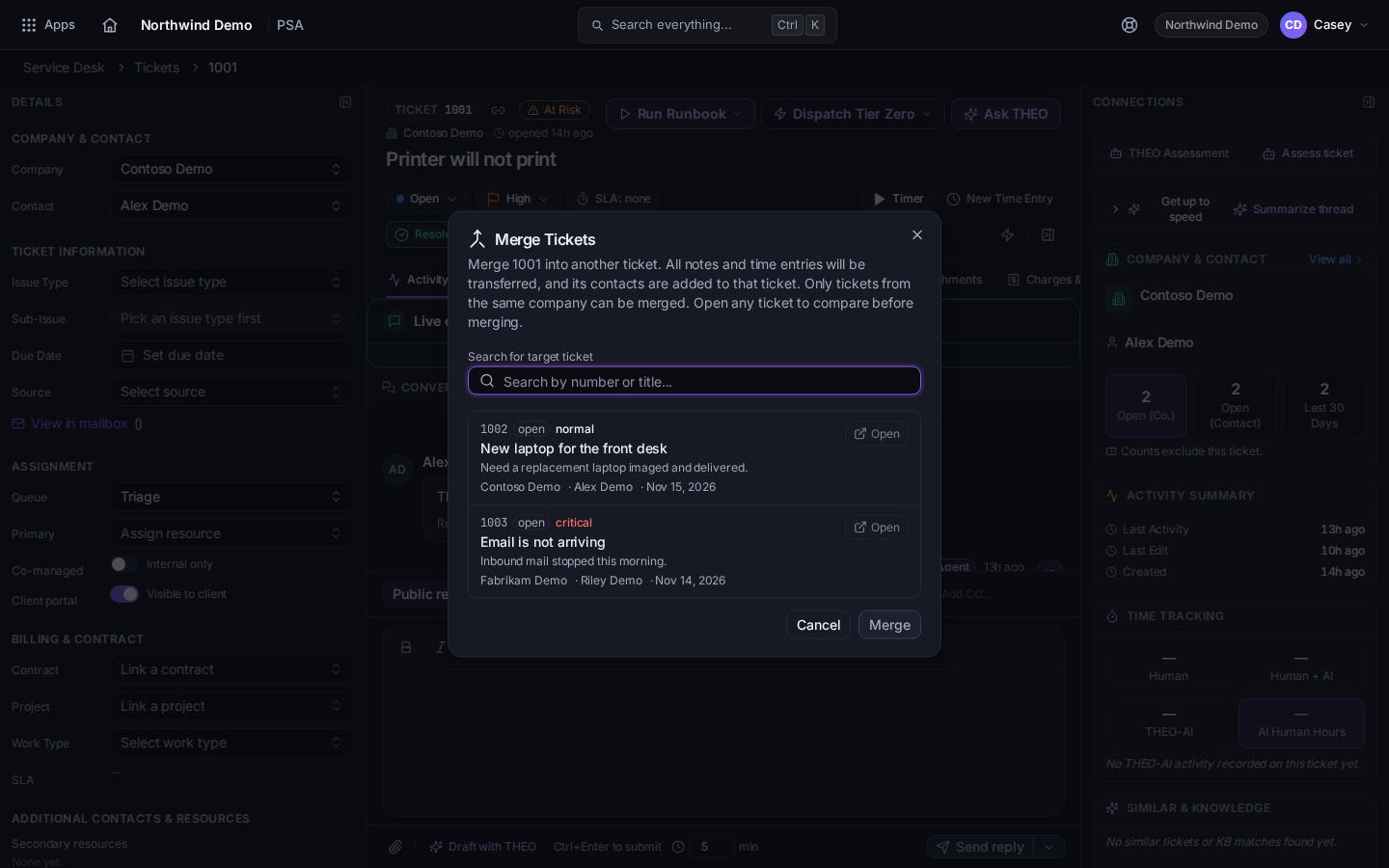
Merge Tickets, with search - Search under Search for target ticket. The placeholder is Search by number or title....
- If THEO has flagged duplicates, they are listed under Likely duplicates THEO flagged.
- Choose the ticket to keep, then Merge. While it runs, the button reads Merging....
Split Ticket is the other item under More when one ticket should become two. Link Ticket on Related Tickets connects tickets without merging them.
If it goes wrong#
- No matching tickets found. Search by the number or by words in the subject. The ticket you have open is not a target for itself.
- You merged the wrong way. Open the ticket you kept and confirm the notes arrived. This screen does not offer an undo.
What's next#
Was this article helpful?