
Resolve a ticket
Finish a ticket with Resolve ticket, a resolution code, and a note.
Applies to Technician Admin
Resolve a ticket when the work is done. The button is Resolve ticket. It asks for a resolution code and notes.
On the ticket list, e resolves the highlighted row only when your role can close tickets, and only in the table view.
Resolve it#
- Open the ticket.
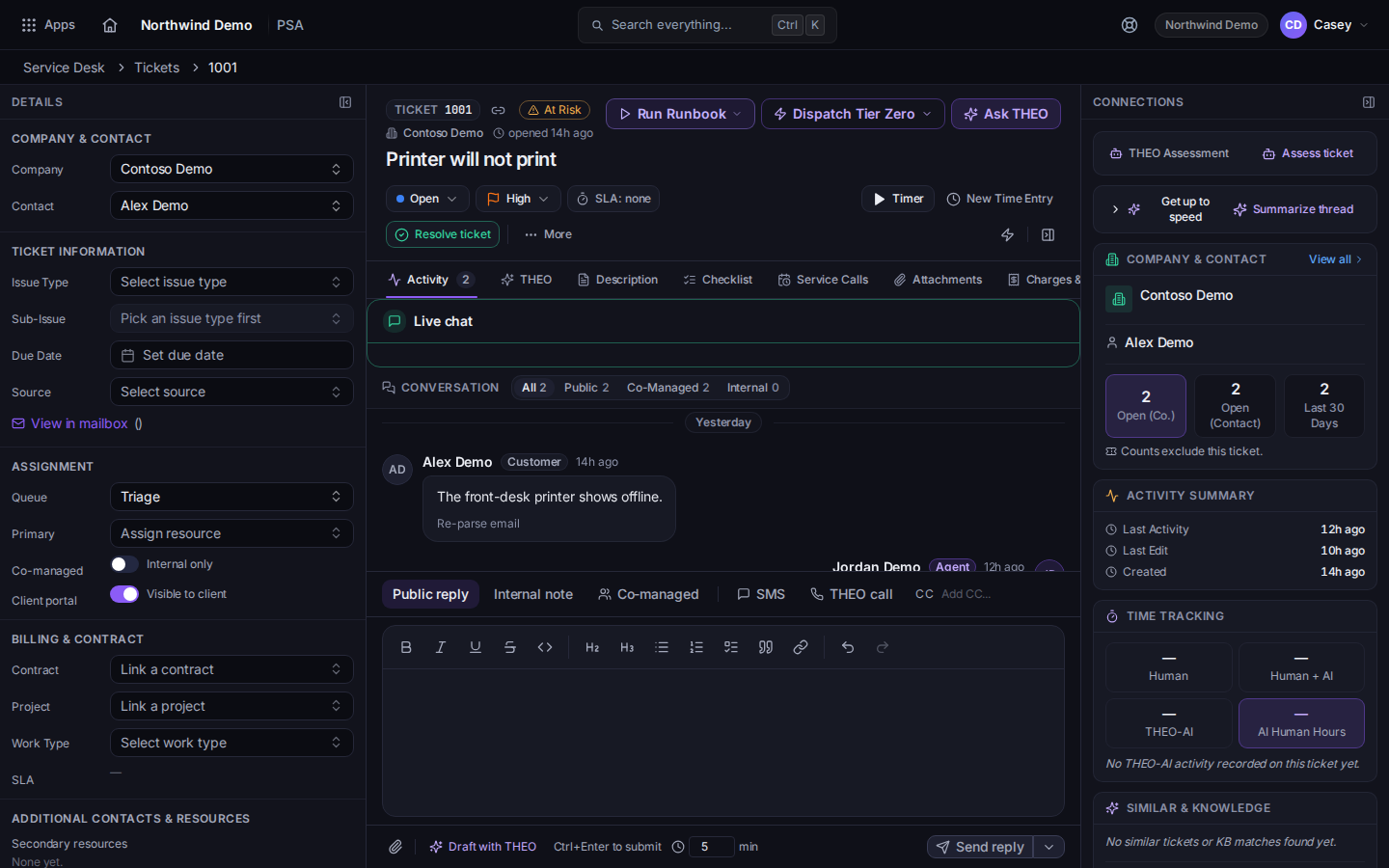
Resolve ticket on the ticket - Write the final note if the client should see one. See Reply to a ticket.
- Choose Resolve ticket.
- Pick a resolution code. The list includes Fixed / Resolved and Workaround Provided, plus the other codes on the dialog.
- Choose Resolve ticket to finish. Resolve anyway is there when the dialog warns you and you still want to close it.
- Choose Resolve quietly (silent) when the client should not get the usual notice. A quiet resolve does not send a satisfaction survey.
Reopen replaces that button after the ticket is resolved. It is not offered on a closed ticket.
If it goes wrong#
- Resolve ticket is missing, or e does nothing. Your role cannot close tickets. Ask an admin.
- The ticket vanished from the list. The open list hides it. Choose Incl. closed.
What's next#
Was this article helpful?