
Change a ticket status
Change the status on the ticket, or submit a reply as a different status.
Applies to Technician Admin
Status is where the ticket is in your process. The names come from your organization. Your admin edits them under Ticket Statuses.
The list hides resolved and closed tickets until you choose Incl. closed.
Change it#
- Open the ticket.
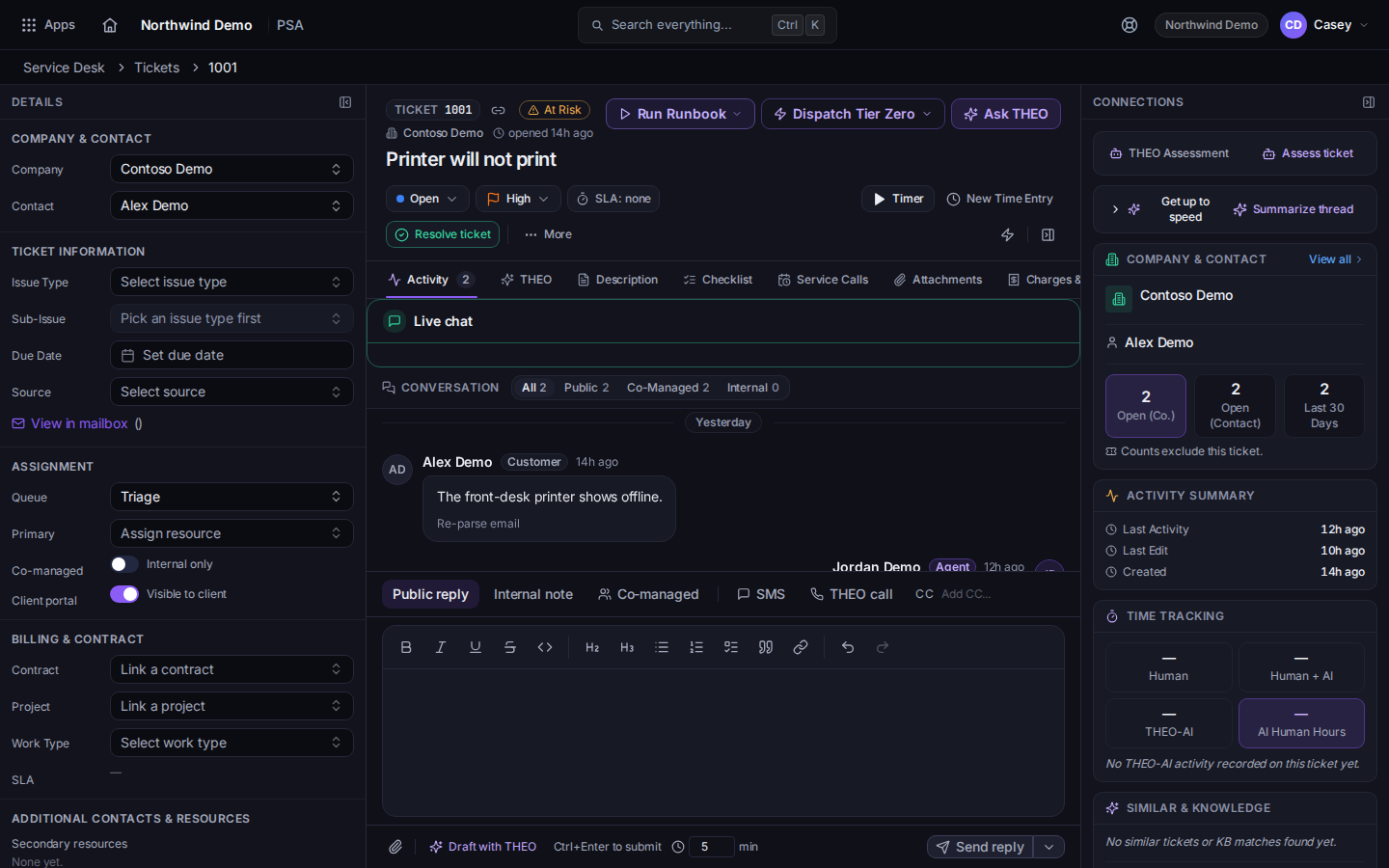
The status control on a ticket - Change Status at the top of the ticket.
- Or write a reply and use Submit as with the status you want. A public reply with no status picked uses Send reply. See Reply to a ticket.
Resolve ticket is the way to finish the work, with a resolution code. See Resolve a ticket.
Staff can choose Reopen when the ticket is resolved. A closed ticket is not reopened from that button. The client has a separate reopen action in the portal. See Reopen your request.
If it goes wrong#
- The status you need is not in the list. Your admin owns the names under PSA settings, then Service Desk, then Ticket Statuses. See Open PSA settings.
- The list no longer shows the ticket. It may be resolved or closed. Choose Incl. closed.
What's next#
Was this article helpful?